
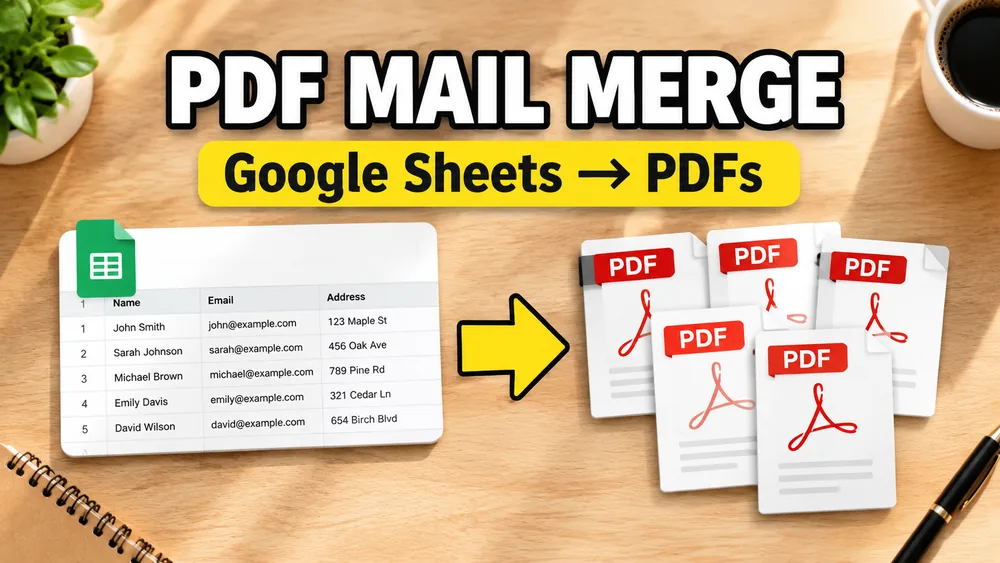
Google Sheets is often the source of truth for customer lists, registrations, invoices, certificates, and fulfillment data.
That naturally leads to a common workflow:
Use Google Sheets to generate personalized PDFs in bulk.
Start here: open PDF Mail Merge from Google Sheets to connect your sheet, map columns, and export one PDF per row.
Open the PDF Mail Merge Tool
Batch fill PDF forms from Excel—one PDF per row. Map columns once, preview free, export separate PDFs or a ZIP. No Acrobat or VBA.
This is usually called PDF mail merge from Google Sheets.
If your data starts in a local file instead, use the companion guides for filling a PDF from Excel or filling a PDF from CSV.
Why Google Sheets is a strong source for PDF mail merge
Google Sheets is useful because it is:
- collaborative
- always current
- easy to share across teams
- easy to connect to add-ons and web tools
Instead of exporting and re-importing files every time something changes, you can work directly from the live sheet.
The problem with old-school PDF form filling
Traditional PDF workflows often assume:
- your PDF already has form fields
- you are filling one document at a time
- your data does not change often
That does not match how teams actually work.
In reality, they often need:
- one PDF per row
- support for non-fillable PDFs
- bulk generation
- a fast preview loop
How PDF mail merge from Google Sheets works
1. Connect the sheet
Start with a sheet where the first row contains headers such as:
nameinvoice_iddatetracking_number
2. Upload the PDF template
Use a fillable PDF form or a non-fillable PDF template.
3. Map the sheet columns
Depending on the PDF, mapping can mean:
- connecting a column to an existing field
- placing a text block on the page
- generating a barcode
- generating a QR code
4. Preview a row
Preview with real data before generating the full batch.
5. Generate one PDF per row
This is the main value of PDF mail merge. Every row becomes a personalized PDF.
What if the PDF is not fillable?
That is where many tools fail.
If the PDF has no form fields, you need a visual mapper that lets you place values directly onto the template. This is essential for invoices, certificates, letters, and customer-provided PDFs.
For that workflow, read How to Fill a Non-Fillable PDF from Excel or Google Sheets.
A practical Google Sheets workflow
If you already work in Google Sheets, Fill PDF from Excel or Google Sheets gives you a local, privacy-first way to map sheet data onto PDF templates and generate PDFs in bulk.
You can also use the Google Workspace add-on and then continue in the visual web editor for field mapping and generation.
For a walkthrough, watch the video demo.
If your Google Sheets workflow is specifically contract-heavy, see How to Fill PDF Contracts from Google Sheets. If it is certificate-heavy, see How to Generate Bulk Certificates from Excel and the Bulk Certificate Generator from Excel. If you need one employee PDF per row, see How to Generate Payroll PDFs from Excel or Google Sheets. If you are specifically generating payslips from a shared sheet, see How to Create Payslips from Google Sheets Without Payroll Software.
Frequently asked questions
Can Google Sheets generate one PDF per row?
Yes. That is a standard PDF mail merge workflow when paired with a PDF template and field mapping tool.
Can I use Google Sheets with a non-fillable PDF?
Yes. You need a mapper that supports visual placement on static PDF templates.
Is this better than manually filling PDFs?
Yes for batch work. It is much faster, more consistent, and easier to reuse.
Fill PDFs from Excel, Google Sheets, or CSV
If you need to map spreadsheet data onto fillable or non-fillable PDF templates, try filling PDFs from Excel, Google Sheets, or CSV with PDF Mail Merge. It supports one PDF per row, merged review files, and ZIP exports.
If your source records live in Airtable instead of Google Sheets, see How to Fill PDF Forms from Airtable for CSV export views, linked records, lookup fields, and attachment-field caveats.
Related reading
- How to Fill a Non-Fillable PDF from Excel or Google Sheets
- How to Fill PDF Forms from Excel in Bulk
- How to Fill a PDF from CSV
- How to Fill PDF Forms from Airtable
- How to Generate One PDF Per Row from Excel
- How to Fill PDF Contracts from Google Sheets
- How to Generate Payroll PDFs from Excel or Google Sheets
- How to Create Payslips from Google Sheets Without Payroll Software
- How to Print Labels Directly from Google Sheets
- PDF Mail Merge guide