
Label Templates for Spreadsheet Data and Avery Sheets
Browse printable templates by job type, sheet stock, barcode, and printer. Import Excel, CSV, or Google Sheets, preview the sheet, and export a print-ready PDF.
Design Label Templates
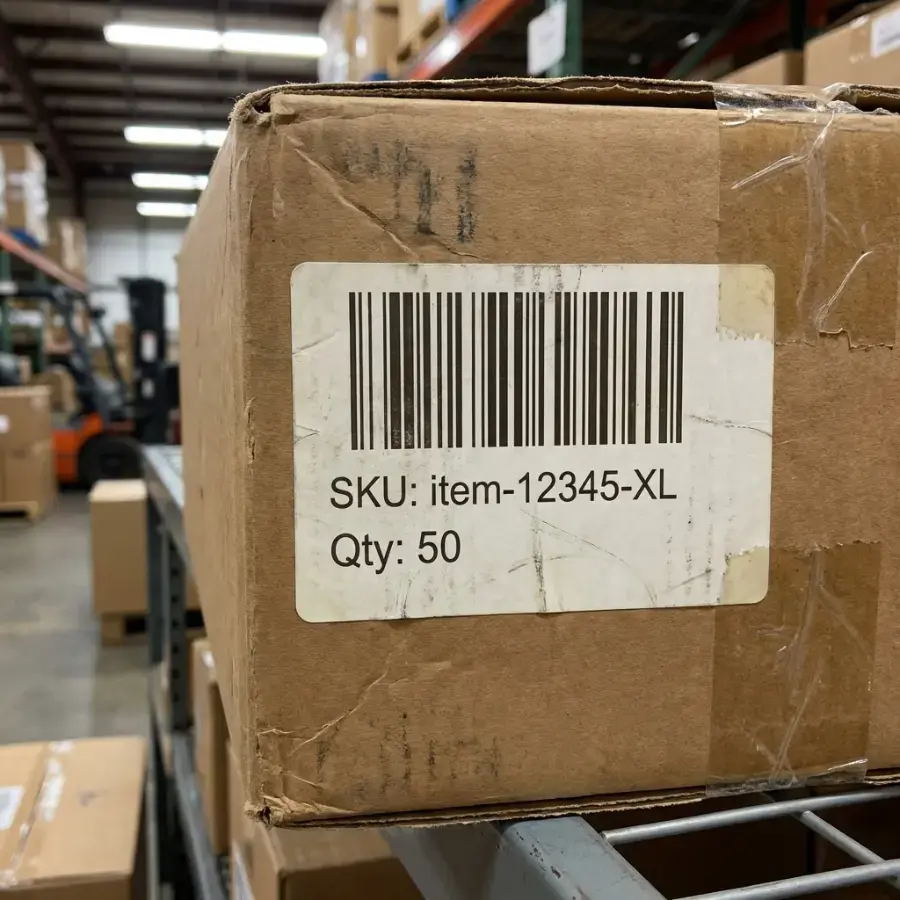
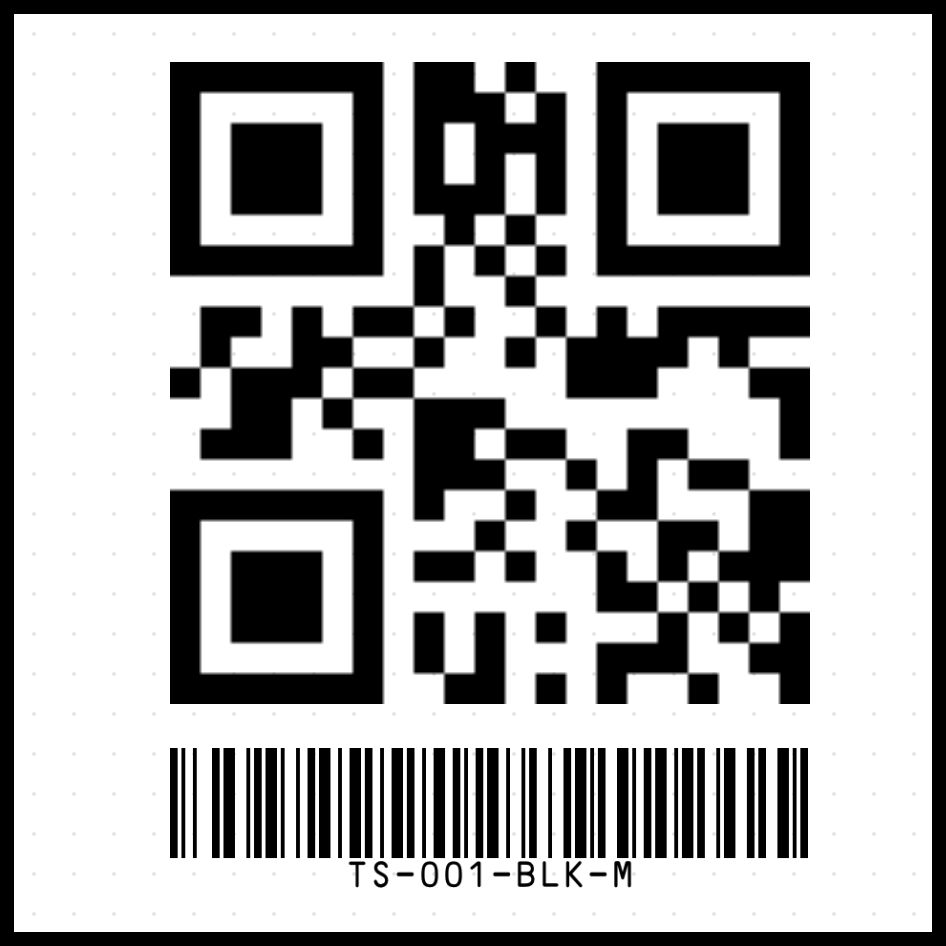
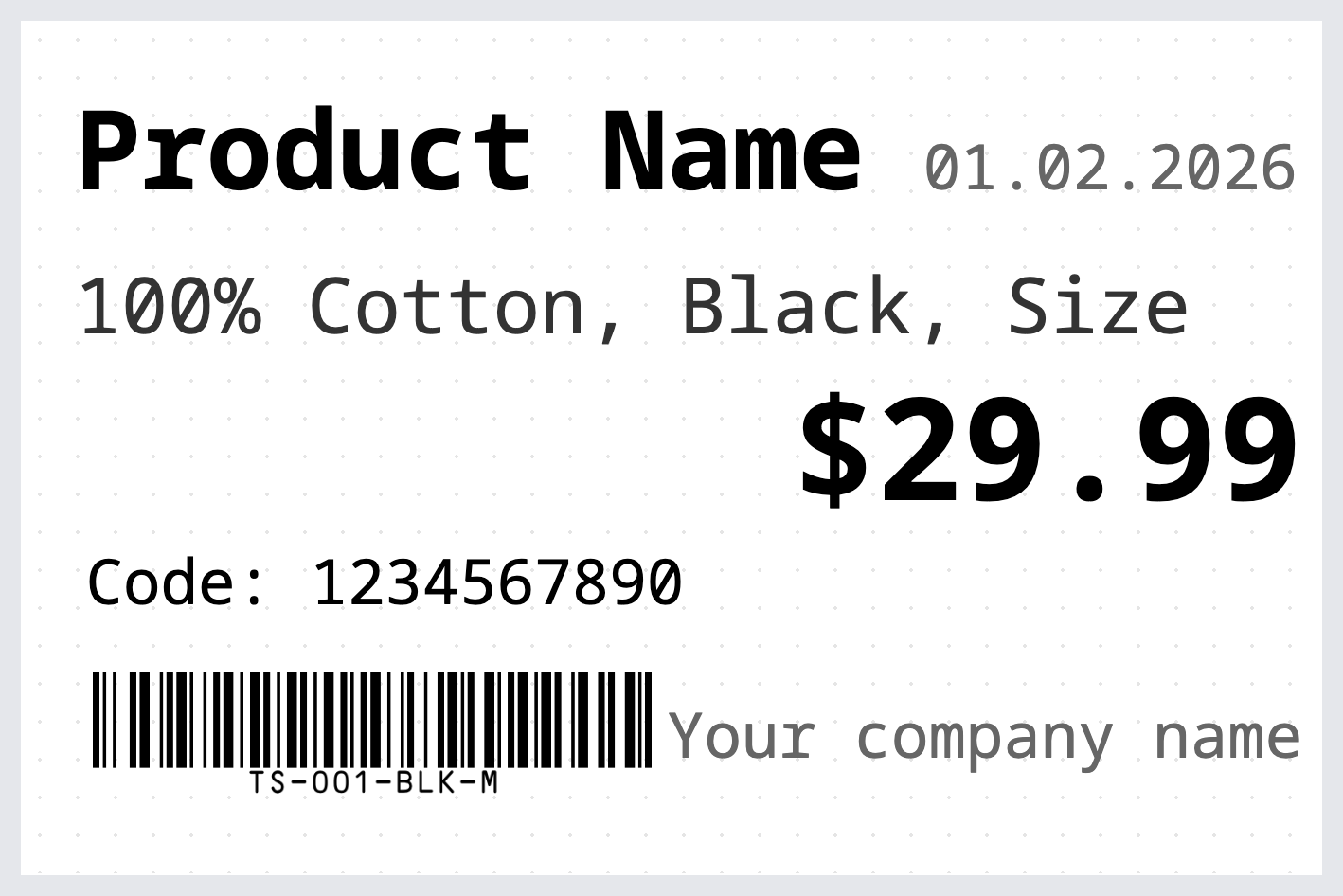
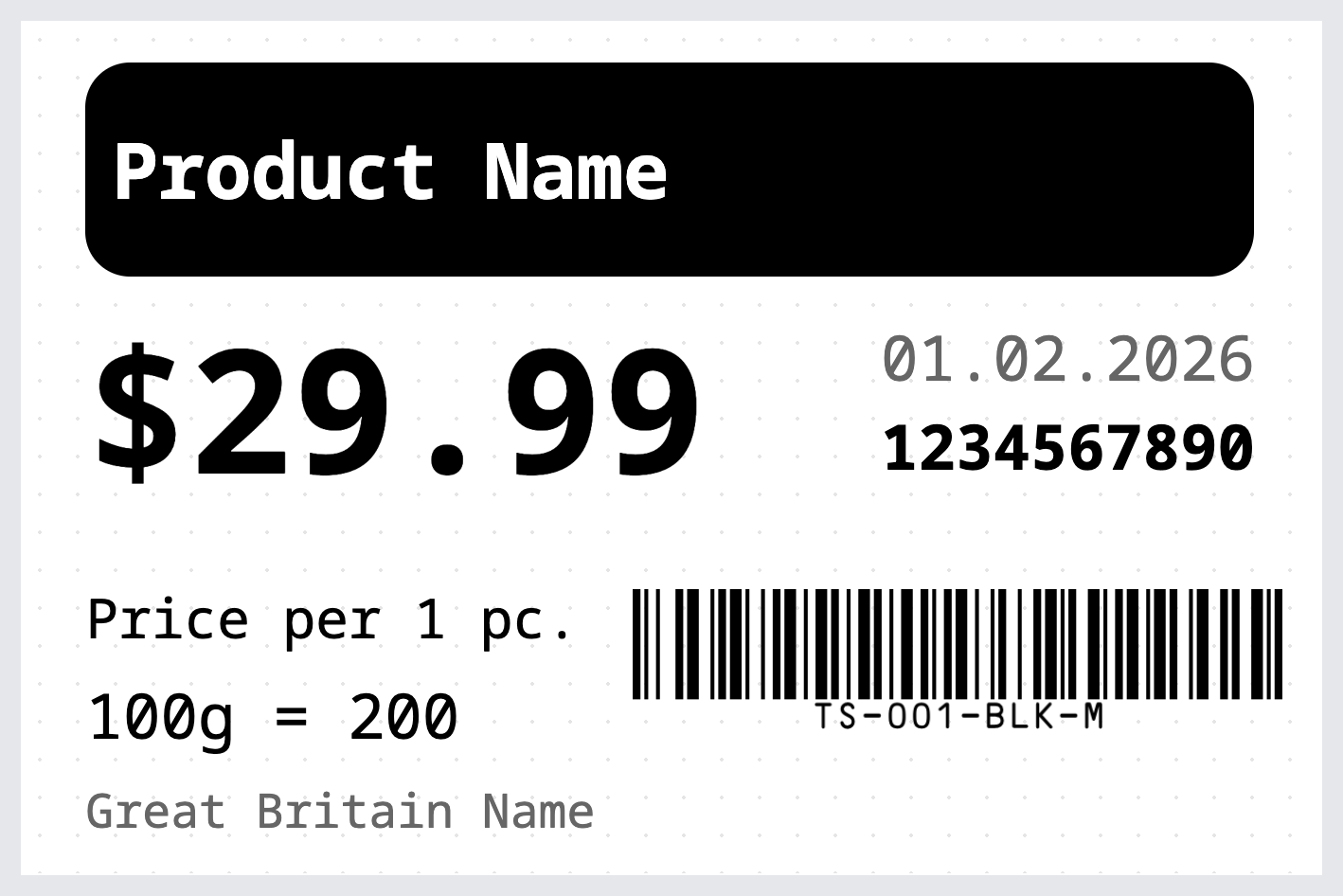
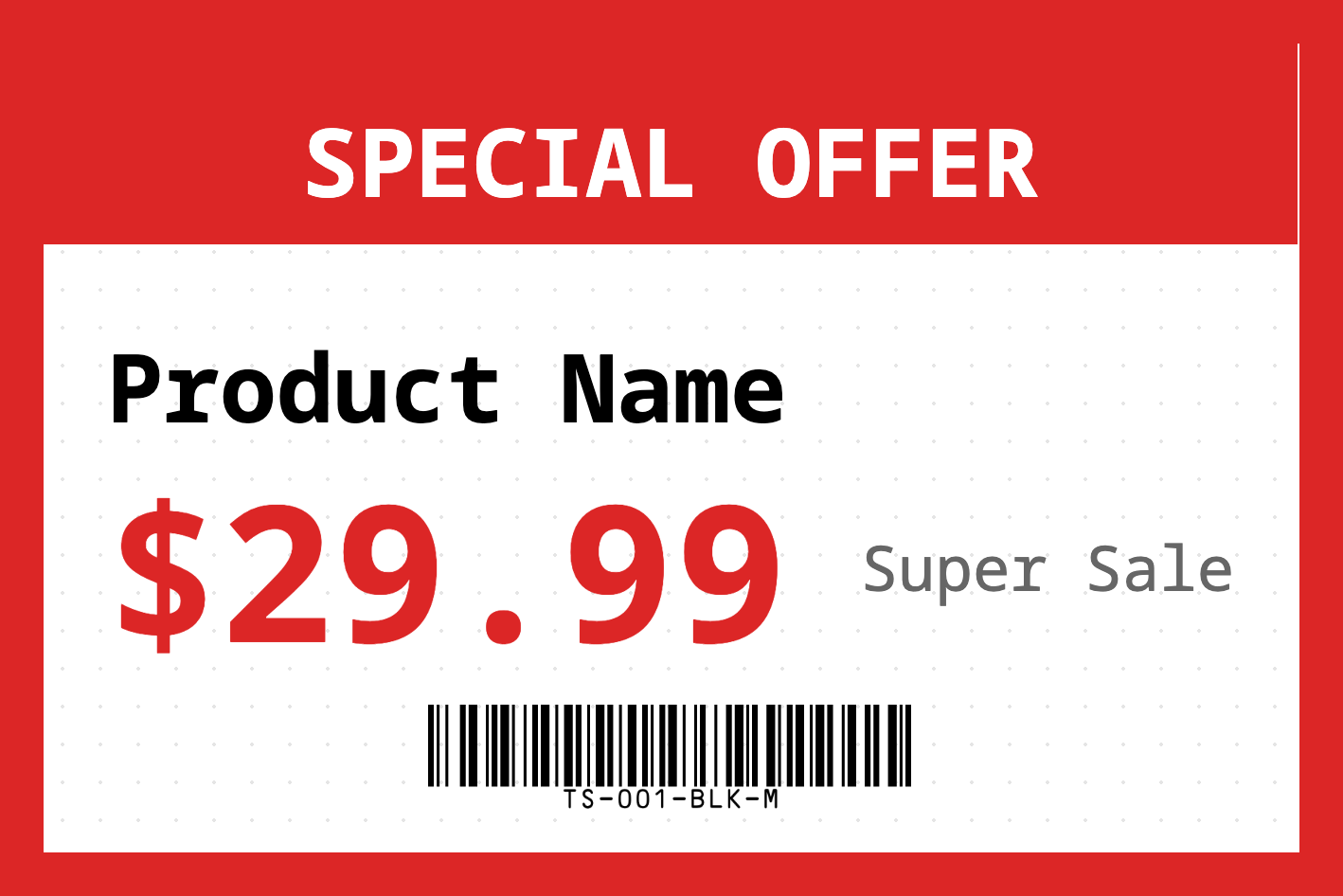
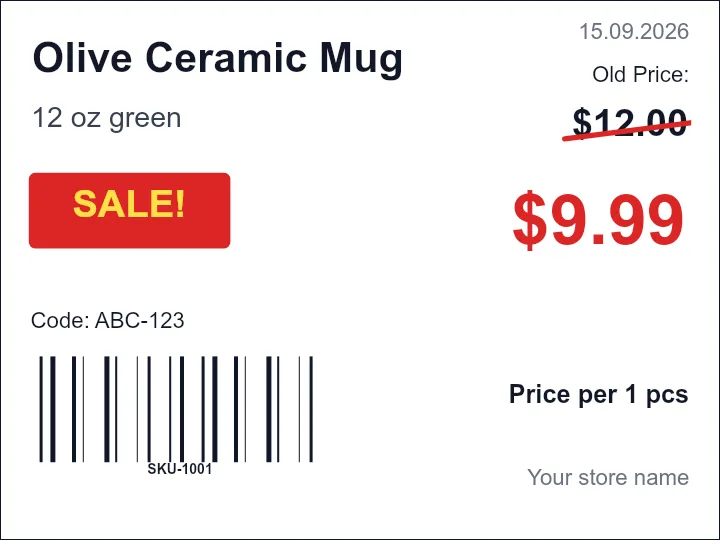
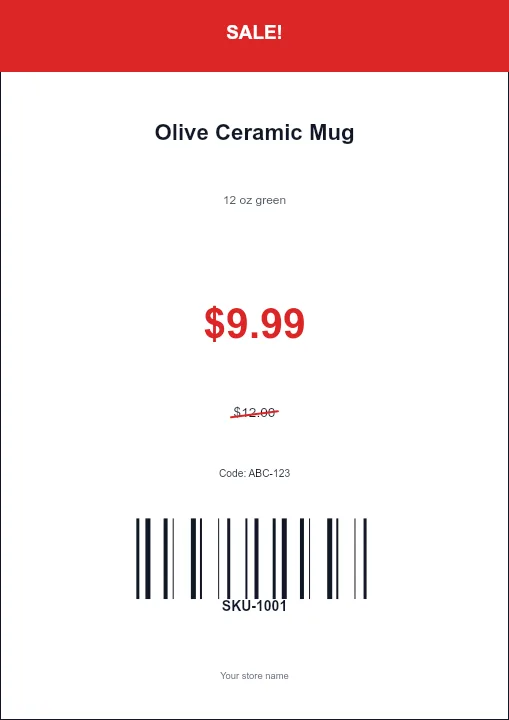
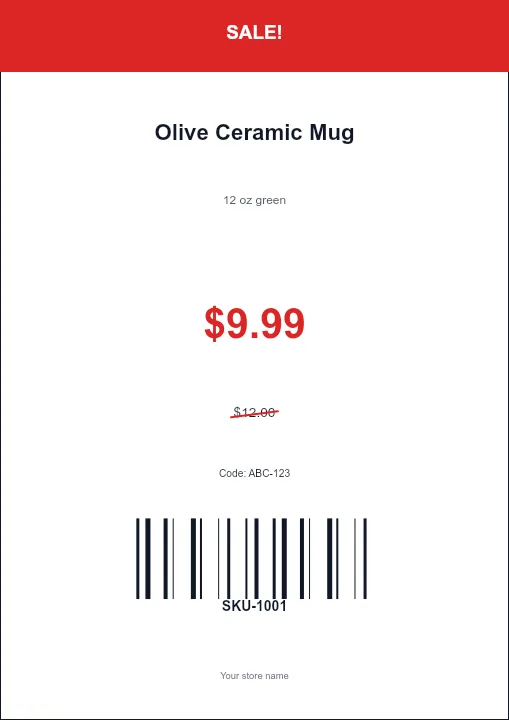
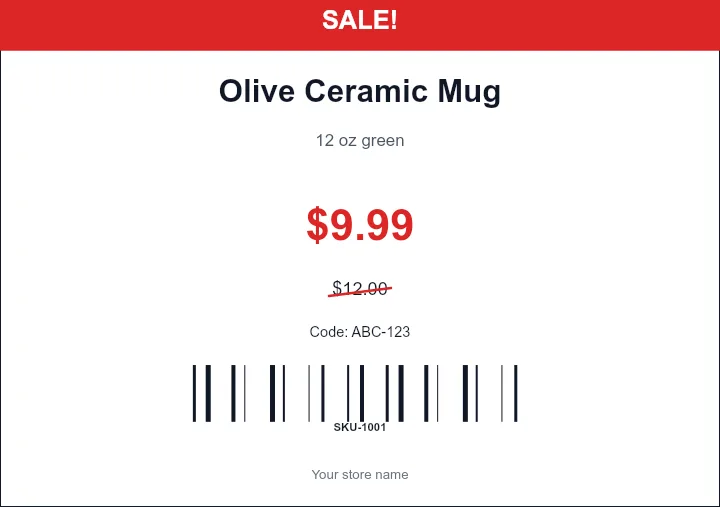
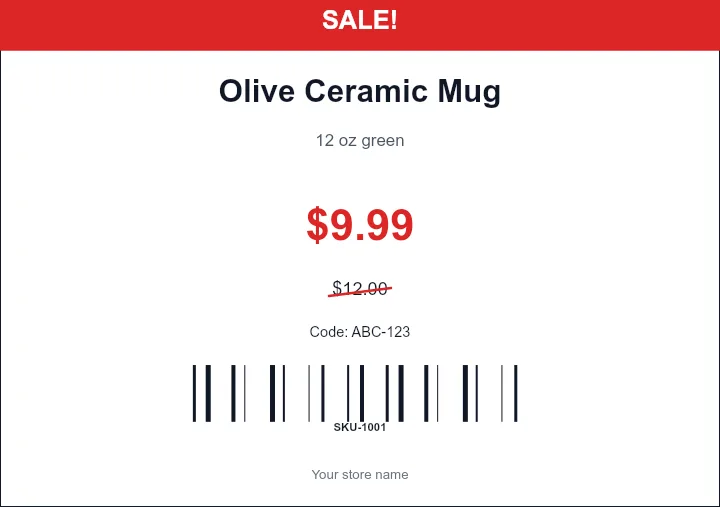
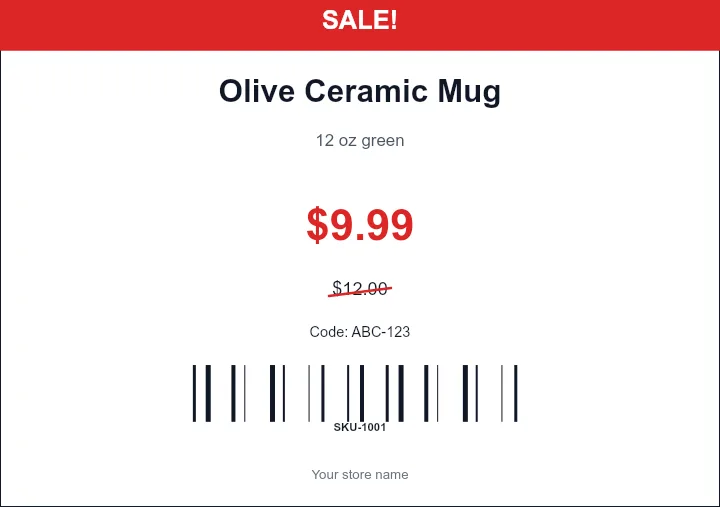
Start from ready-made label designs for address labels, product labels, barcodes, QR stickers, asset tags, price tags, badges, shipping labels, file folders, and Avery-compatible sheets. Click a template to customize it with spreadsheet data.
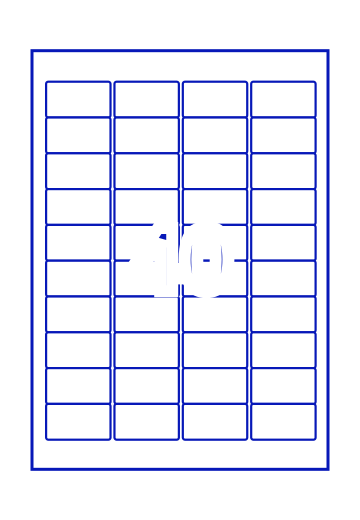
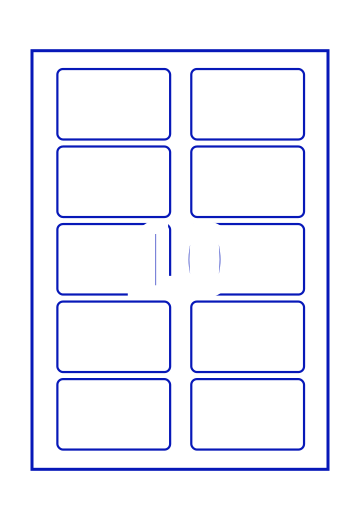
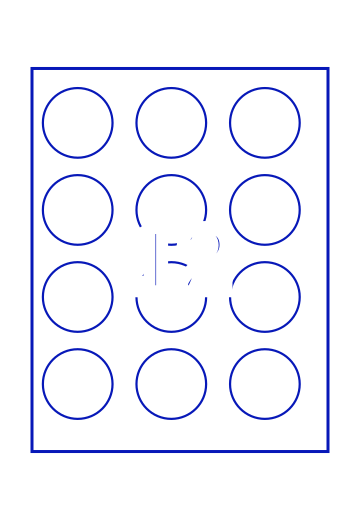
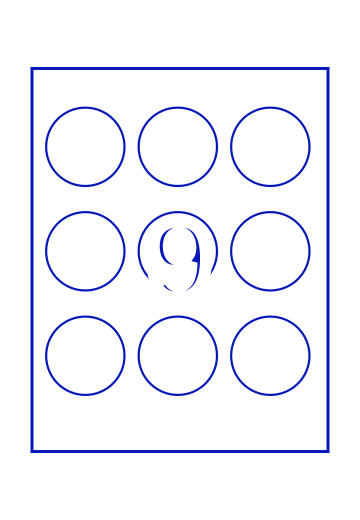








Start with the Right Label Maker
Use a focused tool when the job is already clear. These pages include the editor, data import workflow, print preview, PDF export, and job-specific guidance.
Label Designer
Full visual editor for custom sheet, thermal, barcode, QR, product, and mixed label layouts.
Address Label Maker
Best for mailing lists, return labels, envelopes, Avery 5160-style sheets, Excel, CSV, and Google Sheets addresses.
Avery Label Maker
Choose Avery-compatible layouts such as 5160, 8160, 5163, A4 L-series, and custom sheets.
Bulk Barcode Generator
Create Code 128, UPC, EAN, QR, Data Matrix, serial, inventory, and asset barcode labels.
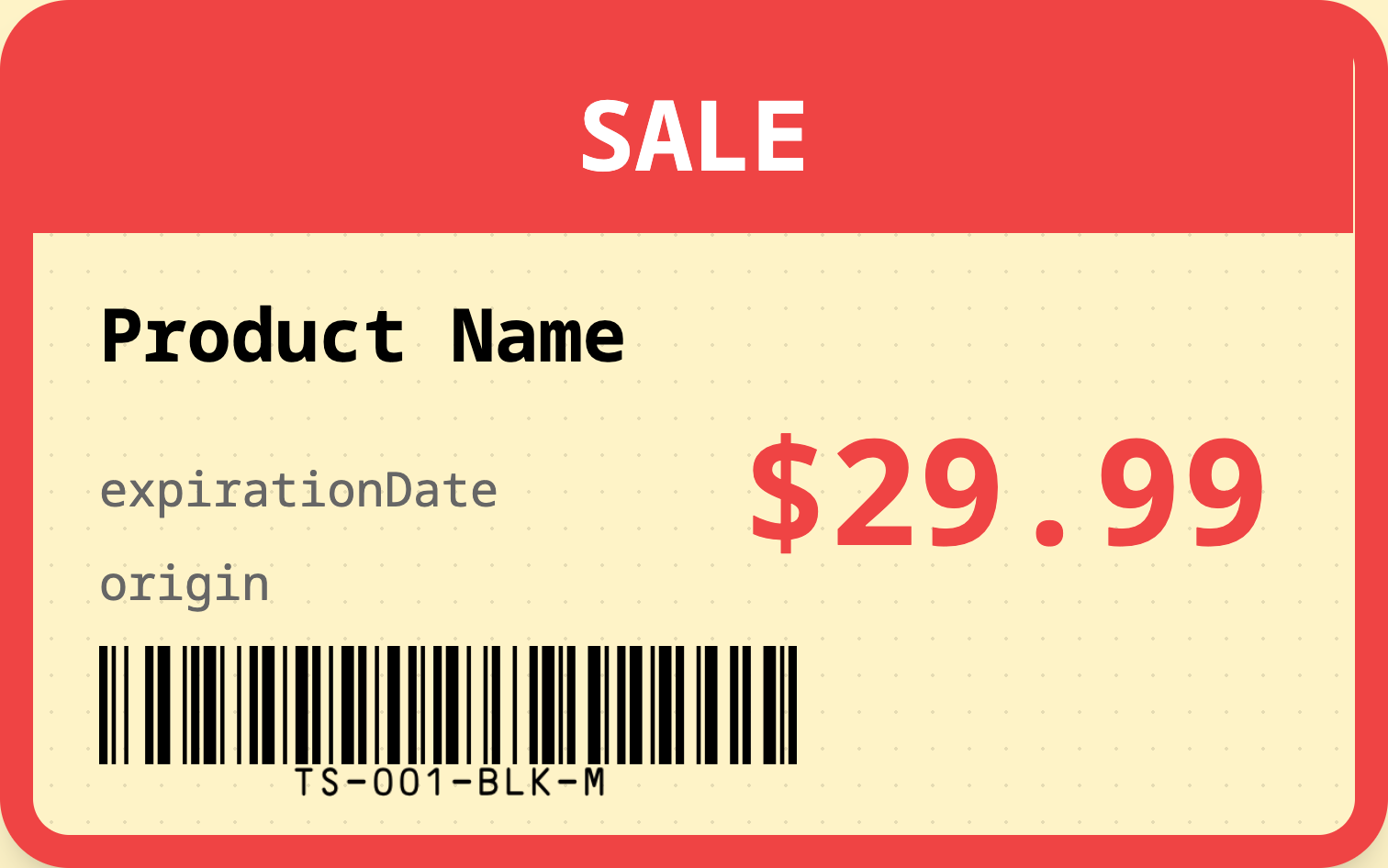
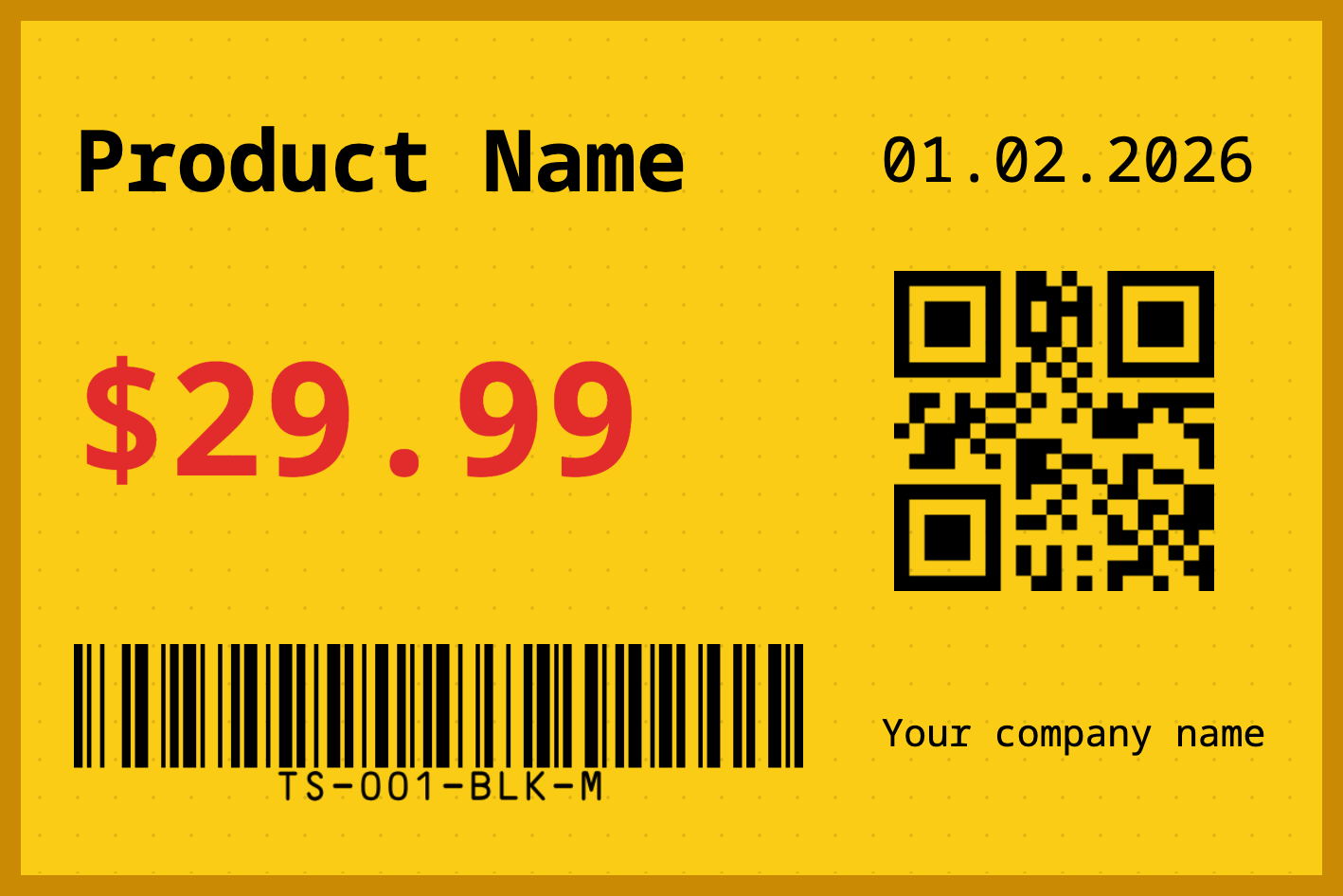
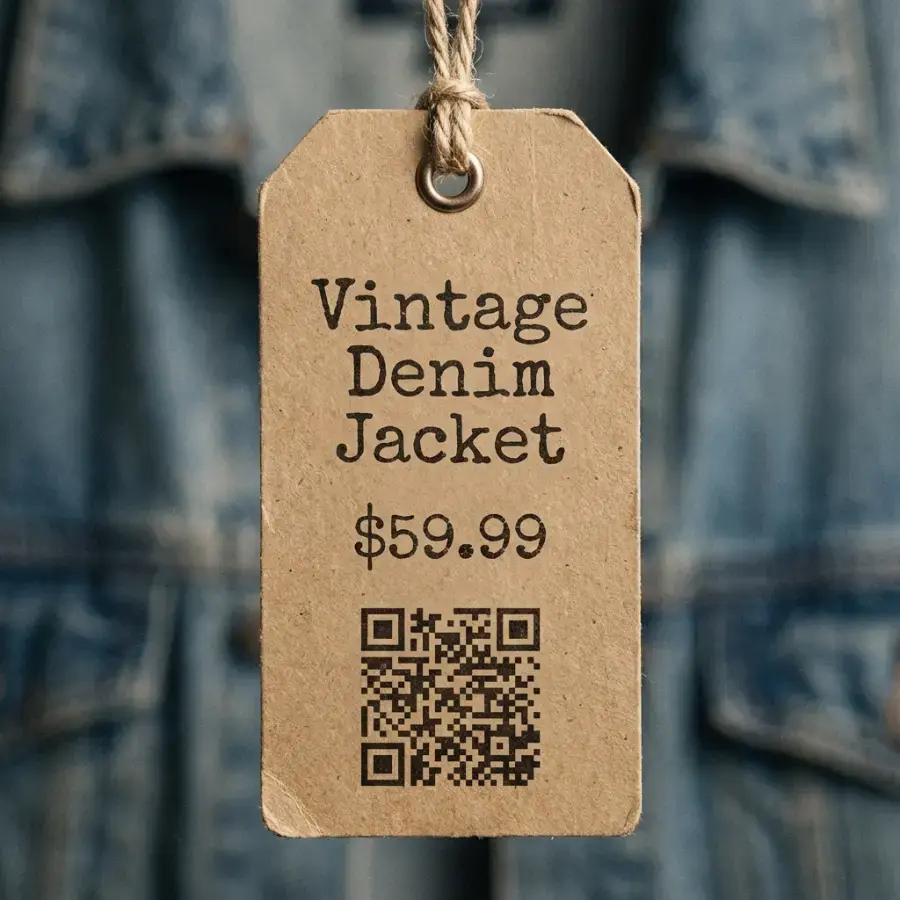
Price Tag Maker
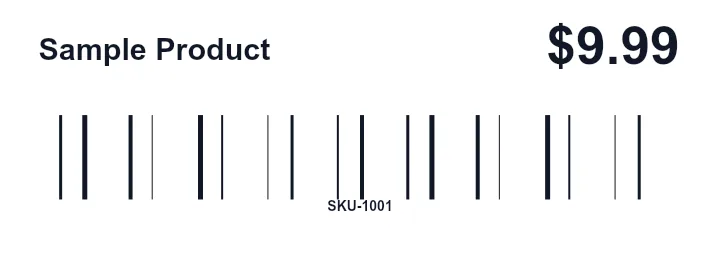
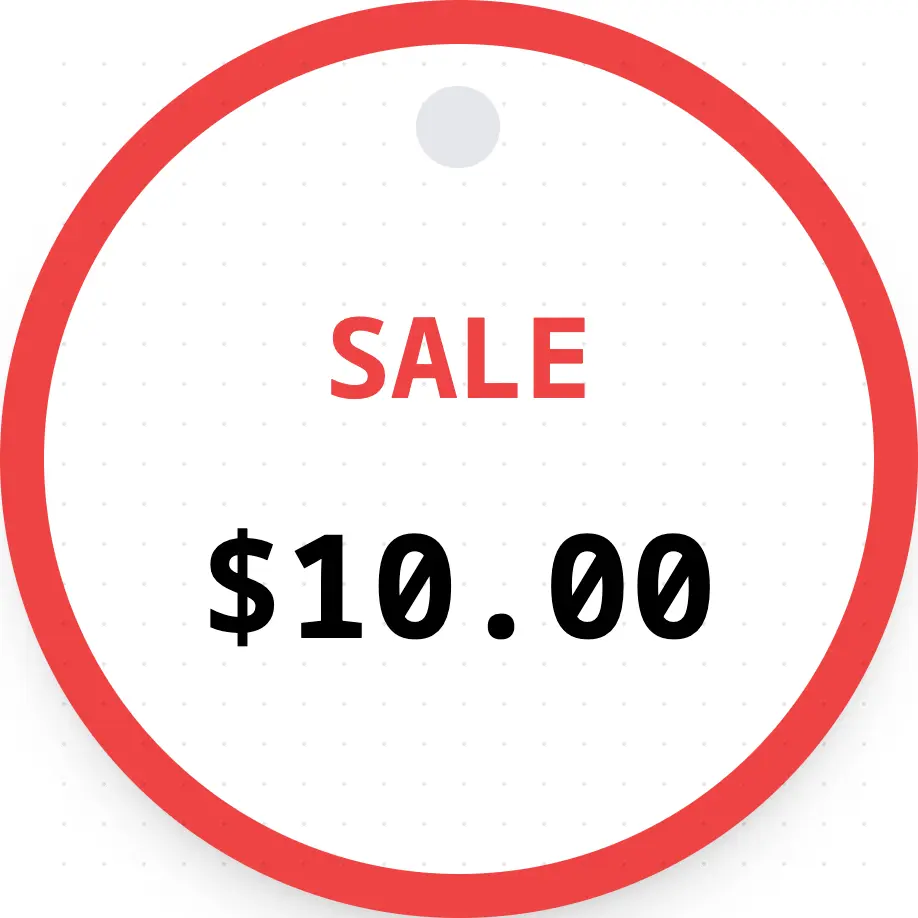
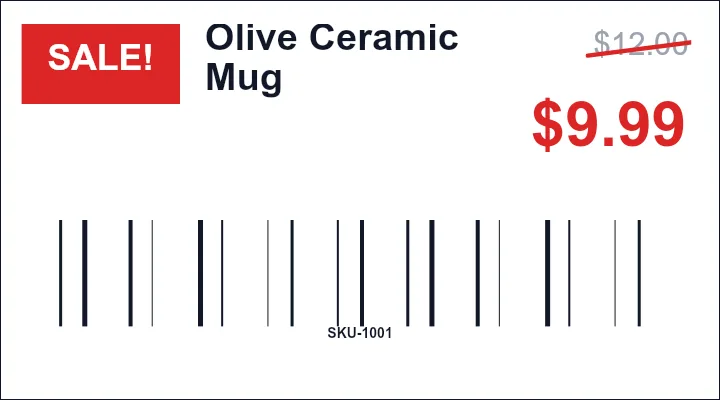
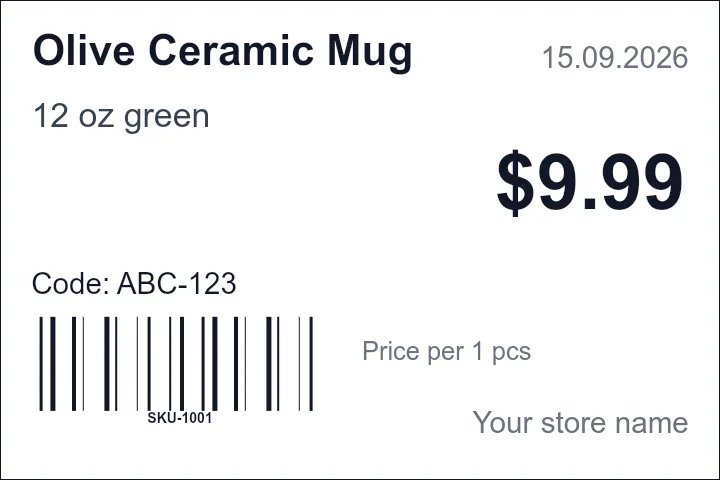
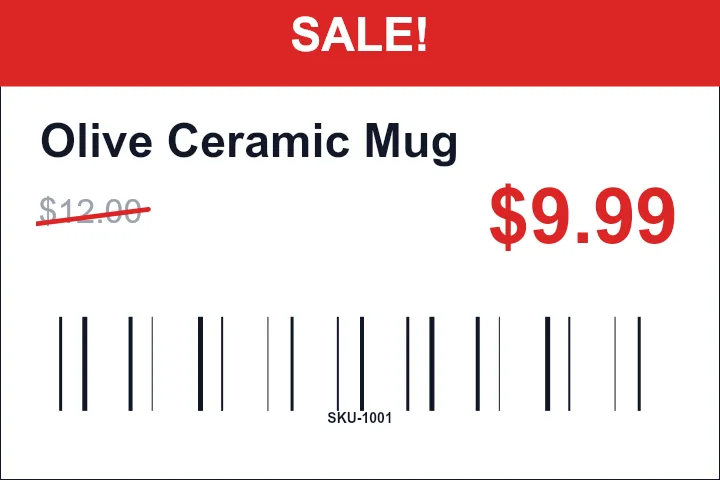
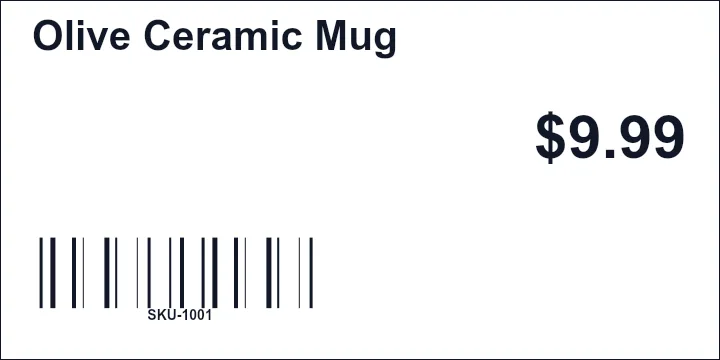
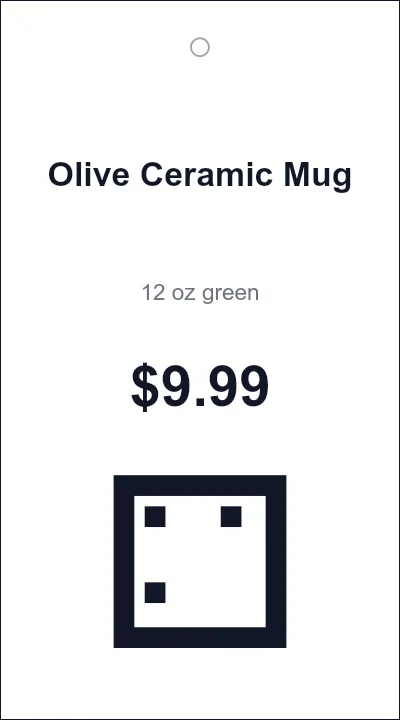
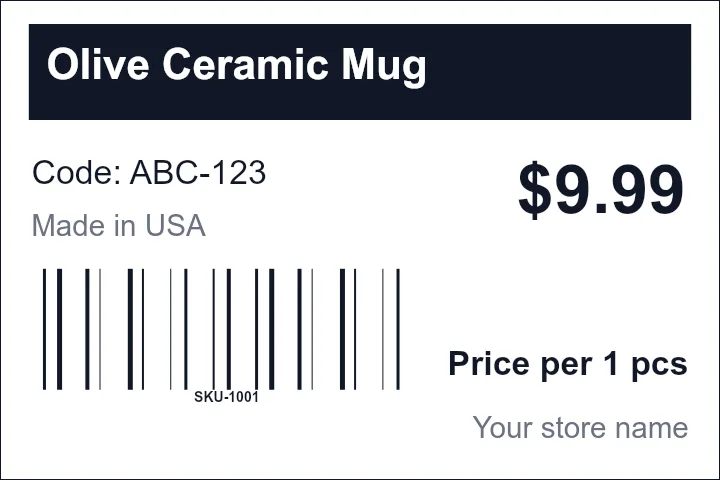
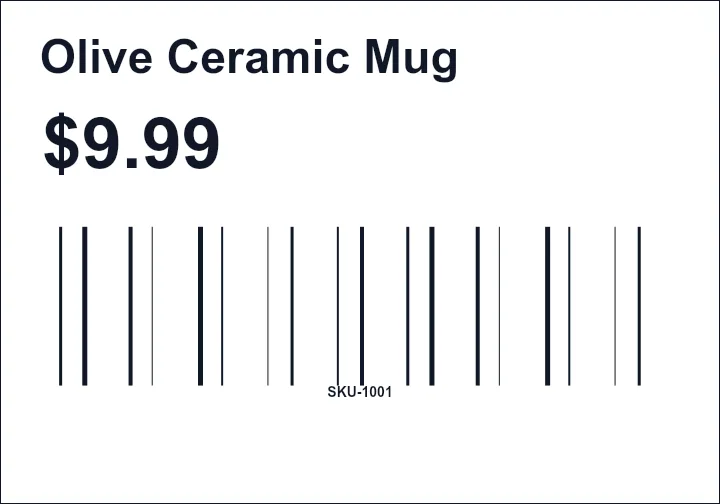
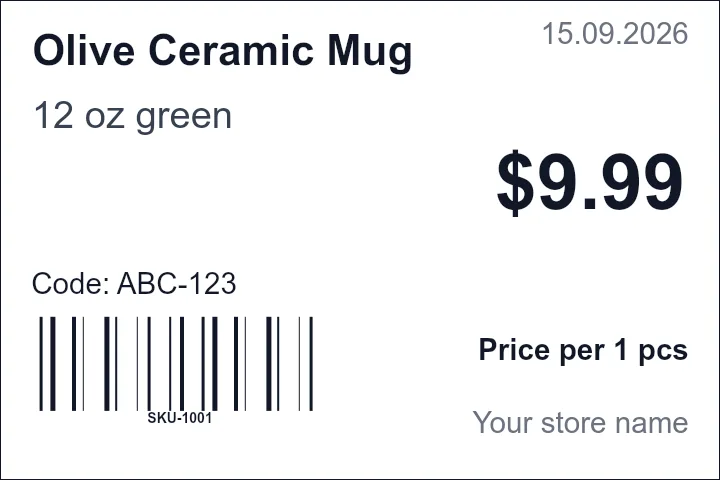
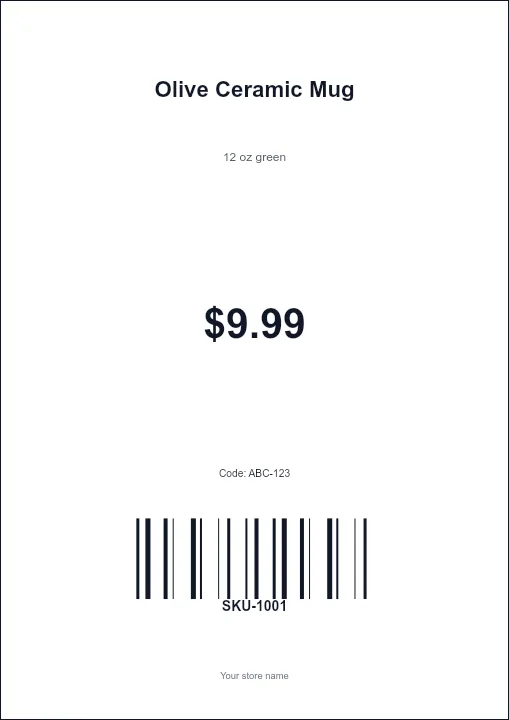
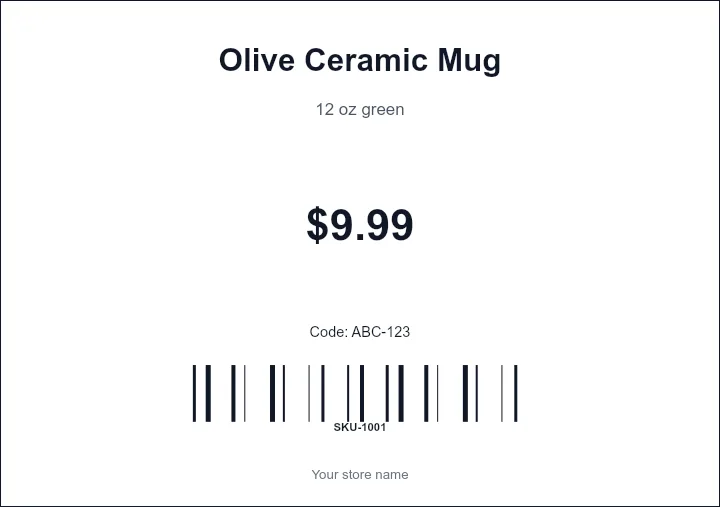
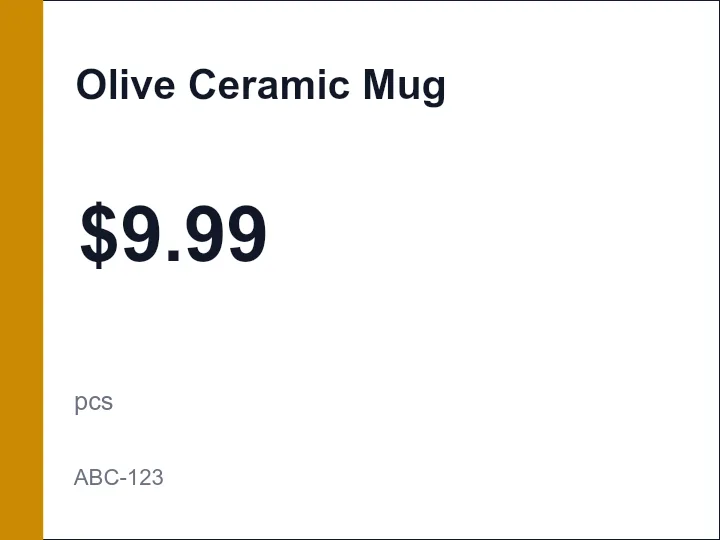
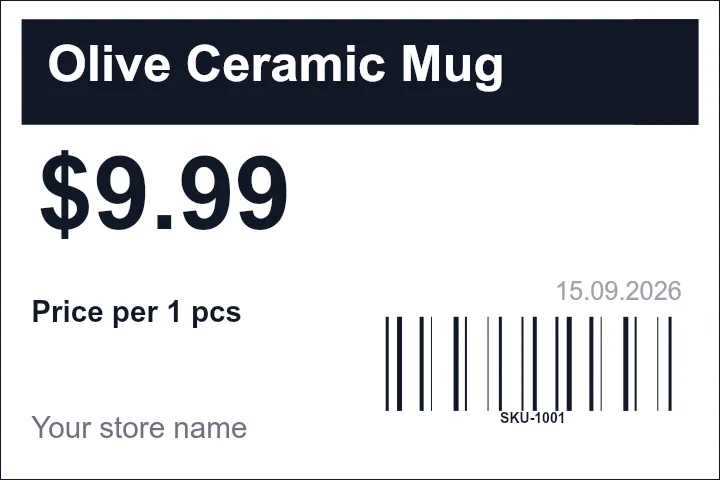
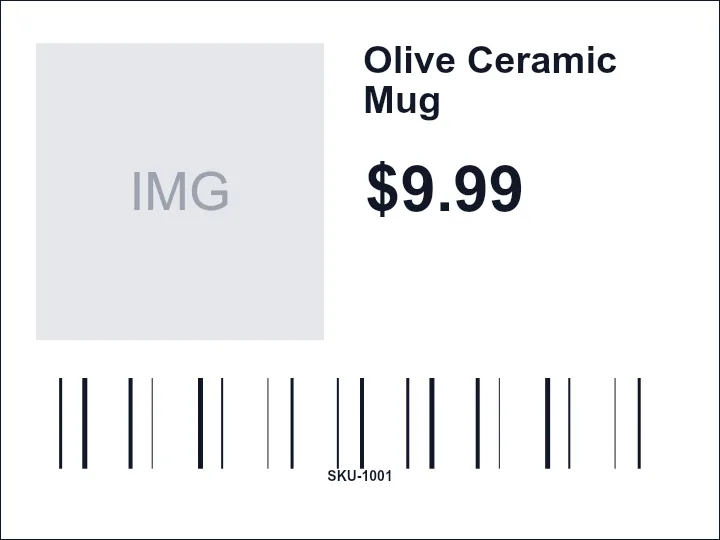
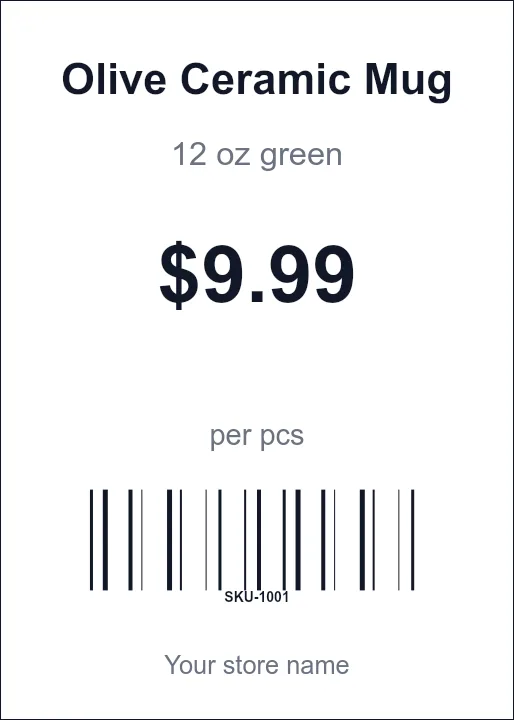
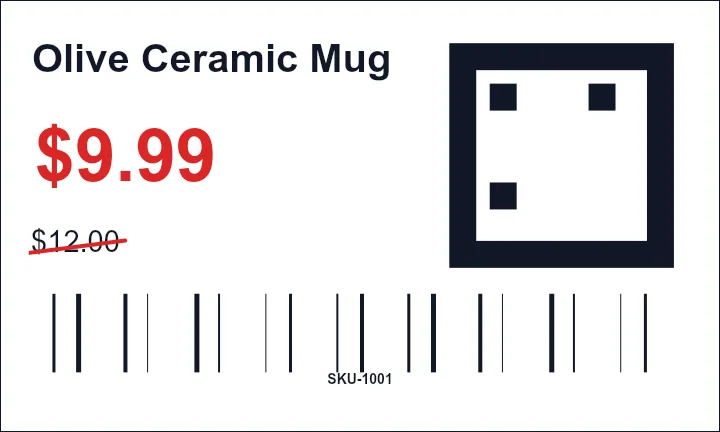
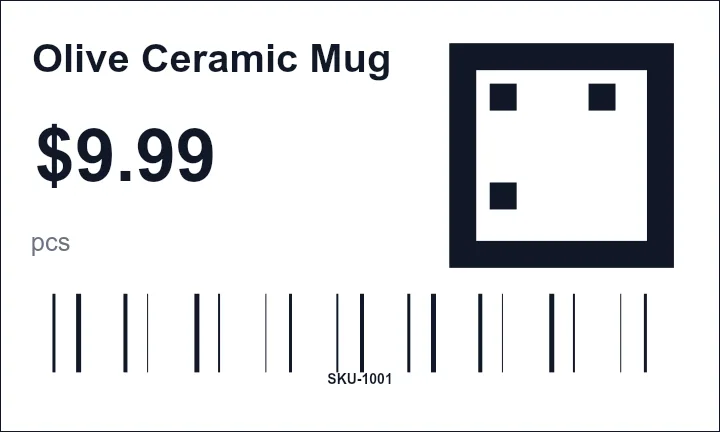
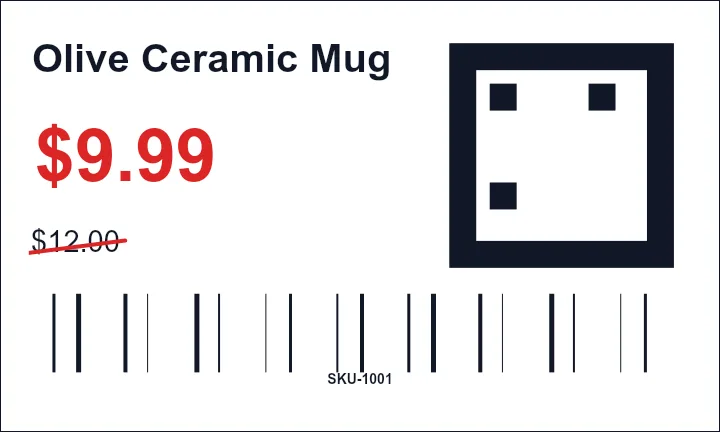
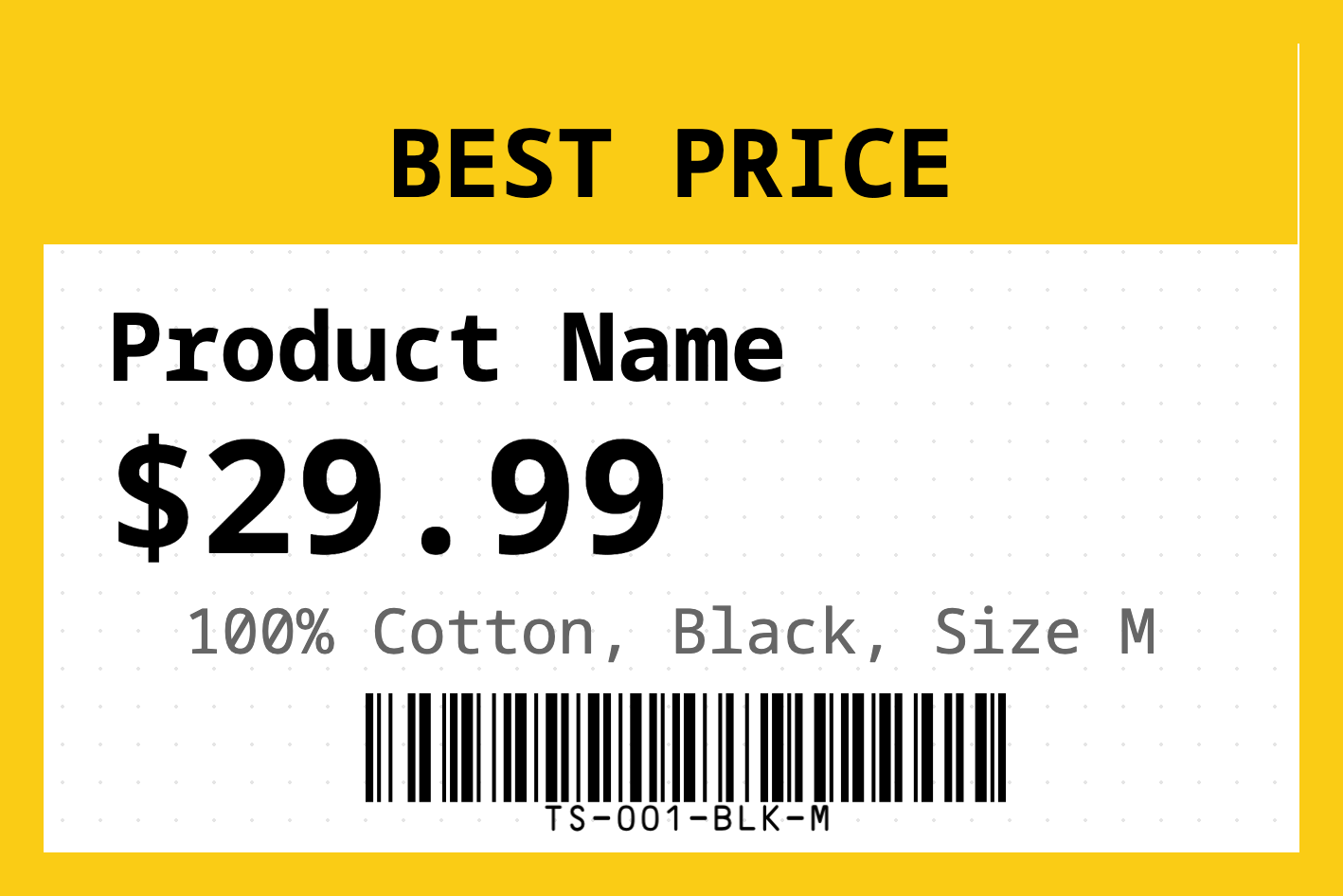
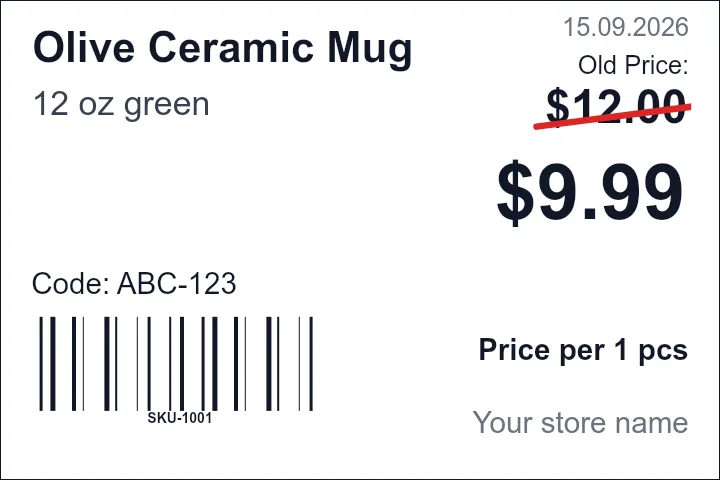
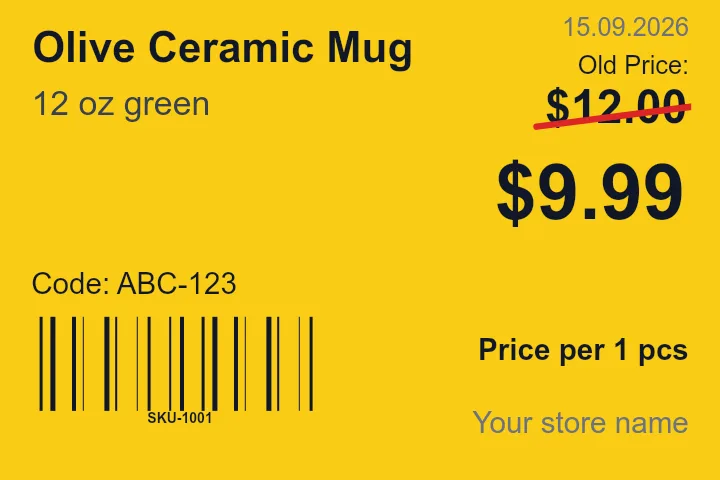
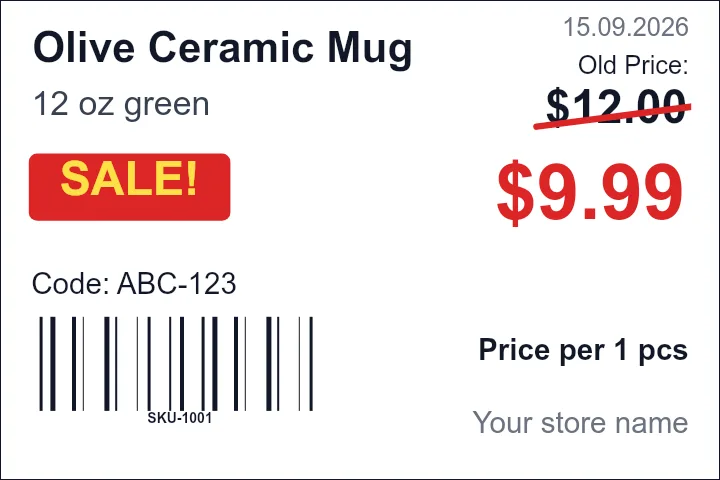
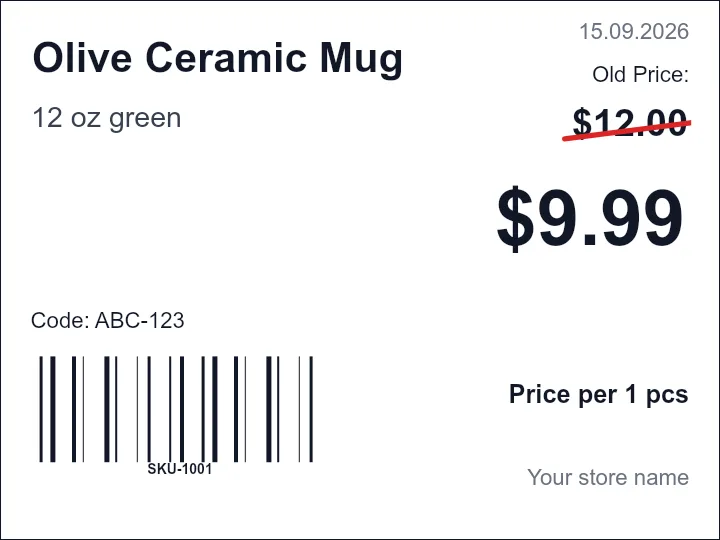
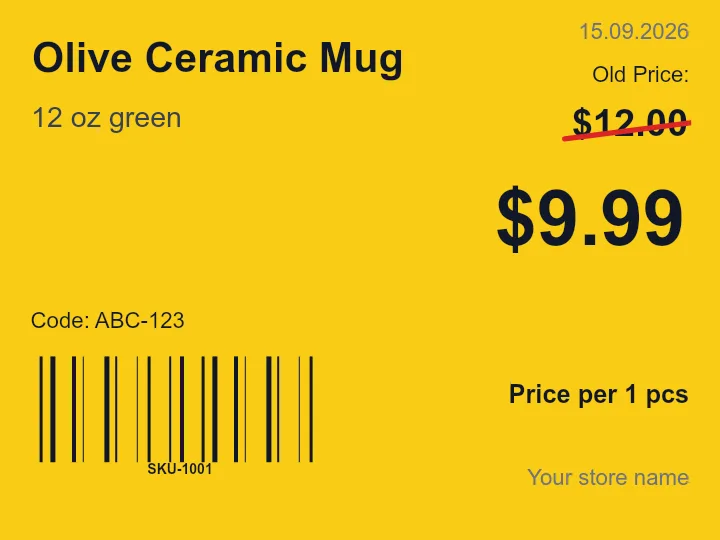
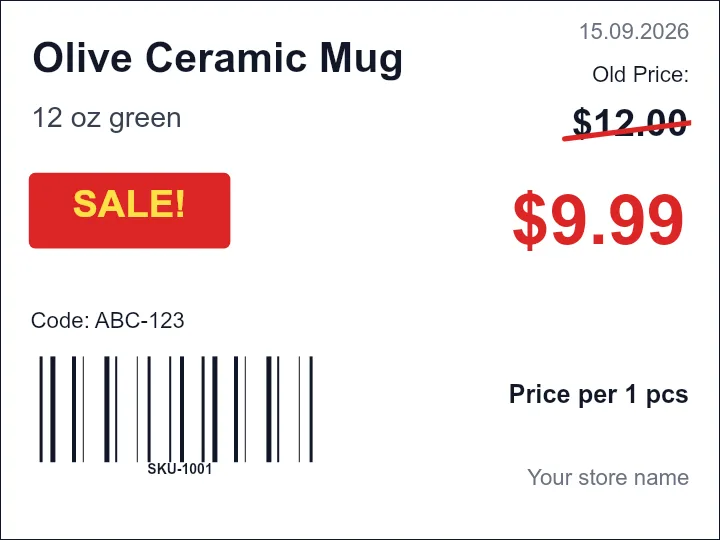
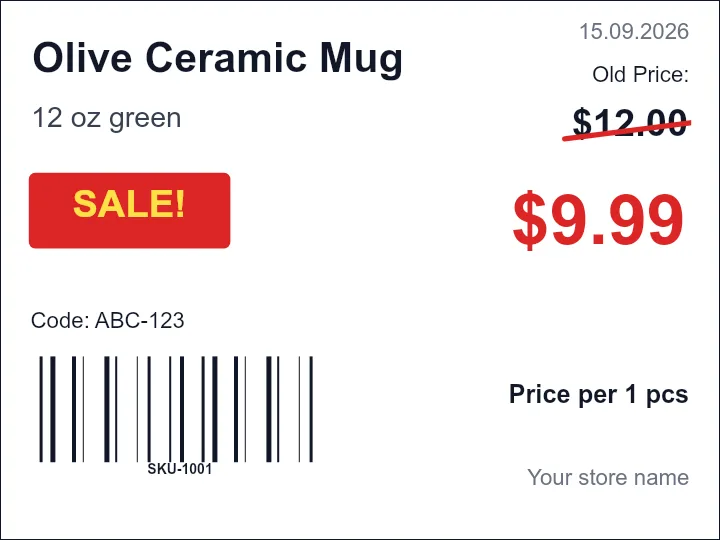
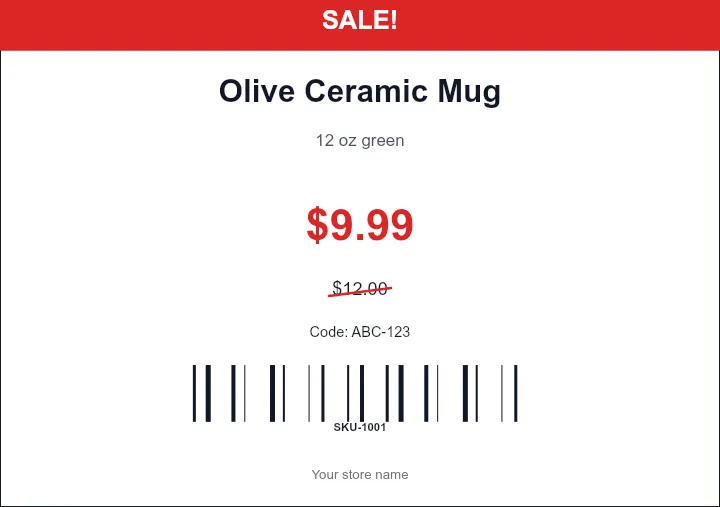
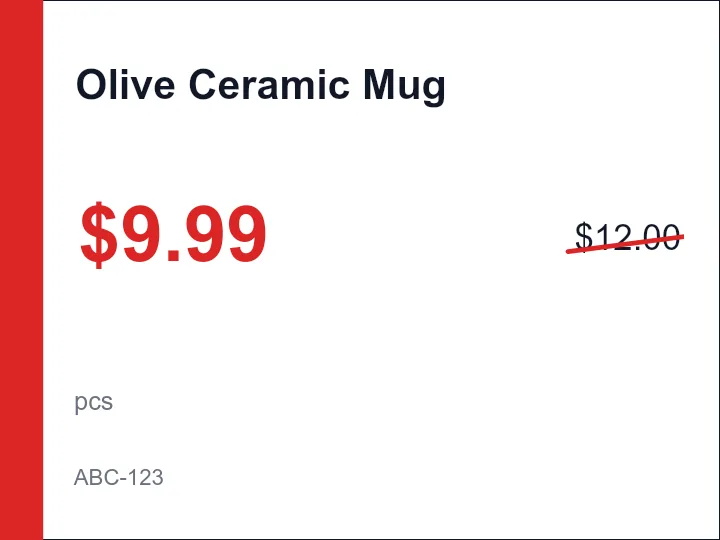
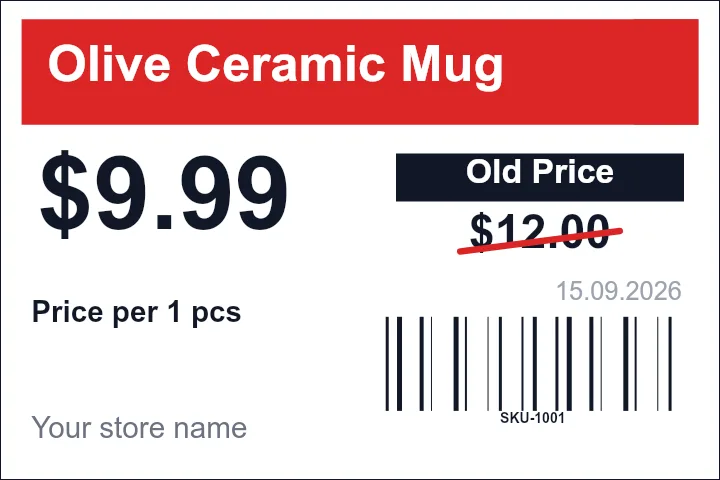
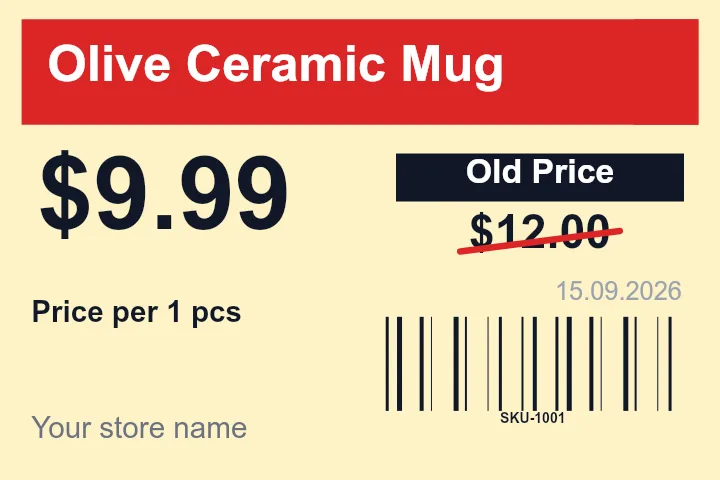
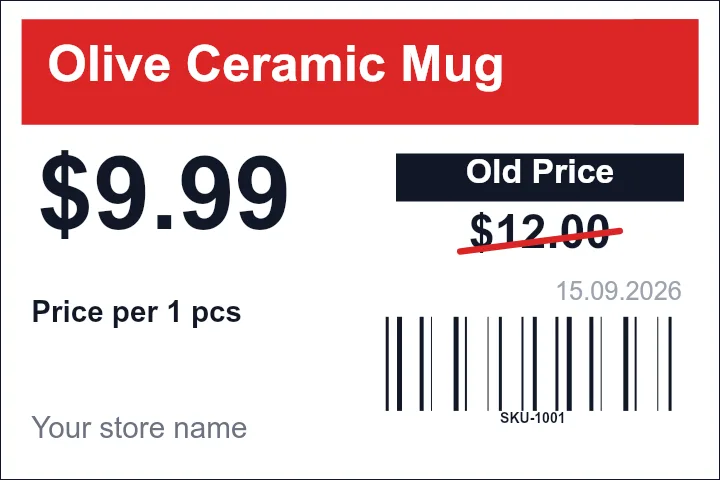
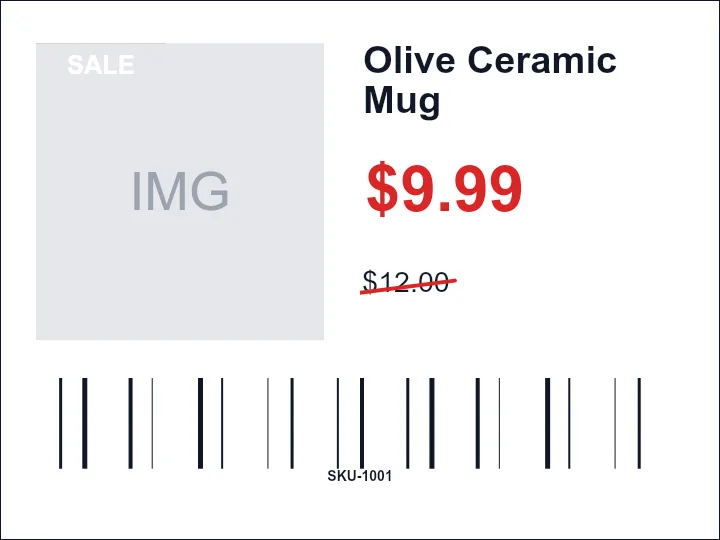
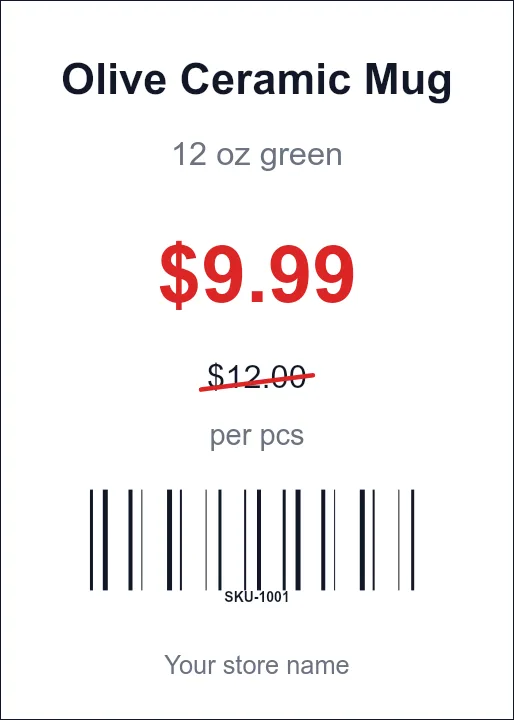
Print retail price labels, shelf tags, SKU stickers, barcode price tags, and product labels from spreadsheet rows.
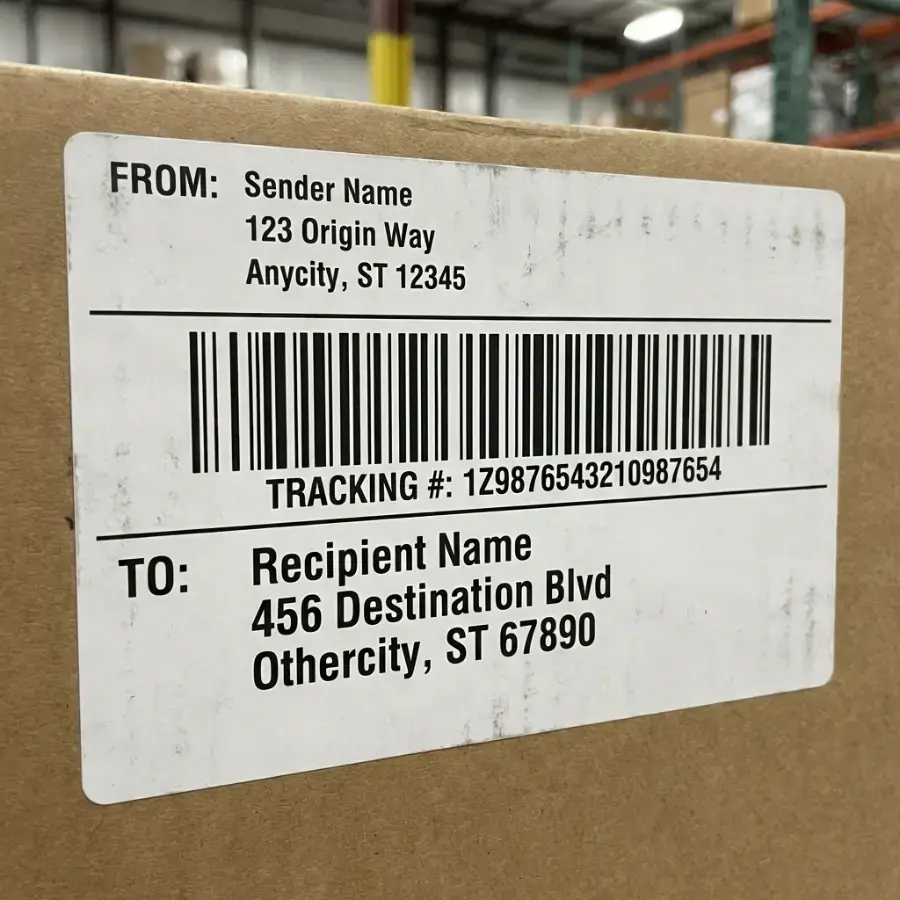
Shipping Label Maker
Create 4x6 thermal shipping labels, address blocks, tracking barcodes, PDF, and ZPL-style workflows.
Asset Tag Maker
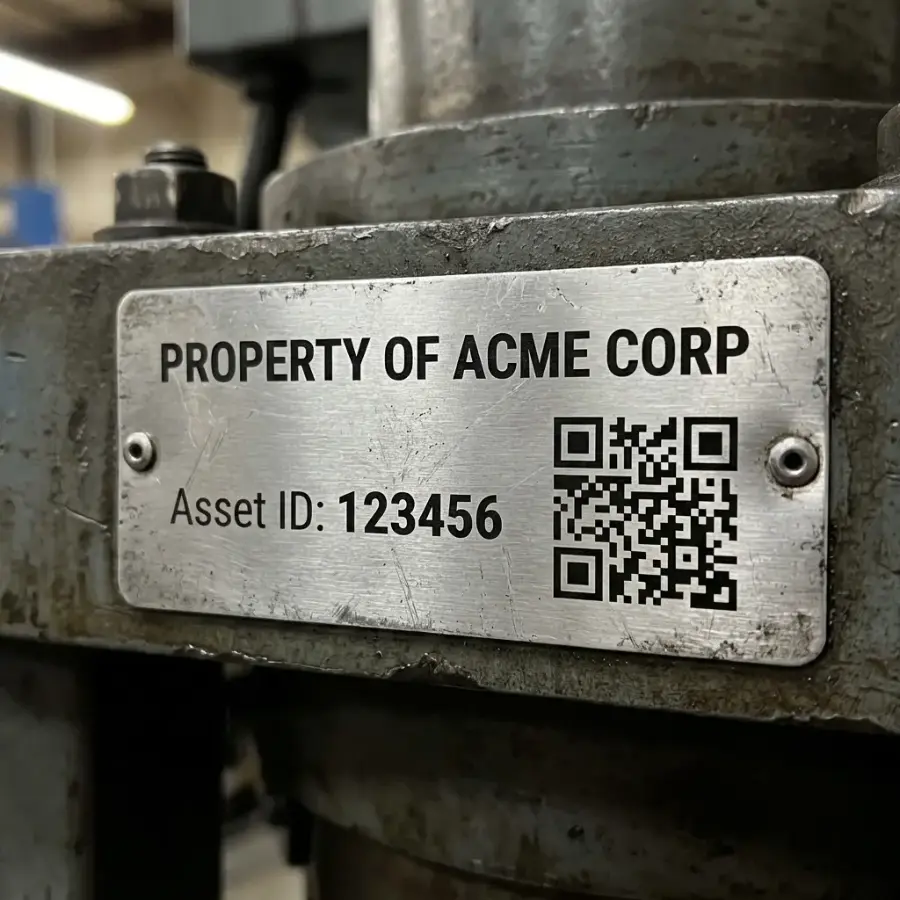
Print QR property tags, serial labels, equipment labels, and inventory stickers from asset records.
File Folder Label Maker
Print filing labels, folder tabs, Avery 5366-compatible sheets, and office folder label batches.
Choose by Data Source
Start with the workflow that matches where the rows already live, then route to a specialized label type when needed.
Excel to Labels
Upload .xlsx or .xls rows for product labels, QR labels, barcodes, badges, and custom sheets.
CSV to Labels
Paste or import CSV exports from CRMs, stores, ERPs, event tools, inventory systems, and databases.
Google Sheets to Labels
Connect shared Google Sheets rows for live product, barcode, QR, badge, and classroom label workflows.
QuickBooks Label Printing
Turn QuickBooks customer, item, inventory, and report exports into printable labels.
Shopify Label Printing
Use Shopify product or order exports for barcode labels, price tags, packing labels, and stickers.
XML Label Printing
Convert ERP, WMS, legacy, and system XML exports into barcode labels and printable PDFs.
Popular Avery-Compatible Template Families
Match the code printed on your label package. If two products share the same sheet size, rows, columns, margins, and gaps, they can use the same printable geometry.
Avery 5160 Template
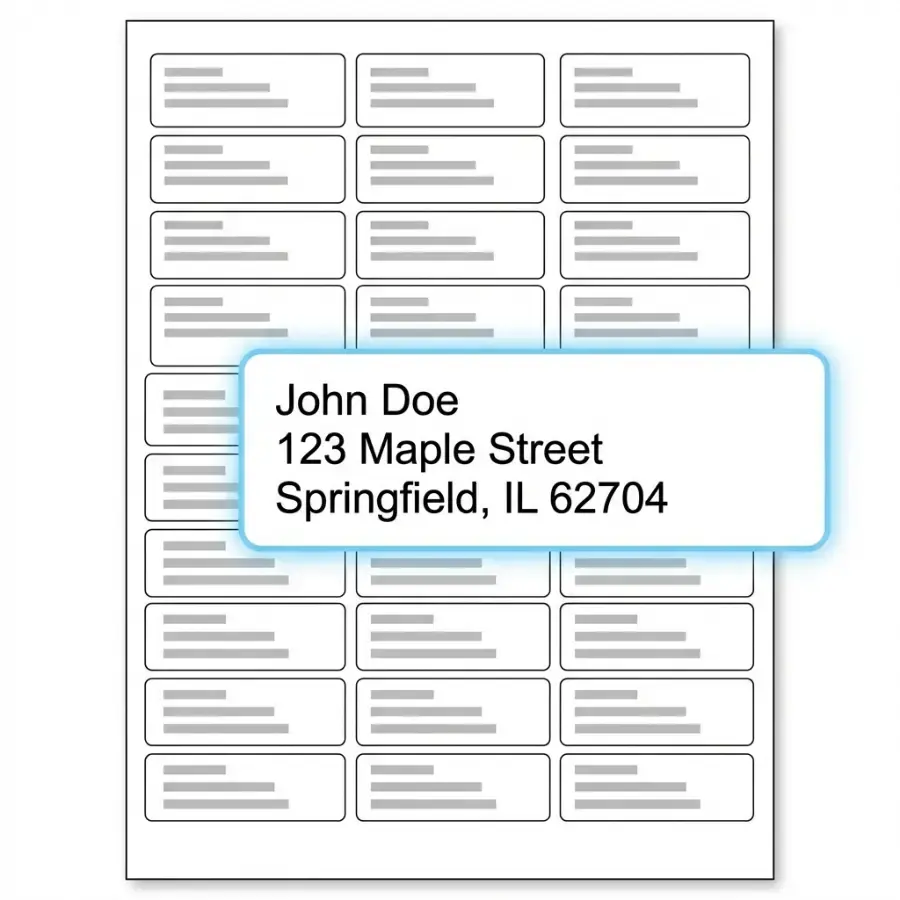
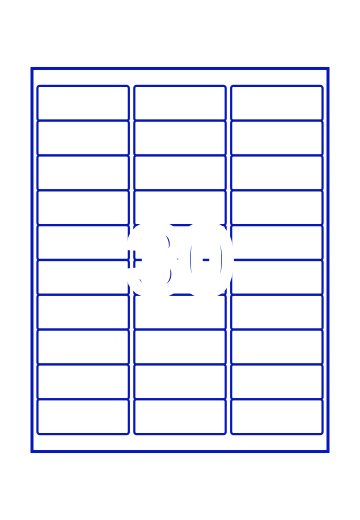
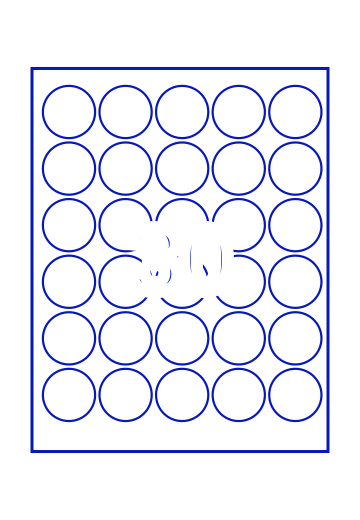
30 address labels per US Letter sheet. Common for mailing lists, envelopes, invitations, and CRM exports.
Avery 8160 Template
30-up US Letter address-label layout commonly used for inkjet address sheets.
Avery 5163 Template
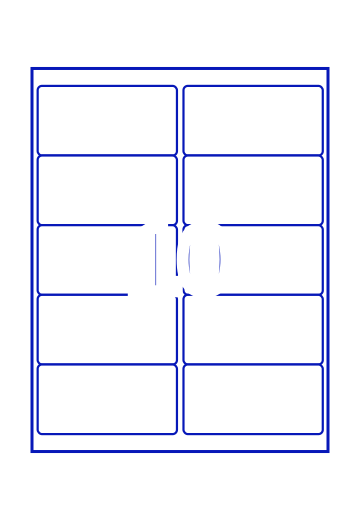
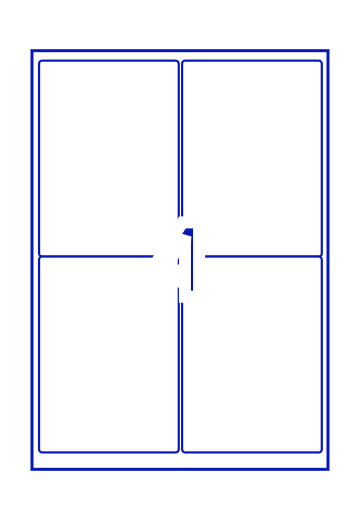
10 larger 4 x 2 inch labels per US Letter sheet for shipping, product, barcode, and operations labels.
Avery 5167 Template
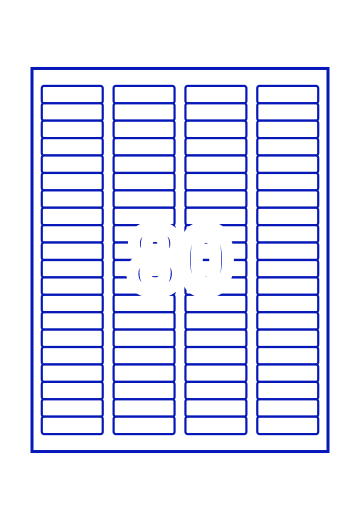
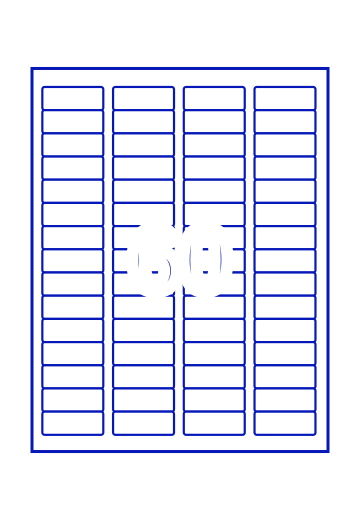
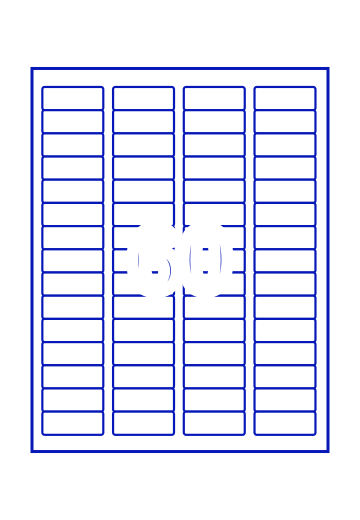
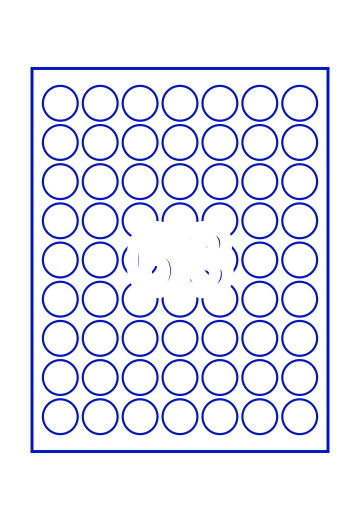
80 small return-address labels per US Letter sheet for short sender names, logos, and compact IDs.
Avery L7160 Template
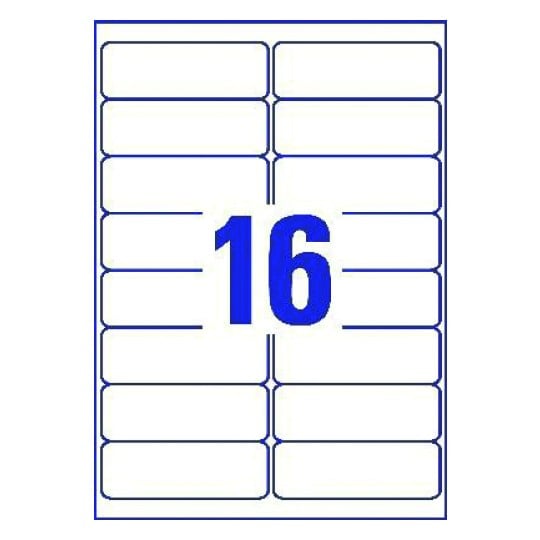
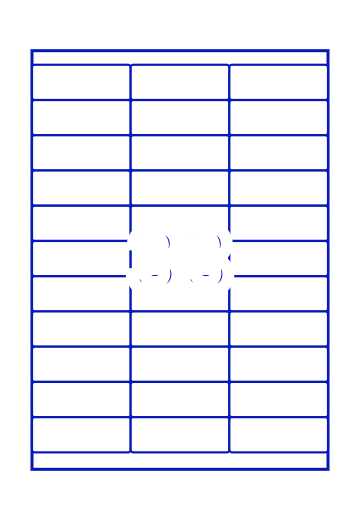
A4 mailing-label layout for UK, EU, and other A4 address-label workflows.
Avery L7163 Template
A4 larger-label layout for mailing, shipping, product, and barcode labels.
Operations, Retail and Compliance Templates
Use these when the label is more than text: scannable codes, logistics IDs, safety fields, marketplace workflows, or repeated operational batches.
GS1-128 Barcode Labels
Create batch, carton, lot, expiry, GTIN, and GS1-128-style labels from Excel, CSV, or Google Sheets.
SSCC Pallet Labels
Print SSCC pallet labels, logistics labels, PO data, ship-to fields, and 4x6 warehouse PDFs.
Amazon FBA Labels
Create FNSKU and FBA barcode labels for thermal rolls, Avery 5160, and marketplace inventory batches.
GHS Label Generator
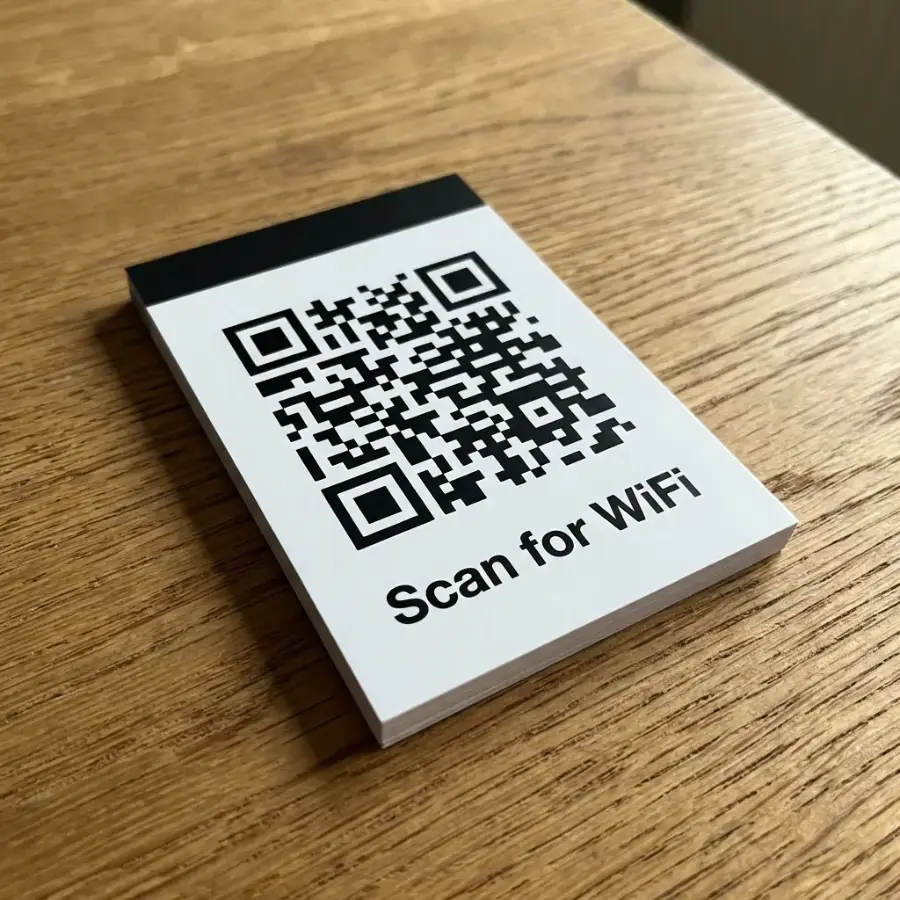
Create workplace chemical labels with pictograms, SDS fields, H/P statements, supplier data, and QR links.
Name Badges from Excel
Print event badges, conference badges, attendee credentials, QR badges, and last-minute reprints.
Etsy 4x6 Packing Slip
Turn Etsy order rows into readable 4x6 packing slips and pick-list PDFs for thermal printers.
From Template to Print-Ready PDF
Every strong label workflow starts with the right stock, the right data source, and a full-sheet preview before label paper goes into the printer.
Match the physical label stock
Choose the Avery-compatible code, A4/US Letter sheet, thermal size, or custom dimensions that match the paper or roll loaded in the printer.
Import spreadsheet rows
Bring in Excel, CSV, pasted rows, Google Sheets, QuickBooks, Shopify, ERP, WMS, event, or inventory exports.
Map fields onto the design
Place text, barcodes, QR codes, images, prices, addresses, serial numbers, quantities, and fixed instructions on the label.
Preview the full sheet
Check long values, missing fields, row order, barcode quiet zones, start position, paper size, and label spacing before exporting.
Print at 100% / Actual Size
Export the PDF, test on plain paper first, turn off Fit to Page, and only then print on the final label stock.
Label Template FAQ
Common questions about choosing templates, importing data, and printing aligned label sheets.
Still have questions?
If you couldn't find the answer you're looking for, please feel free to ask us!