
SSCC Pallet Label Generator from Excel & CSV
Turn pallet rows, order exports, or logistics spreadsheets into printable SSCC labels. Import SSCC-18 values, pallet IDs, PO numbers, ship-to locations, lot fields, and quantities, then export 4x6 thermal labels or pallet-label PDFs instead of retyping every logistics unit by hand.
Use this page for SSCC and GS1-128-style pallet label workflows. Confirm retailer, carrier, or warehouse requirements before printing production labels.


For warehouses, manufacturers, distributors, 3PL teams, and palletized shipments


Generate SSCC pallet labels from shipment rows
Import SSCC-18 values, pallet IDs, PO numbers, ship-to locations, lot numbers, carton counts, and quantities. Choose a 4x6 logistics label layout, preview real pallet rows, and export a print-ready PDF.
Import and edit data
4 pallet rows ready. Quantity expands into 4 printable labels.
| Actions | Pallet / shipment | SSCC barcode | Pallet ID | PO / ASN | Ship to | Copies | Price |
|---|---|---|---|---|---|---|---|
1. (00)106141411234567897
(00)106141411234567897
2. (00)106141411234567903
(00)106141411234567903
3. (00)106141411234567910
(00)106141411234567910
4. (00)106141411234567927
(00)106141411234567927
Preview and export pallet labels
Add data fields
13Click an imported column, add fixed text, upload an image, or paste text/image from the clipboard.
Label sheet
Barcode label workflow
4 pallet rows ready. Quantity expands into 4 printable labels.
Label sheet
How to Create SSCC Pallet Labels from Excel or CSV
Start from the pallet or shipment file your team already uses. Keep the SSCC and readable shipment fields together so the printed label can be scanned and checked on the floor.
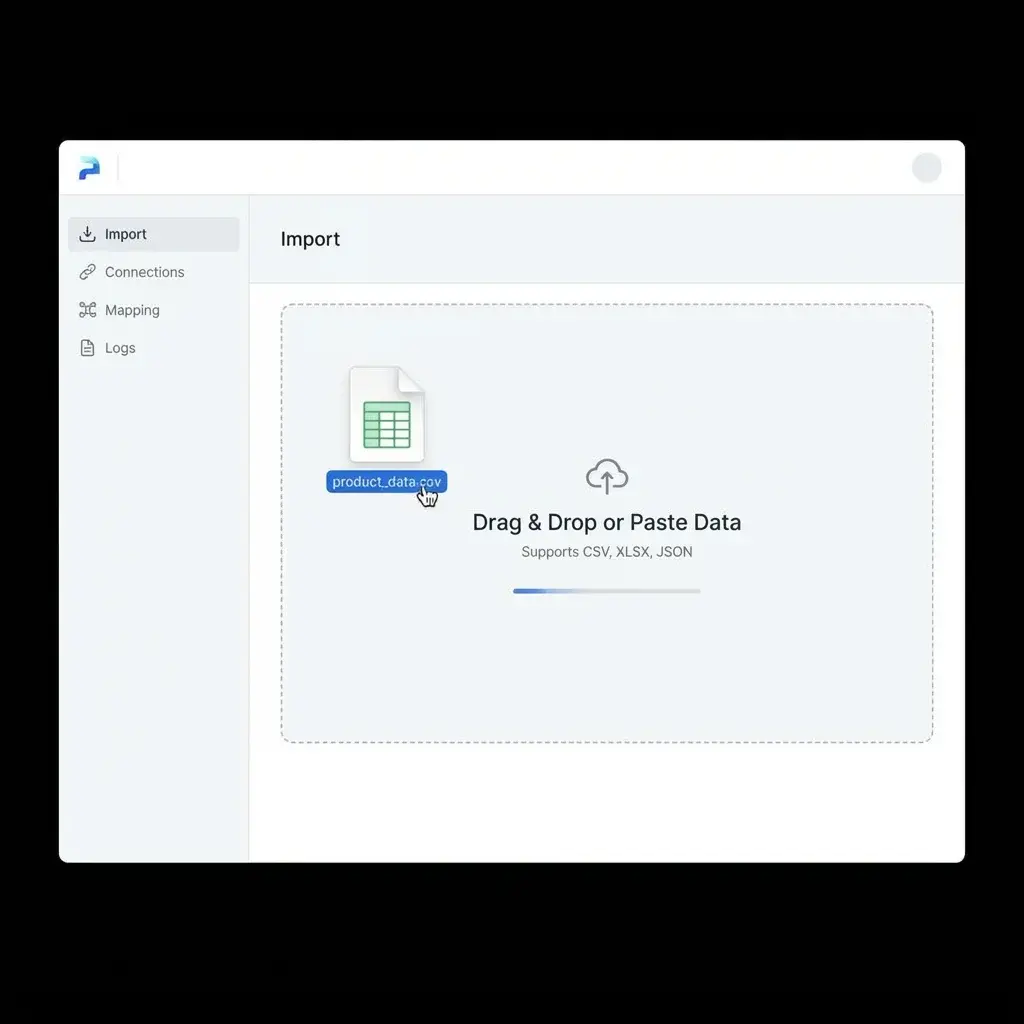
Prepare One Row per Pallet
Use columns such as sscc, pallet_id, po_number, ship_to, ship_from, lot_number, carton_count, quantity, barcode, and qr_url.
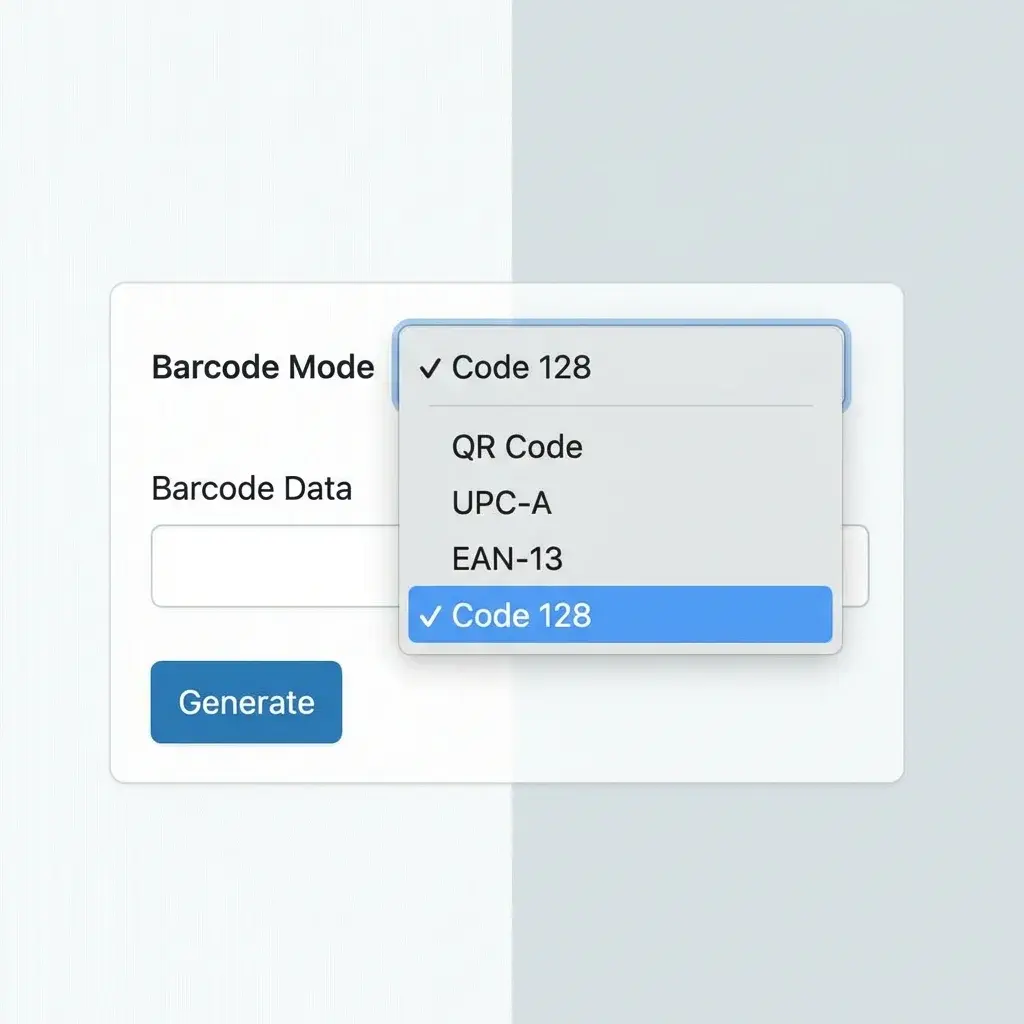
Choose SSCC-18 or GS1-128
Use SSCC-18 for logistics units. Use broader GS1-128 when the label also needs GTIN, lot, expiry, quantity, or carton data.
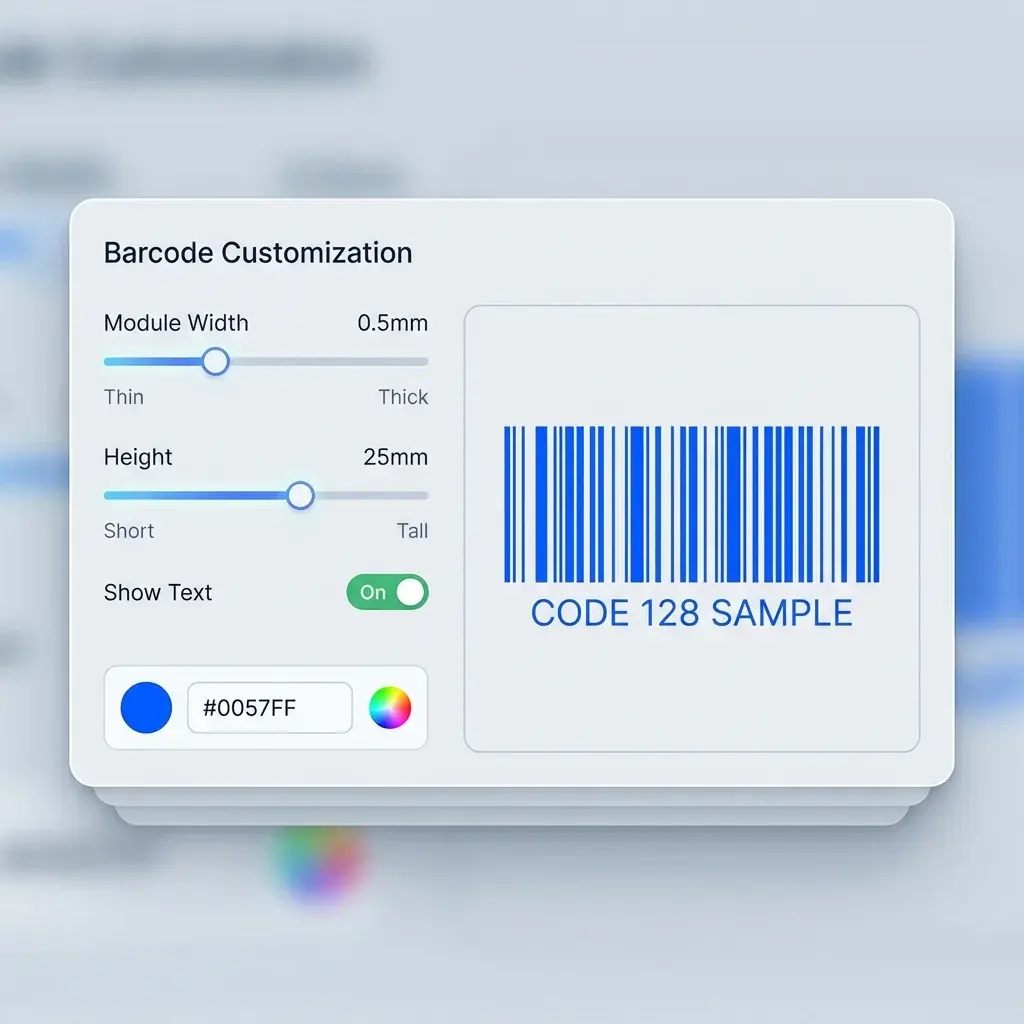
Preview the Full Pallet Label
Place the barcode, pallet ID, PO, ship-to, lot, carton count, and readable text on a 4x6 or sheet label before printing.
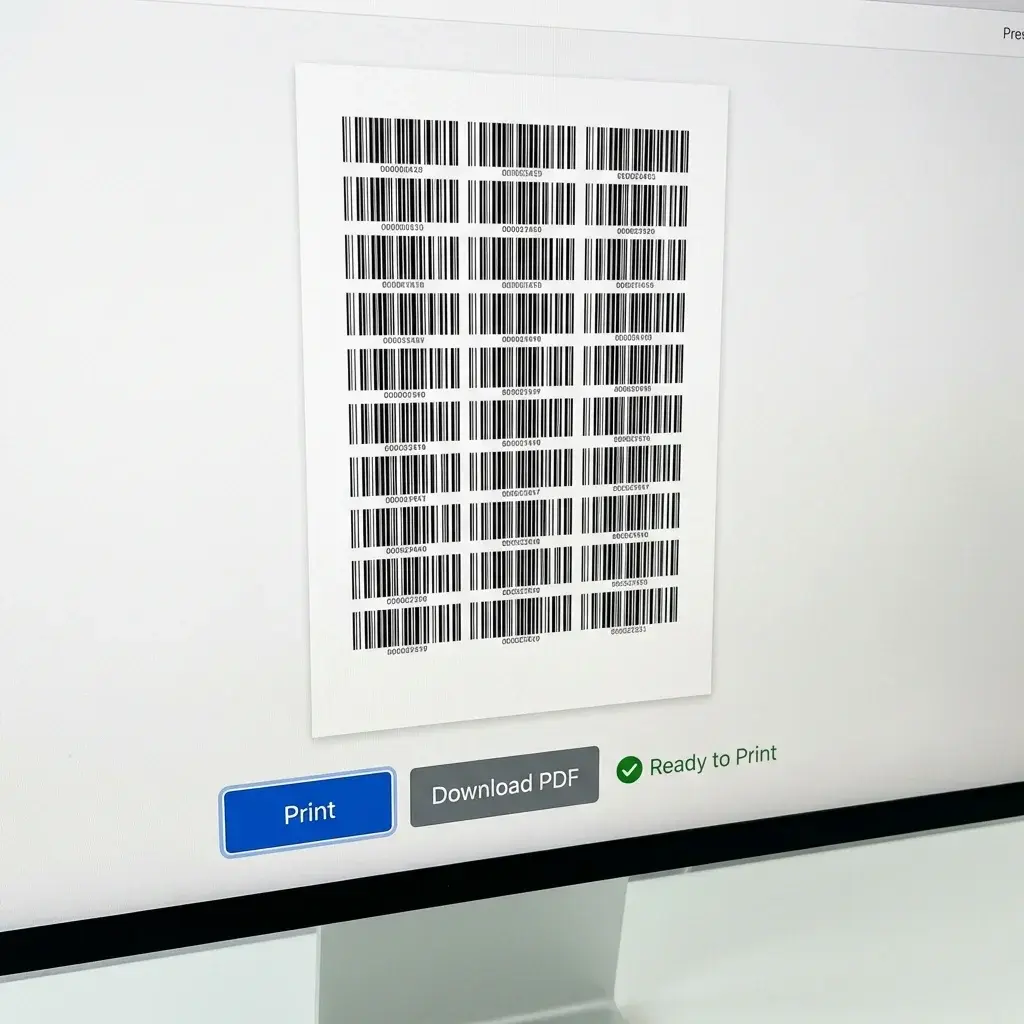
Export and Scan-Test
Export the PDF, print a test label, scan the SSCC, then run the full pallet batch at actual size.
Choose the Pallet Label Format by Workflow
A pallet, carton, and receiving label do different jobs. Pick the stock and layout before printing the full batch.
SSCC Pallet Label Generator FAQ
Common questions about SSCC-18, GS1-128, pallet labels, and spreadsheet imports.
Still have questions?
If you couldn't find the answer you're looking for, please feel free to ask us!
Print SSCC pallet labels from your next shipment file
Import pallet rows, choose a logistics label layout, preview the actual SSCC and shipment fields, then export one PDF for the batch.