
Print Envelopes from Excel in Bulk — A Different Address on Each
Upload Excel, CSV, or Google Sheets and turn each row into a separate addressed envelope. Choose #10, DL, C5, A7, Monarch, or any custom size, then export the full batch as one print-ready PDF. No signup required. Free export includes a watermark; credit export is clean.
No signup required. Export the full batch as PDF—free downloads include a watermark, credit export is clean. Works with inkjet or laser printers that support envelope feeding.


Useful for weddings, business mail, holiday cards, and nonprofit mailings

Import addresses from the tools you already use
Batch Envelope Printer for Excel Address Lists
Import multiple recipients from Excel, CSV, or Google Sheets. Each row becomes a separate #10, DL, C5, A7, Monarch, or custom-size envelope with a different address, all exported in one print-ready PDF.
Common sizes: #10 (241×105 mm), DL (220×110 mm), C5 (229×162 mm), A7 (184×133 mm), Monarch (191×98 mm)
Import recipients
Import from Excel, Google Sheets, or CSV, then click a row to preview that envelope.
No rows yet. Import a file or add rows manually.
| # | Name | Address | Line 2 | City | State | ZIP | Country | Actions |
|---|---|---|---|---|---|---|---|---|
No rows yet. Import a file or add rows manually. | ||||||||
Click an address to select · drag to reposition
Import addresses or load sample rows to preview each envelope.
Design & export
Add recipient rows to export
Size → Return address → Style → Export. Print at Actual Size (100%).
Envelope size
Return address
Layout
Drag on the preview, nudge here, or use arrow keys (Shift = 0.5 mm)
Fine-tune
0 mm, 0 mmStyle
When printing: Actual Size / 100% scale, paper = envelope size.
Free download includes a watermark. Credit export is clean.
How to Print Multiple Envelopes from Excel in 3 Steps
No desktop software required. No Word mail-merge templates to fight with.
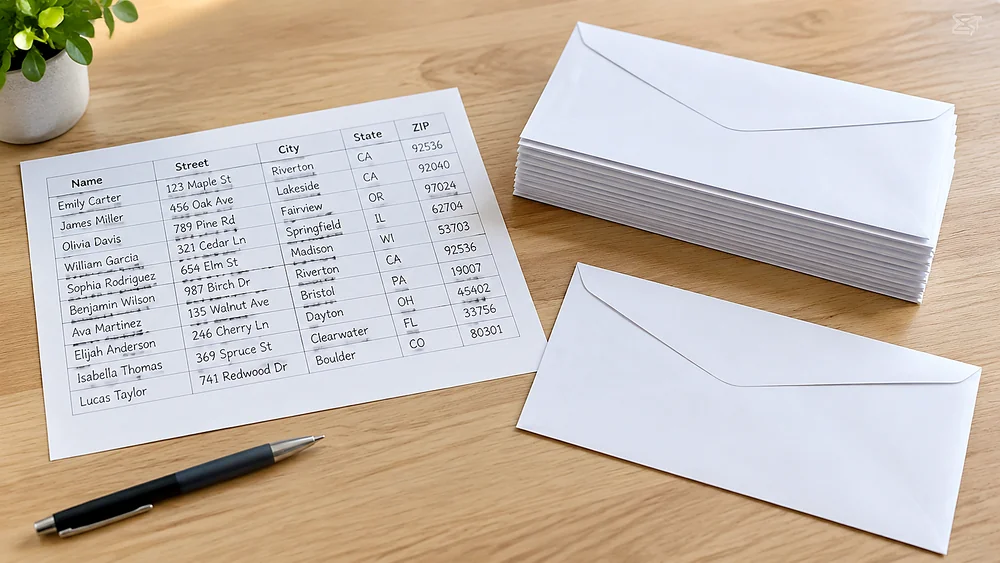
1. Import Your Address Spreadsheet
Upload Excel or CSV, paste rows, connect Google Sheets, or load sample data. The editor maps name, street, city, state, ZIP, and country. Each row becomes one envelope.
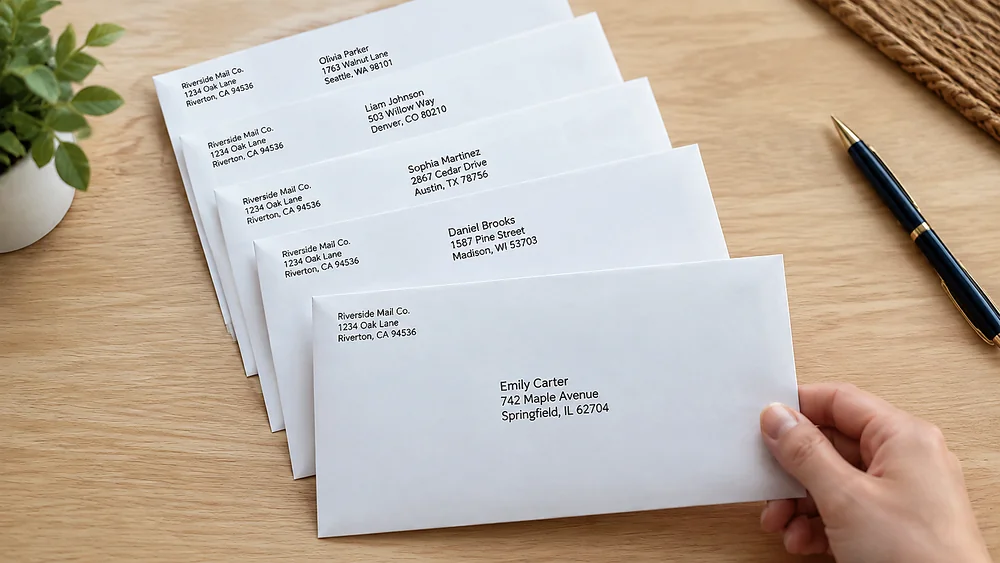
2. Preview Each Envelope
Click any row to see that recipient on a live envelope canvas. Flip through records, add a return address, and pick #10, DL, C5, A7, Monarch, or a custom size.
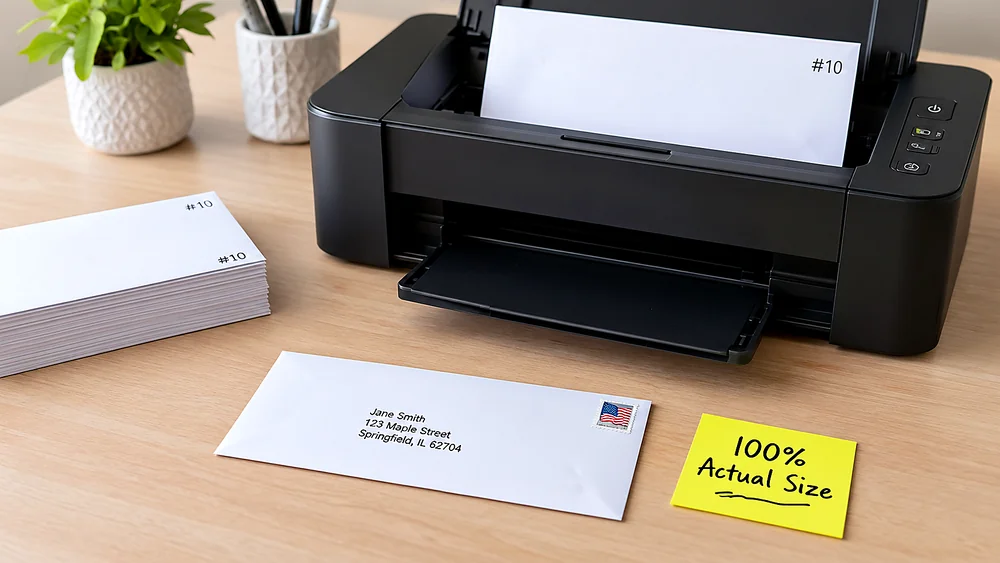
3. Style and Print at 100%
Choose a font, color, and type size, then export a PDF sized exactly to your envelope. In the print dialog, set scale to Actual Size (100%) and paper size to match your envelope.
Envelope Size Chart - Quick Reference
Pick these sizes in the editor, or enter a custom width and height in millimeters. Width is the longer dimension (left-to-right), height is the shorter dimension (top-to-bottom) when the envelope is in landscape orientation for printing.
#10 Envelope (US Business Standard)
241.3 x 104.8 mm (9½ x 4⅛ in). The most common US business envelope. Fits a tri-folded US Letter sheet. Used for invoices, checks, statements, contracts, and general business mail.
DL Envelope (International Standard)
220 x 110 mm (8.66 x 4.33 in). The global standard for A4 paper folded in thirds. Used in Europe, UK, Australia, and most countries outside North America.
C5 Envelope
229 x 162 mm (9.02 x 6.38 in). Fits an unfolded A5 sheet or A4 folded in half. Popular for catalogs, booklets, formal invitations, and thicker enclosures.
A7 Envelope (5x7 Invitation)
184 x 133 mm (7¼ x 5¼ in). The standard for wedding invitations, greeting cards, RSVP cards, and event announcements. Fits 5x7 inch cards without folding.
Monarch Envelope
190.5 x 98.4 mm (7½ x 3⅞ in). Used for personal stationery, executive letterhead, and formal notes. Slightly smaller and more elegant than #10.
6¾ Envelope
165.1 x 92.1 mm (6½ x 3⅝ in). Compact envelope for personal letters, remittance envelopes, reply mail, and utility bills. Also called a "remittance envelope".
C4 Envelope (A4 Flat)
324 x 229 mm (12.76 x 9.02 in). Fits a full A4 sheet without folding. Used for contracts, certificates, photos, and documents that should not be creased.
A2 Envelope (RSVP / Note Card)
146 x 111 mm (5¾ x 4⅜ in). Fits A2-size cards (4¼ x 5½ in). Common for RSVP reply cards, thank-you notes, and small personal correspondence.
How to Feed Envelopes into Your Printer
Envelope feeding is the #1 frustration. These brand-specific instructions cover the most common home and office printers. Always do a test print on plain paper first.
Feed envelopes short-edge first into the priority feed slot (Tray 1). HP Inkjet: print side facing DOWN, flap on left, closed. HP LaserJet: print side facing UP, flap on left, closed. Set paper type to "Envelope" and paper size to your envelope dimensions in Printing Preferences. Disable duplex. For HP Smart Tank and DeskJet models, use the input tray with the width guide snug against the envelope edge.
Why Print Envelopes from a Spreadsheet?
Word's envelope mail-merge is slow, confusing, and breaks between versions. A browser-based workflow is faster and more reliable.
No Word Template Hassles
Skip the 15-step Word mail-merge wizard. Upload your spreadsheet, pick a size, and print. No field codes, no "Next Record" rules, no formatting resets.
Works on Mac, Windows, Chromebook
Runs in any modern browser. No Microsoft Office license required. Chromebook and iPad users can generate the PDF and print from the system dialog.
Exact Envelope Dimensions
The PDF page size matches your envelope exactly — no scaling surprises at the printer. Text lands where you see it on screen.
Privacy: Data Stays Local
Address data is processed in your browser. Nothing is uploaded to a server. Safe for client lists, patient data, legal contacts, and employee addresses.
Popular Envelope Printing Use Cases
From one-time event mailings to recurring business mail, spreadsheet-to-envelope printing saves hours.
Wedding & Event Invitations
Print calligraphy-style addresses on A7 or 5x7 envelopes for wedding invitations, save-the-dates, RSVP reply envelopes, bridal shower mail, and thank-you cards.
Small Business Invoices & Statements
Batch-print #10 envelopes for monthly invoices, contracts, client gifts, marketing mailers, and tax documents without ordering pre-printed stock.
Holiday & Seasonal Cards
Print your contact list onto envelopes for Christmas cards, New Year greetings, Diwali cards, Chinese New Year red envelopes (address portion), and seasonal newsletters.
Real Estate, Legal & Medical Offices
Print professional envelopes for property listings, appointment reminders, legal notices, explanation of benefits, and patient correspondence from your CRM export.
Schools, Churches & Nonprofits
Mail merge envelopes for fundraising campaigns, donation receipts, event invites, parent newsletters, and alumni outreach — all from a shared Google Sheet.
Envelope Printing vs Address Labels
Both work. Here is when to choose each approach.
Choose Envelope Printing When...
You want a premium, label-free look. Best for weddings, executive mail, formal invitations, and branded business envelopes where appearance matters.
Choose Address Labels When...
You need high volume, use padded mailers or boxes, or want reusable sheets. Labels are faster for bulk shipping and work on any surface.
Cleaner Than Hand-Applied Labels
No label edges, no peeling corners, no misalignment. Text printed directly on the envelope looks intentional and professional.
No Extra Supplies Needed
Print on envelopes you already have — white, kraft, cream, colored, or linen-textured. No label sheets to buy or waste.
Faster Than Handwriting
Batch-print 50 or 500 envelopes in the time it takes to hand-address five. Consistent, legible, and typo-free every time.
Works With Any Envelope Printer
HP, Brother, Canon, Epson, Lexmark — any printer with a manual feed slot. Inkjet or laser, home or office, Mac or PC.
This Tool vs Word Mail-Merge Envelopes
Microsoft Word's envelope merge is the traditional approach, but it is slow and error-prone for most users.
Faster Setup (Minutes vs Hours)
Word requires configuring data sources, inserting merge fields, setting up envelope sizes in Page Layout, running the merge wizard, and troubleshooting field formatting. Our tool: upload → pick size → export. Done.
No Field Code Errors
Word mail-merge fields break when columns are renamed, Excel files are moved, or the data source connection resets. Browser-based import maps columns once with no persistent connections to break.
Visual Preview Before Printing
See every envelope rendered at actual size before exporting. Word only shows merge fields until you run "Preview Results" one record at a time.
Envelope Printing FAQ
Answers to the most common envelope printing questions.
Start here: Print Envelopes from Excel Without Word. Need sizes? See Envelope Size Chart or the size table on this page. Printing wedding A7 envelopes? Read How to Print Wedding Envelopes. Prefer labels instead? Use Address Label Maker.
Still have questions?
If you couldn't find the answer you're looking for, please feel free to ask us!
Ready to Batch Print Envelopes from Excel?
Import your address list, preview every recipient, and export one print-ready PDF. No signup required—free export includes a watermark, credit export is clean.