
Free Printable File Folder Label Maker from Excel
Turn Excel files, CSV rows, pasted lists, or Google Sheets into printable file folder labels. Make client folders, patient charts, case files, student records, archive folders, filing labels, hanging folder tabs, and Avery 5366-compatible folder tab labels without setting up Word mail merge.
Use one row per folder. Add file numbers, dates, departments, color codes, drawers, or locations, then check the full sheet before printing on label stock.


For law firms, clinics, schools, accounting offices, libraries, and records teams


Bulk generate printable folder labels
Import folder names, client IDs, case numbers, patient IDs, departments, dates, locations, and quantities. The default layout is Avery 5366-compatible: 30 file folder labels per US Letter sheet, exported as a printable PDF.
Import and edit data
4 folder rows ready. Quantity expands into 5 printable folder labels.
| Actions | Folder title | File number | Record ID | Date / year | Drawer / location | Copies | Color / code |
|---|---|---|---|---|---|---|---|
1. Johnson Family Trust
Johnson Family Trust · Drawer A
2. Northside Clinic Intake
Northside Clinic Intake · Active charts
3. Q2 Vendor Receipts
Q2 Vendor Receipts · Cabinet 3
4. Grade 8 Permission Slips
Grade 8 Permission Slips · Room 102
Preview and export folder labels
Add data fields
8Click an imported column, add fixed text, upload an image, or paste text/image from the clipboard.
Label sheet
Barcode label workflow
4 folder rows ready. Quantity expands into 5 printable folder labels.
Label sheet
How to print file folder labels from Excel
Start with the folder list you already maintain. The PDF should match the physical label sheet and the way your team files records.
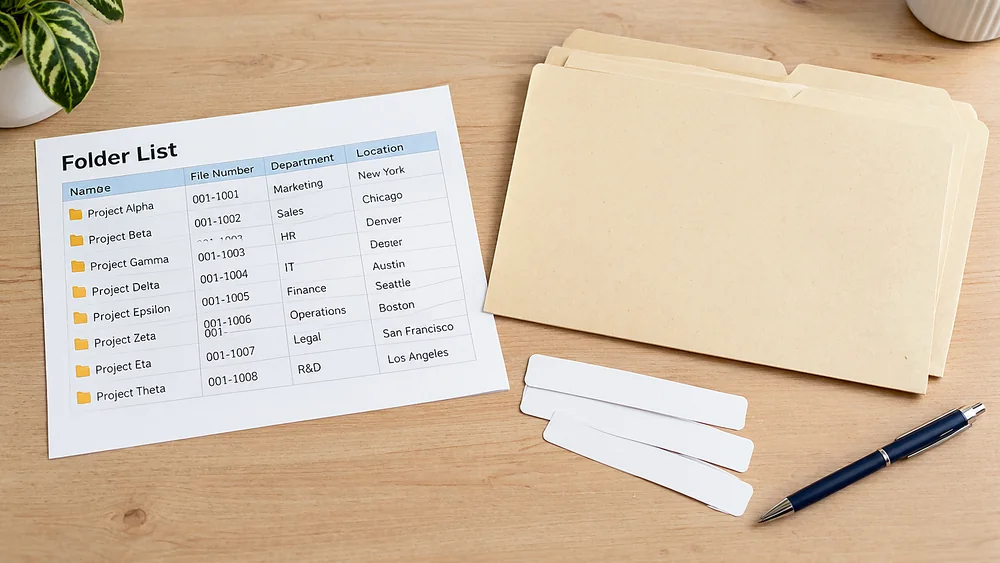
Prepare one row per folder
Use columns such as name, description, file_number, department, location, year, color, and quantity.
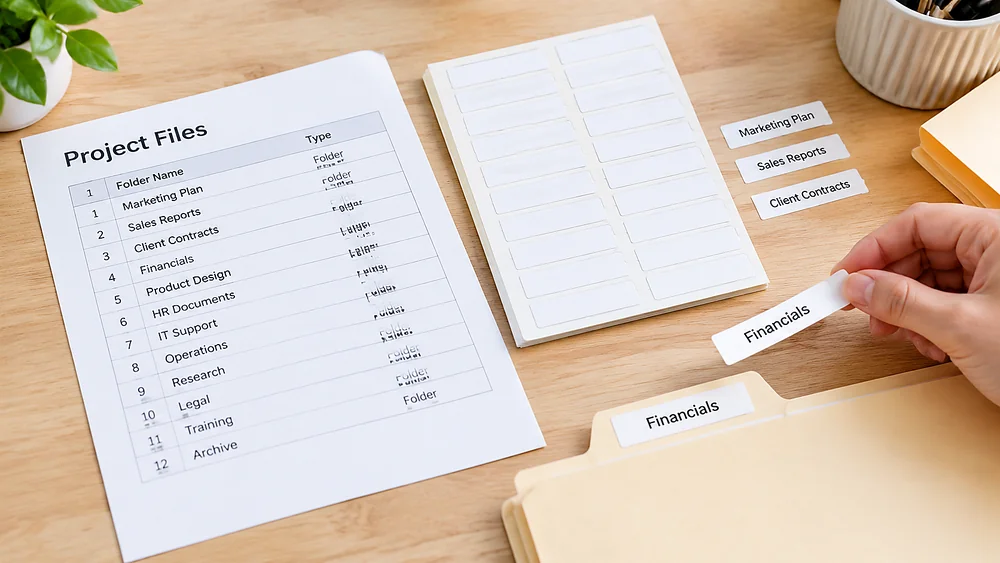
Import Excel, CSV, pasted rows, or Sheets
Upload a workbook, paste CSV rows, or connect a shared Google Sheet. Your headers become fields you can place on the label.
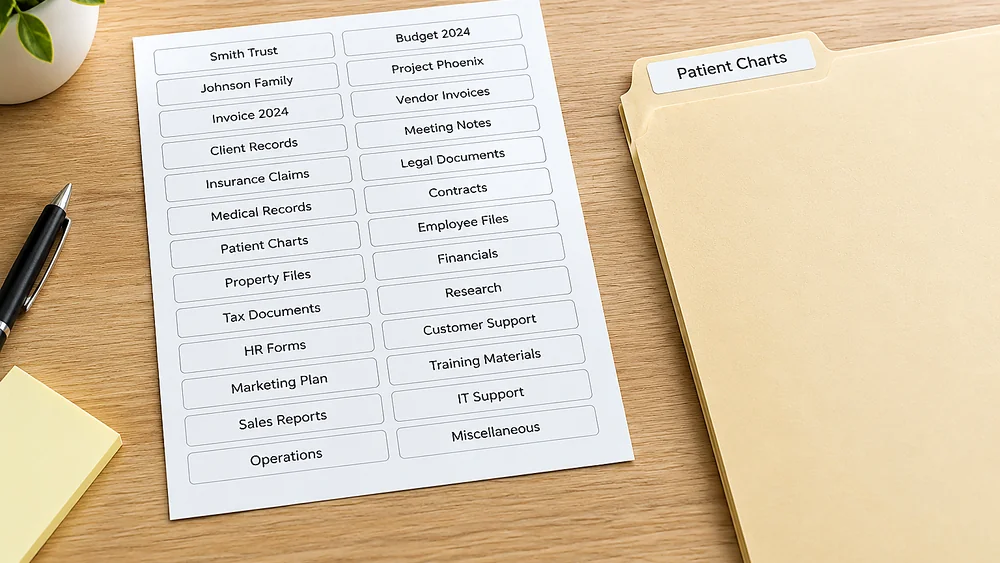
Use the Avery 5366-compatible layout
The default sheet is built for 30 printable file folder labels on US Letter. Check your package before the final batch.
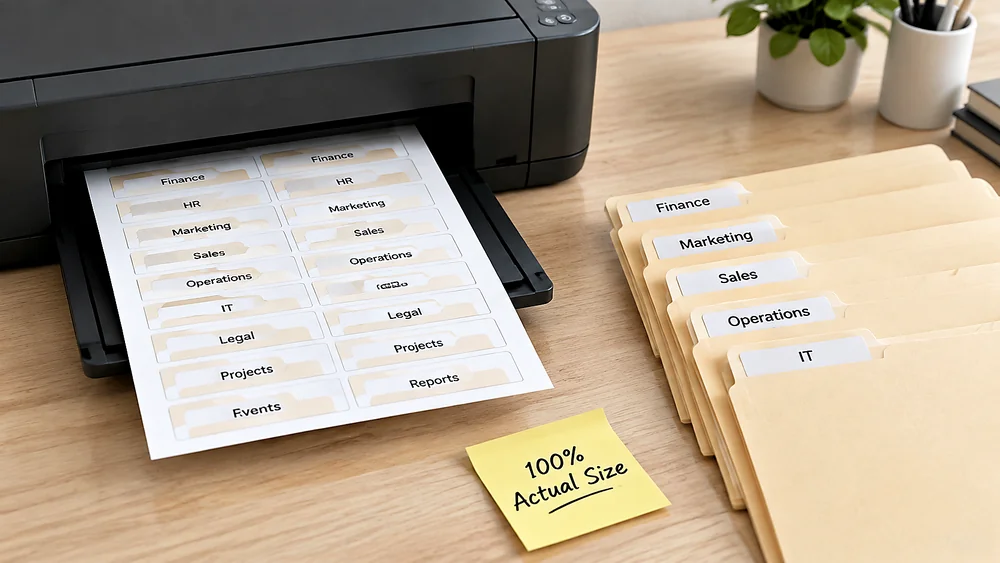
Export a printable PDF
Preview the longest folder names, export the PDF, and print at 100% / Actual Size so the text lands inside each tab.
Choose the right folder label layout
A file-folder tab is shorter than a mailing label. Pick a layout that matches the stock instead of scaling a generic template.
Before printing the final sheet
Folder labels are narrow, so alignment and text length matter more than decoration.
Use actual size printing
Do not use Fit to Page. Scaling can push narrow tab text outside the label boundary.
Preview long folder names
Matter names, patient names, and archive titles can run long. Check the longest rows before exporting.
Keep the sheet orientation fixed
Use the paper size and orientation that matches the label package. Do not rotate or scale the PDF in the print dialog.
Print a plain-paper proof
Hold the proof behind a real label sheet under light to confirm the first, middle, and last rows line up.
File folder label maker FAQ
Common questions before printing folder tabs from Excel, CSV, or Google Sheets.
Still have questions?
If you couldn't find the answer you're looking for, please feel free to ask us!
Create printable file folder labels from your spreadsheet
Import folder rows, preview the Avery 5366-compatible sheet, and export a print-ready PDF for the next filing batch.
For best alignment, print the PDF at 100% / Actual Size and run a plain-paper proof first.