
Business mailing lists
Prepare recipient labels for invoices, newsletters, client mail, membership lists, fundraising letters, and office mailings without rebuilding a Word mail merge.
Turn Excel or CSV address lists into mailing labels, return address labels, and Avery-compatible sheets. Save the design and field mapping, preview every row, and export print-ready PDFs from one local Mac workflow.
Current download supports Apple Silicon Macs (M1/M2/M3/M4) on macOS 12 or later. Trial exports include a watermark until you activate a license.

Built for repeat mailings
Keep the address list in Excel or CSV, keep the layout on your Mac, and generate a fresh print-ready sheet whenever the recipients change.
Prepare recipient labels for invoices, newsletters, client mail, membership lists, fundraising letters, and office mailings without rebuilding a Word mail merge.
Fill an entire sheet with one sender address, add a logo or small graphic, and save the design for the next mailing.
Import guest, customer, or family lists and reuse the same layout for invitations, announcements, thank-you cards, and seasonal mail.
Turn exported customer rows into recipient labels for small parcels, product samples, catalogs, and other routine business mail.
Set up the job once, inspect the real rows, and keep the workflow ready for the next batch.
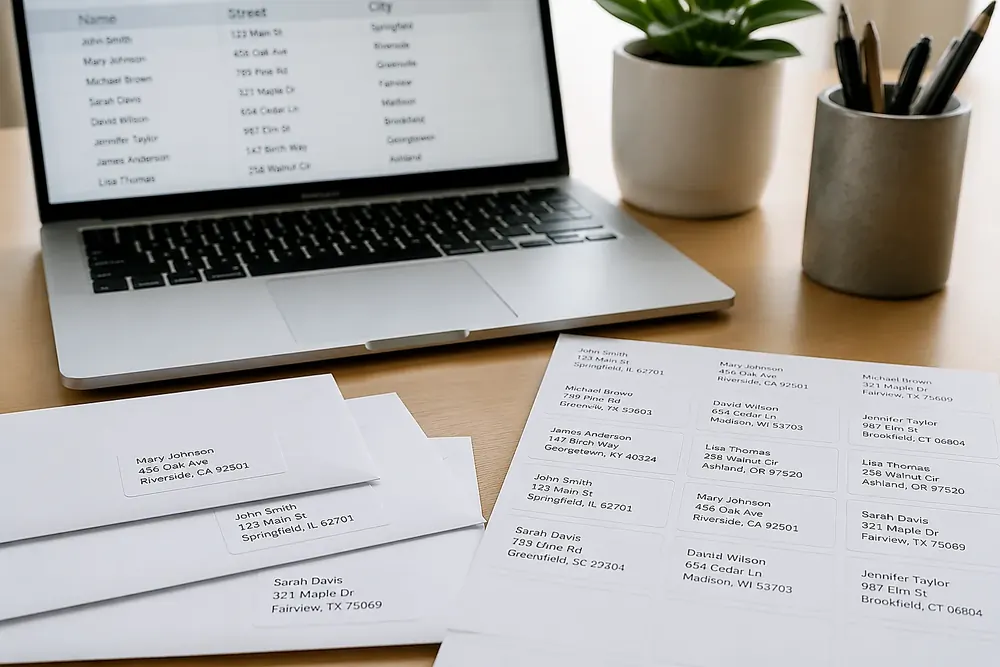
Open the mailing list from your Mac and keep columns such as name, company, street, apartment, city, state, ZIP, postal code, and country available for mapping.
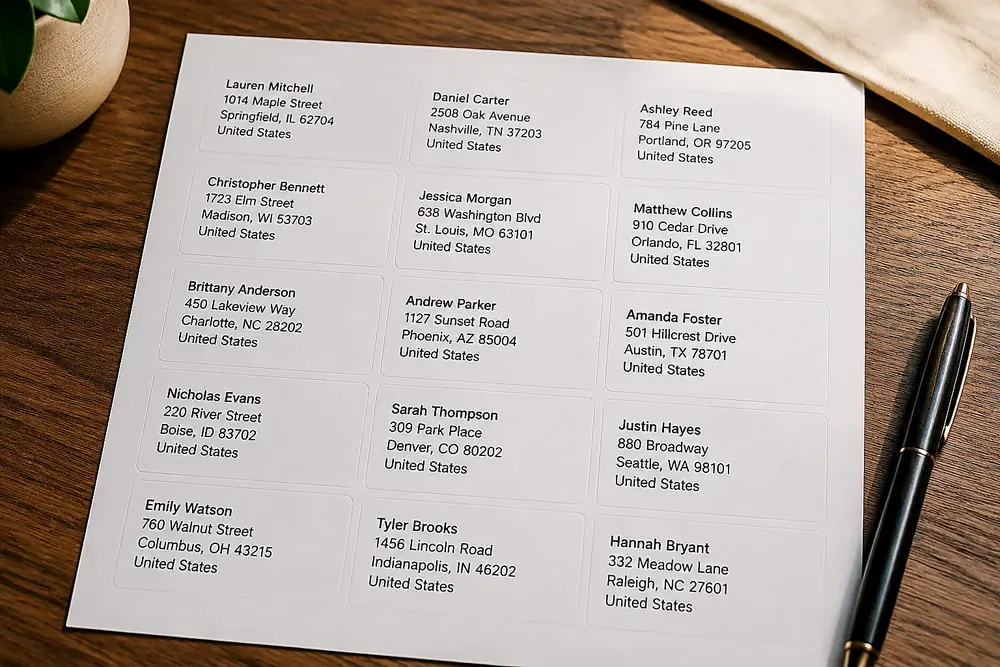
Place text, logos, shapes, and fixed return details exactly where they belong. Combine spreadsheet fields into a clean multi-line address block.
Use US Letter, A4, Avery-style sheets, return-label stock, thermal rolls, or custom paper dimensions. Set margins and gaps to match the stock you already own.
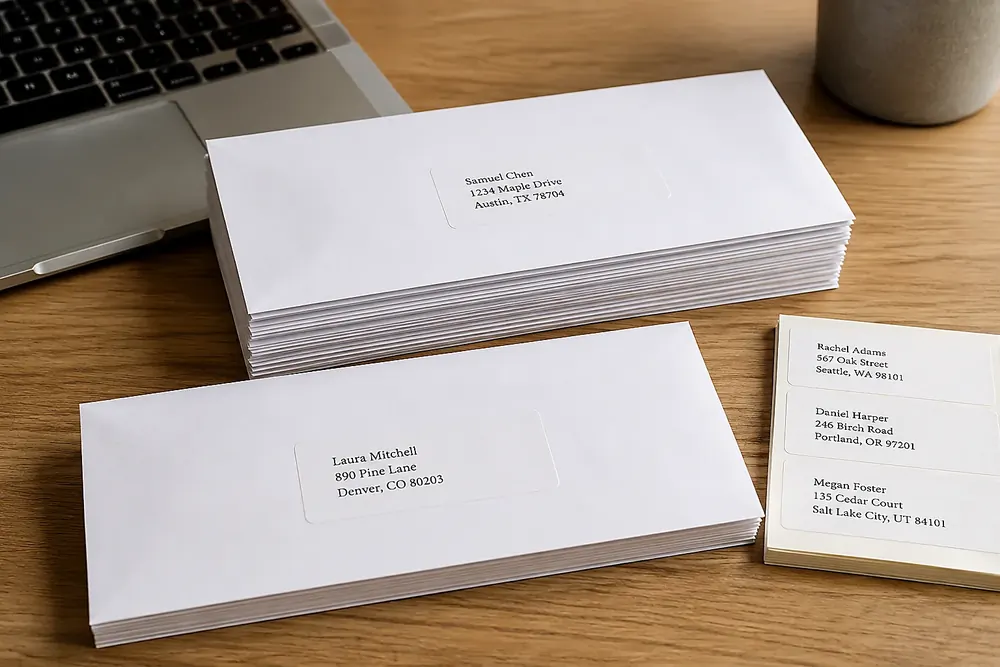
Check long names, apartment lines, missing fields, and page alignment before exporting a PDF for 100% or Actual Size printing through macOS.
Use a dedicated desktop workflow when address lists, layouts, and printer settings need to stay ready between mailings.
Map the address columns once, then load the next Excel or CSV export without copying every recipient into a document.
Keep layouts for customers, members, donors, holiday cards, return addresses, and other repeat mailing jobs.
Move and resize address text, sender details, logos, graphics, borders, and other fixed elements without being locked to a Word template.
Inspect real rows before printing so long company names, apartment lines, and missing postal codes do not waste label sheets.
Work with address lists and saved designs on your Mac instead of depending on a browser tab for every repeat batch.
After activation, export watermark-free PDFs locally without a monthly plan or per-page export charge.
Match the page setup to the physical label stock, verify the preview, and print through the normal macOS PDF workflow.
Prepare common 30-per-sheet mailing layouts on US Letter paper for customer, membership, office, and household address lists.
Use the online tool for a quick one-off sheet. Choose the Mac app when the design, mapping, and paper setup need to be ready for the next mailing.
Download the Mac app first and test it with a real address list. Trial exports include a watermark until the license is activated.
Try the app with your own Excel or CSV file first. Buy when saved designs, repeat mapping, and unlimited clean PDF exports are worth keeping.
Includes
Details about the download, one-time license, address data, label stock, and printing workflow.
If you couldn't find the answer you're looking for, please feel free to ask us!
Open a real Excel or CSV address list, build the label sheet, and verify the print workflow before purchasing the $99 one-time license.