
APLI / AGIPA Labels from Excel and Google Sheets
Create APLI and AGIPA-compatible address labels, shipping labels, barcode labels, and custom sheets from Excel, CSV, or Google Sheets. Pick the layout, preview the sheet, and export a PDF that is ready to print at 100% scale.
This is an independent SheetsToLabels compatibility page. APLI and AGIPA are third-party label brands and this page is not an official APLI product.


Built for APLI / AGIPA blank sheets and spreadsheet data


Generate APLI / AGIPA-compatible labels from spreadsheet rows
Start with common APLI / AGIPA A4 label codes, import Excel or CSV data, add text, barcodes, QR codes, prices, SKUs, return addresses, or product names, then export a print-ready PDF.
Import and edit data
3 rows ready. Quantity expands into 3 printable labels.
| Actions | Name | Barcode | Asset ID | Serial | Location | Qty | Price |
|---|---|---|---|---|---|---|---|
1. Coffee Beans 250g
COF250
2. Return Address
RET001
3. Warehouse Bin A12
BINA12
Preview and export
Add data fields
9Click an imported column, add fixed text, upload an image, or paste text/image from the clipboard.
Label sheet
Barcode label workflow
3 rows ready. Quantity expands into 3 printable labels.
Label sheet
Common APLI / AGIPA Template Codes
Use these presets as a practical starting point for common APLI or AGIPA blank label sheets. Always compare the dimensions against your label pack before printing a full run.
Use this workflow when your APLI / AGIPA compatible label content comes from a spreadsheet and every row should become a printed label.
A Spreadsheet-Friendly Companion to APLI / AGIPA Templates
APLI / AGIPA sells blank label sheets and provides downloadable templates. SheetsToLabels adds the data layer: import rows from a spreadsheet, map columns visually, and export a finished PDF without setting up a Word template or moving row data through a separate design app.
Import Excel, CSV, or Google Sheets
Bring in product names, SKUs, prices, addresses, barcode values, serial numbers, QR links, or inventory locations.
Choose an APLI / AGIPA Code
Start from common layouts such as 01211 (118984), 01279 (118927), 01212, 01275, 01274, and more.
Add Text, Barcodes, and QR Codes
Map spreadsheet columns to text fields, Code 128 barcodes, QR codes, price labels, asset IDs, return addresses, or product names.
Export a Print-Ready PDF
Download a PDF label sheet designed for A4 100% scale printing with a full-sheet preview before you print on APLI / AGIPA stock.
Best Fits for APLI / AGIPA-Compatible PDFs
Use this tool when your blank label stock is already chosen and the remaining job is data mapping, layout, preview, and PDF export.
Address and Return Labels
Turn mailing lists into 01211 address labels, return labels, envelope stickers, and customer dispatch sheets.
Product Labels
Create product stickers from SKU sheets, Shopify exports, Etsy listings, stock lists, or small-batch catalog data.
Barcode Labels
Generate Code 128, UPC, EAN, QR, and inventory barcode labels from spreadsheet values.
Multi-Purpose Stickers
Prepare variable content for 01212 24-up A4 labels or other custom multi-purpose sheets.
Warehouse and Asset Tags
Print bin locations, asset IDs, serial numbers, QR links, and internal tracking labels.
Supplier Handoff PDFs
Create a clean proof PDF before sending artwork or variable data to a label printer or fulfilment partner.
How to Print APLI / AGIPA Labels from Excel
Use a short, repeatable workflow: prepare rows, choose the matching APLI or AGIPA layout, preview alignment, then export a PDF.
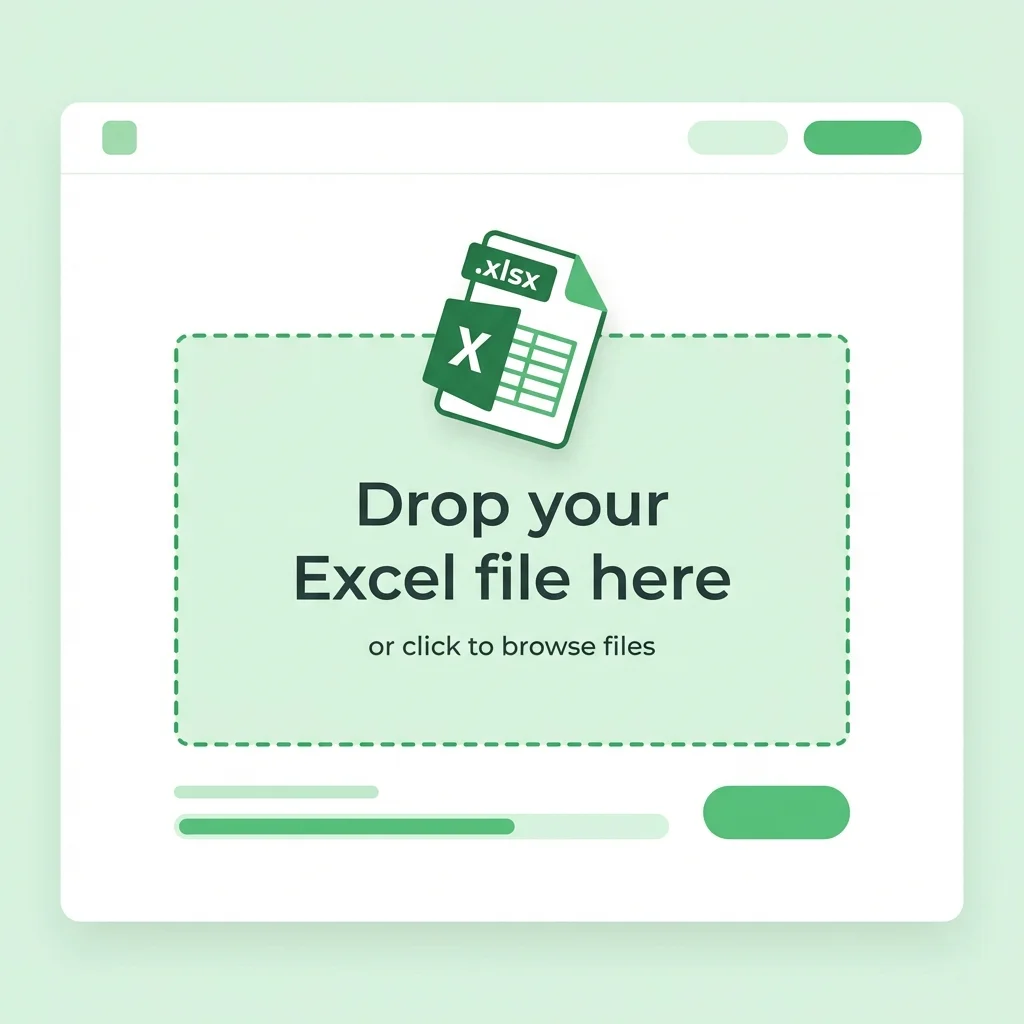
Prepare Your Spreadsheet
Keep one label record per row. Use clear headers such as product_name, sku, barcode, price, address, return_address, quantity, or qr_url.
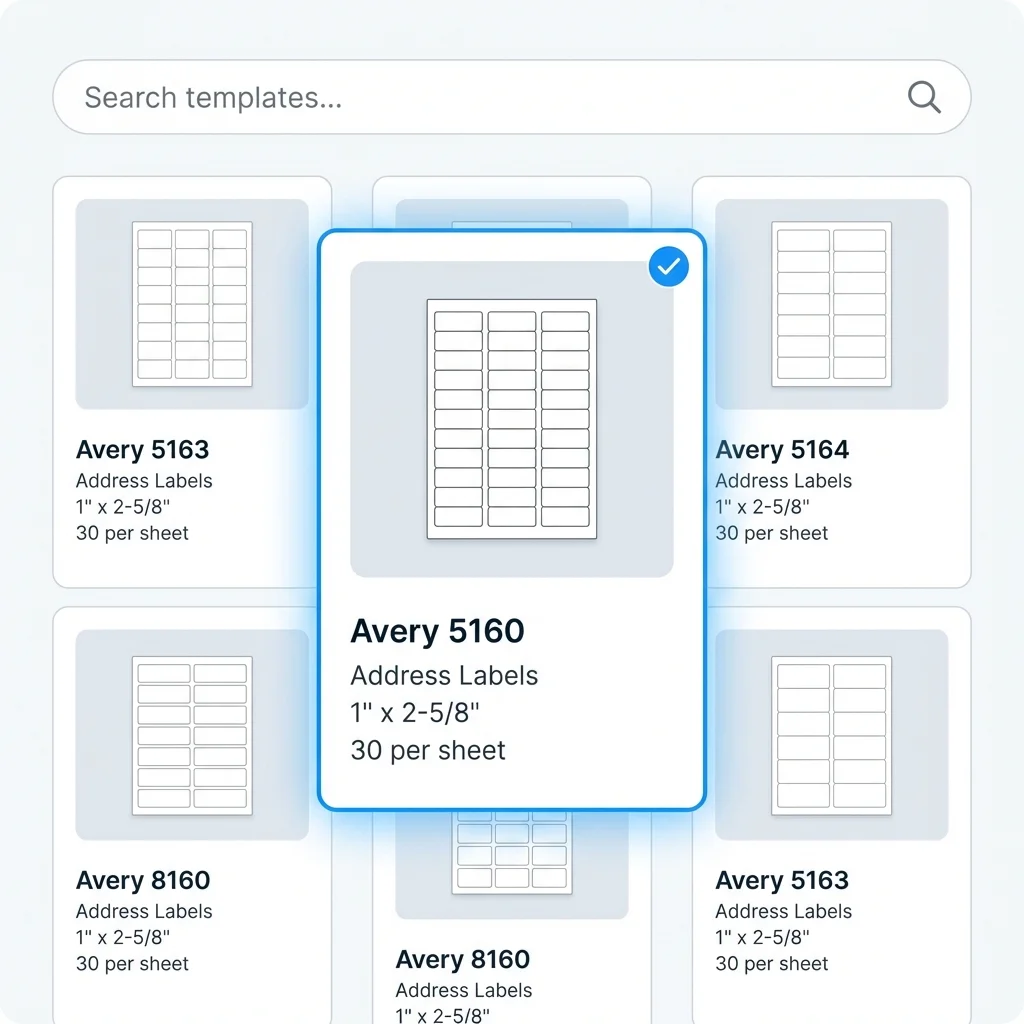
Pick the Matching APLI / AGIPA Code
Select the preset that matches your APLI/AGIPA template code, label dimensions, and labels-per-sheet count, then run a plain-paper alignment test.
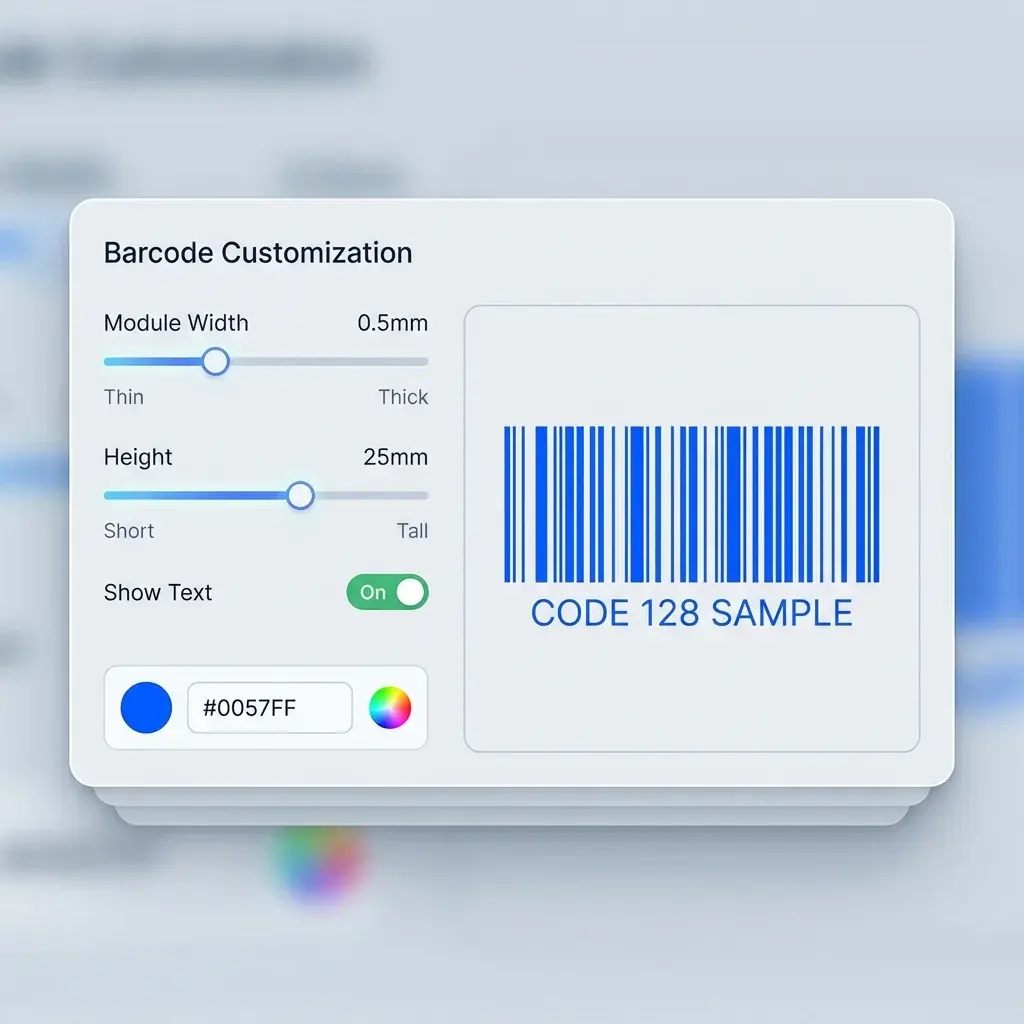
Map Columns to the Design
Drag spreadsheet fields onto the label, choose fonts and sizes, add barcodes or QR codes, and preview real rows.
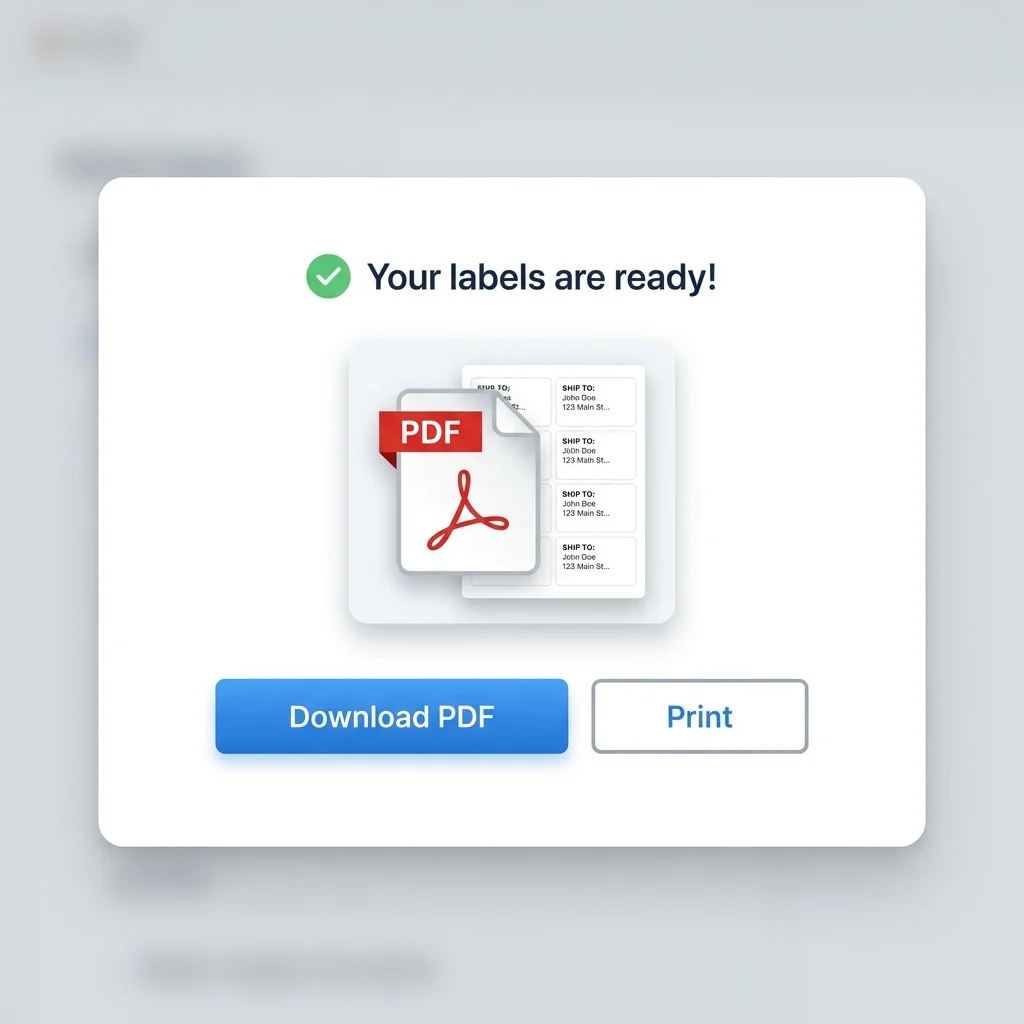
Export and Print at 100% on A4
Download the PDF and print with scaling disabled. If the test print drifts, adjust margins before using label stock.
Print Alignment Checklist
Blank A4 label sheets are sensitive to printer scaling and small margin differences. Run this quick check before printing a full batch.
APLI / AGIPA Template Maker FAQ
Common questions about using SheetsToLabels with APLI or AGIPA-compatible blank label sheets.
Still have questions?
If you couldn't find the answer you're looking for, please feel free to ask us!
Create an APLI / AGIPA-Compatible PDF
Import spreadsheet rows, choose an APLI/AGIPA code layout, preview the full sheet, and export a PDF ready for a plain-paper alignment test.