
Printable Price Tag Generator & Maker for Retail Labels
Turn an Excel file, CSV, pasted rows, or Google Sheet into printable price tags for products, shelves, bins, pop-up shops, boutiques, and small retail teams. Bring product names, SKUs, prices, sale prices, quantities, and barcodes; export a thermal-label or sheet-label PDF.
Use this for printable labels and in-store price communication. If you need photo price stickers for social images, a design tool is a better fit; this page is built for labels you can scan, cut, and put on products.


For retailers, makers, boutiques, pop-up shops, stock rooms, and market sellers

Generate price tags from product rows
Pick a ready-made retail template, import product names, SKUs, prices, sale prices, units, and barcodes, then export a print-ready PDF for thermal labels, Avery sheets, or hang tags.
Ready-to-use price tag templates
Pick a retail layout first. Import your product rows next — fields map automatically when headers are close enough.
Import and edit data
4 product rows ready. Quantity expands into 15 printable tags.
| Actions | Product | Barcode | SKU | Price | Old price | Unit | Copies |
|---|---|---|---|---|---|---|---|
1. Olive Ceramic Mug
SKU-1001 · Home
2. Linen Market Tote
SKU-1002 · Accessories
3. Handmade Soap Trio
SKU-1003 · Bath
4. Walnut Desk Tray
SKU-1004 · Office
Preview and export price tags
Add data fields
13Click an imported column, add fixed text, upload an image, or paste text/image from the clipboard.
Label sheet
Barcode label workflow
4 product rows ready. Quantity expands into 15 printable tags.
Label sheet
How to Print Price Tags from Excel or Google Sheets
Start with the product list you already trust. The label should help staff scan, price, restock, and sell the item without extra layout work.
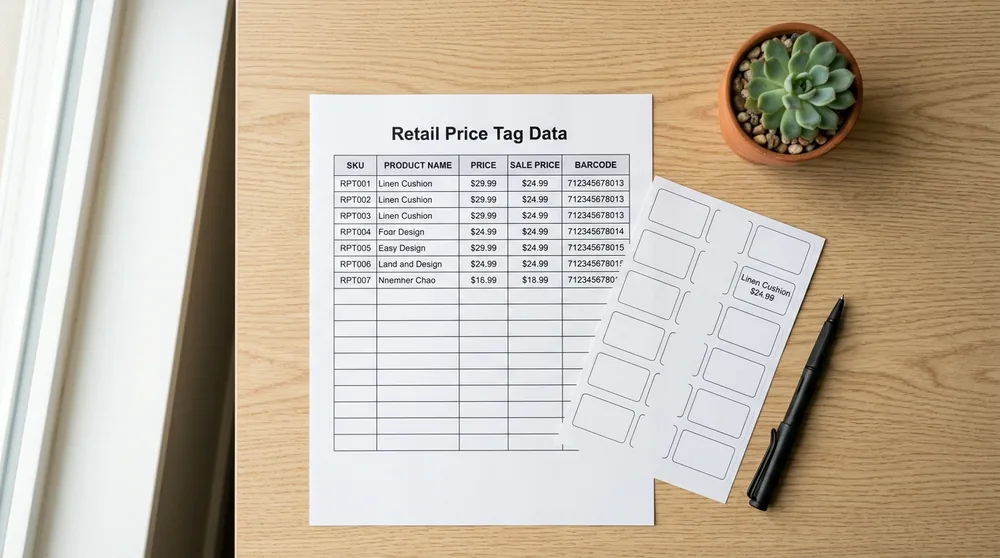
Prepare Product Rows
Use columns such as sku, name, price, sale_price, category, quantity, barcode, and qr_url.
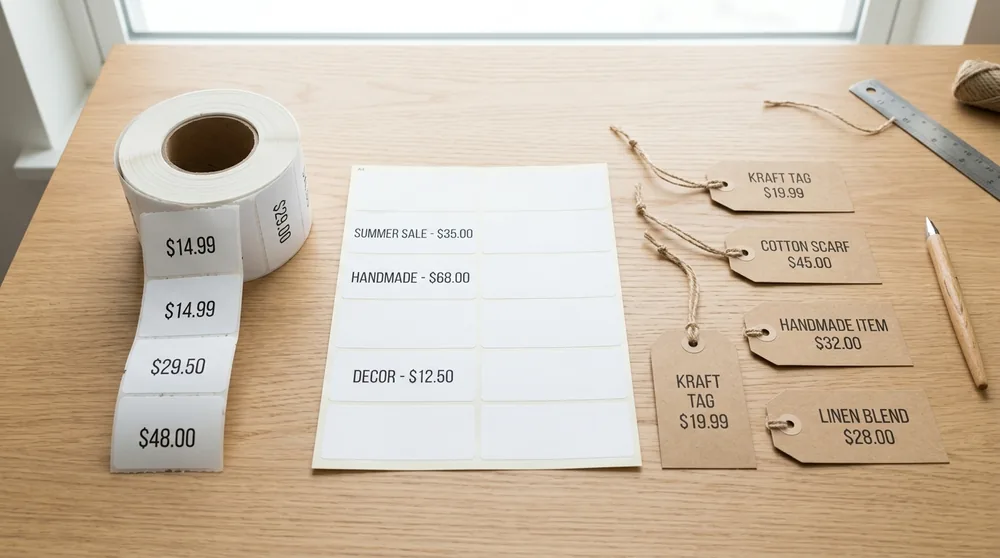
Pick the Label Size
Use thermal labels for one-at-a-time printing, Avery-style sheets for batches, or hang tags when the product needs more room.
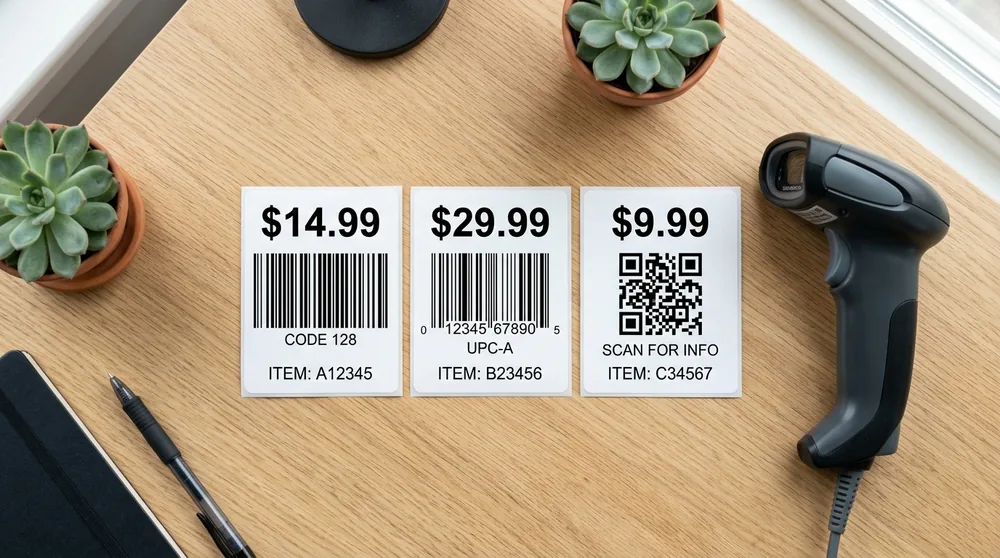
Choose the Barcode Type
Use Code 128 for internal SKUs. Use UPC-A or EAN-13 only when your product data already has valid retail barcode numbers.
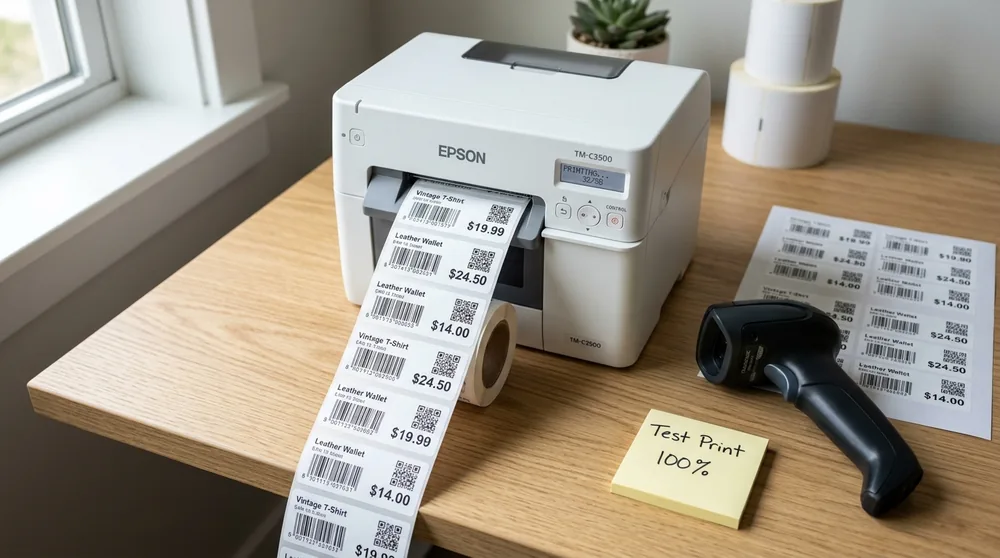
Export and Test the PDF
Preview a few long product names, print a test page or spare label, scan a sample barcode, then run the full batch.
Choose the Price Tag Format by Where It Will Be Used
A shelf edge label, a product sticker, and a hang tag do different jobs. Choose the stock before printing the full batch.
Price Tag Generator FAQ
Common questions about printable price tags, barcode formats, and spreadsheet imports.
Still have questions?
If you couldn't find the answer you're looking for, please feel free to ask us!
Print price tags from your next product list
Import rows, choose a retail label layout, preview the actual product names and prices, then export one PDF for the batch.