
Uline Label Template Maker
Create print-ready PDFs for Uline-compatible laser label sheets from Excel, CSV, pasted rows, or Google Sheets. Choose a common Uline size, map your data, preview the full sheet, and print at 100% scale.
This is an independent SheetsToLabels compatibility page. Uline is a third-party label supplier and this page is not an official Uline product.


Built for warehouse, shipping, inventory, and spreadsheet-driven label printing


Generate Uline-compatible labels from spreadsheet rows
Start with common Uline laser label sizes, import Excel or CSV data, add text, barcodes, QR codes, SKUs, return addresses, bin locations, product names, or serial numbers, then export a print-ready PDF.
Import and edit data
4 rows ready. Quantity expands into 4 printable labels.
| Actions | Name | Barcode | Asset ID | Serial | Location | Qty | Price |
|---|---|---|---|---|---|---|---|
1. Corrugated Mailer 9x6x2
BOX0962
2. Bin A-12 Fasteners
BINA12
3. Return Address
RET001
4. Weather-Resistant Asset Tag
AST4472
Preview and export
Add data fields
9Click an imported column, add fixed text, upload an image, or paste text/image from the clipboard.
Label sheet
Barcode label workflow
4 rows ready. Quantity expands into 4 printable labels.
Label sheet
Common Uline Label Layouts and Use Cases
Uline's label template chart lists many laser label products with Word and PDF downloads plus Avery cross-reference numbers for software layout selection. These presets focus on the most useful warehouse, shipping, inventory, and round-label sizes.
Always confirm the exact Uline item number, labels-per-sheet count, and printed template guide before a production run. Similar Uline products can share a size but differ by material, color, adhesive, or Avery cross-reference.
Why Use This Instead of Only a Word or PDF Template?
Common label-template problems usually come from the same places: Word gridlines disappear, mail merge shows the wrong records, print scaling shifts the sheet, and barcode batches are awkward to build by hand.
From Uline Label Stock to Printable PDF Sheets
This page is built for the common small-business and operations workflow: the label stock is already on hand, the product or address data lives in a spreadsheet, and the remaining job is getting every row onto the right physical label.
Import Excel, CSV, or Google Sheets
Bring in SKUs, carton IDs, product names, prices, return addresses, bin locations, serial numbers, or QR links without rebuilding a Word mail merge template.
Choose a Uline-Style Sheet Layout
Start from common Uline-compatible US Letter presets such as 30-up address labels, 10-up shipping labels, 80-up return labels, round labels, half sheets, and full sheets.
Add Text, Barcodes, and QR Codes
Map spreadsheet columns to product labels, Code 128 barcodes, QR codes, price stickers, asset IDs, warehouse locations, or return address blocks.
Export a Print-Ready PDF
Download a PDF label sheet designed for 100% scale printing on US Letter stock, with a full-sheet preview before you print.
Best Fits for Uline-Compatible PDFs
Use this tool when your Uline label stock is already chosen and the remaining job is data mapping, layout, preview, and PDF export.
Warehouse and Bin Labels
Print bin locations, item IDs, pick faces, shelf labels, carton contents, and internal tracking labels from operations spreadsheets.
Barcode and QR Labels
Generate Code 128, UPC, EAN, QR, serial number, lot number, and inventory labels from spreadsheet values.
Shipping and Blockout Labels
Use 4 x 2 inch, 4 x 3 1/3 inch, half-sheet, or full-sheet layouts for shipping, carton relabeling, and covering old markings.
Address and Return Labels
Turn mailing lists, customer exports, and sender information into 30-up or 80-up address label sheets.
Color-Coding and Round Labels
Prepare inspection dots, status stickers, price circles, product seals, and quick visual labels on round Uline-style stock.
Small-Batch Relabeling
Create temporary compliance labels, price updates, storage labels, sale stickers, or one-off replacement sheets without desktop publishing software.
How to Print Uline-Compatible Labels from Excel
Use a short, repeatable workflow: prepare rows, choose the matching Uline-style layout, preview alignment, then export a PDF.
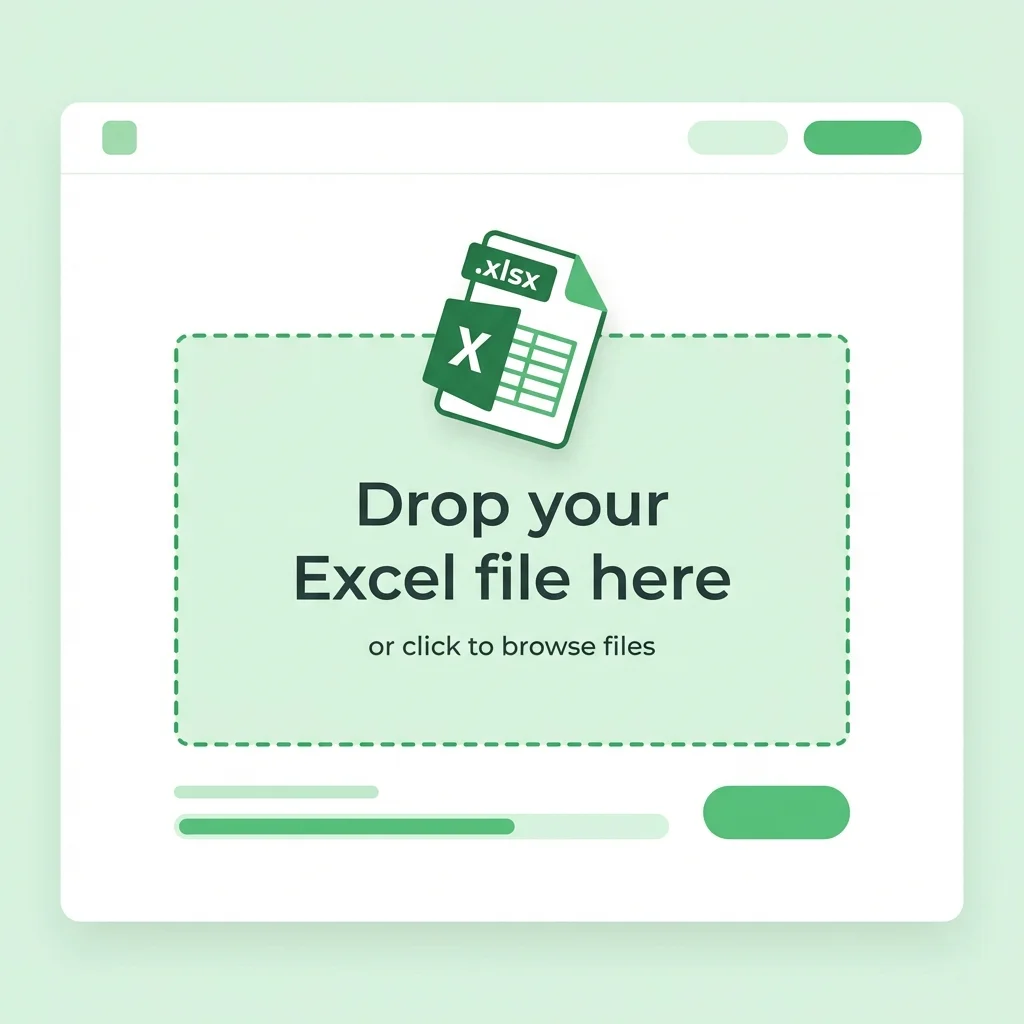
Prepare Your Spreadsheet
Keep one label record per row. Use clear headers such as product_name, sku, barcode, price, address, return_address, bin_location, asset_id, quantity, or qr_url.
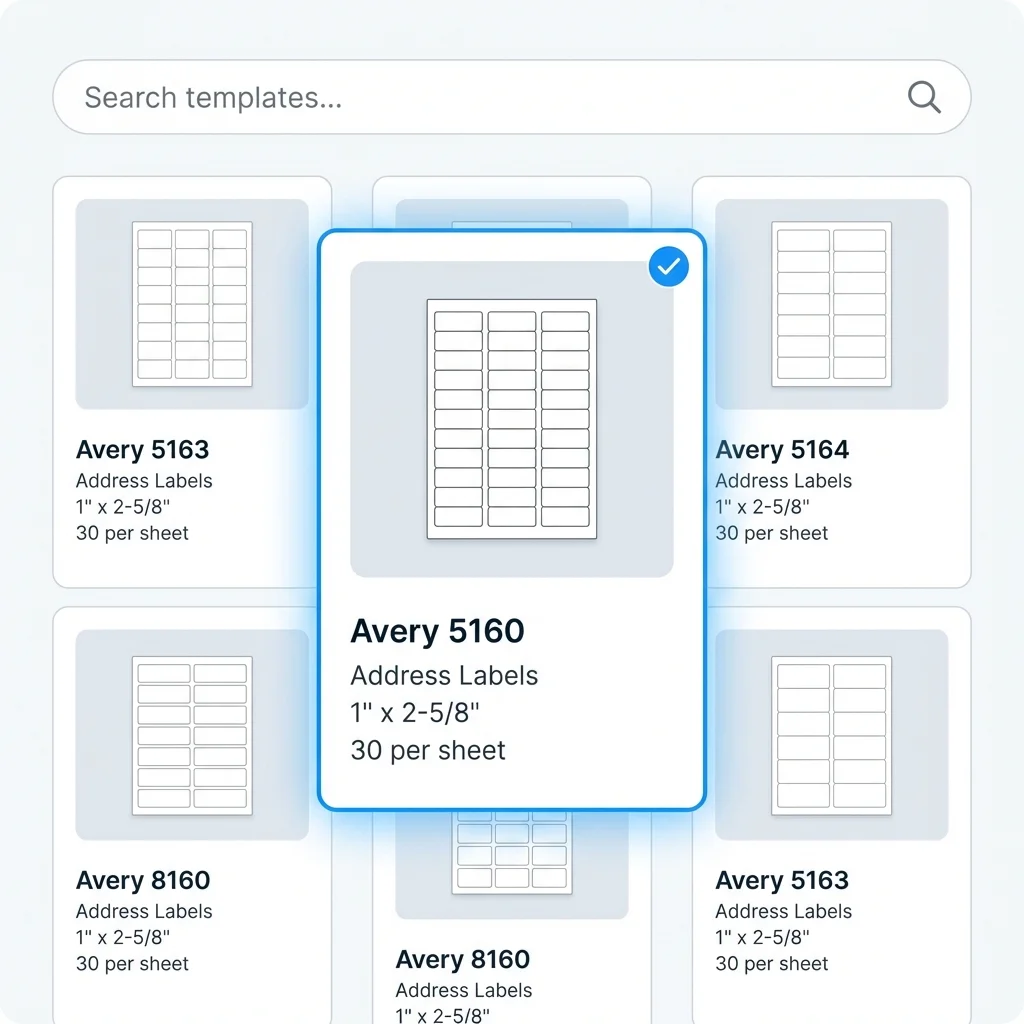
Pick the Matching Uline Size
Select the preset that matches your Uline pack dimensions and labels-per-sheet count, then print a plain-paper alignment test.
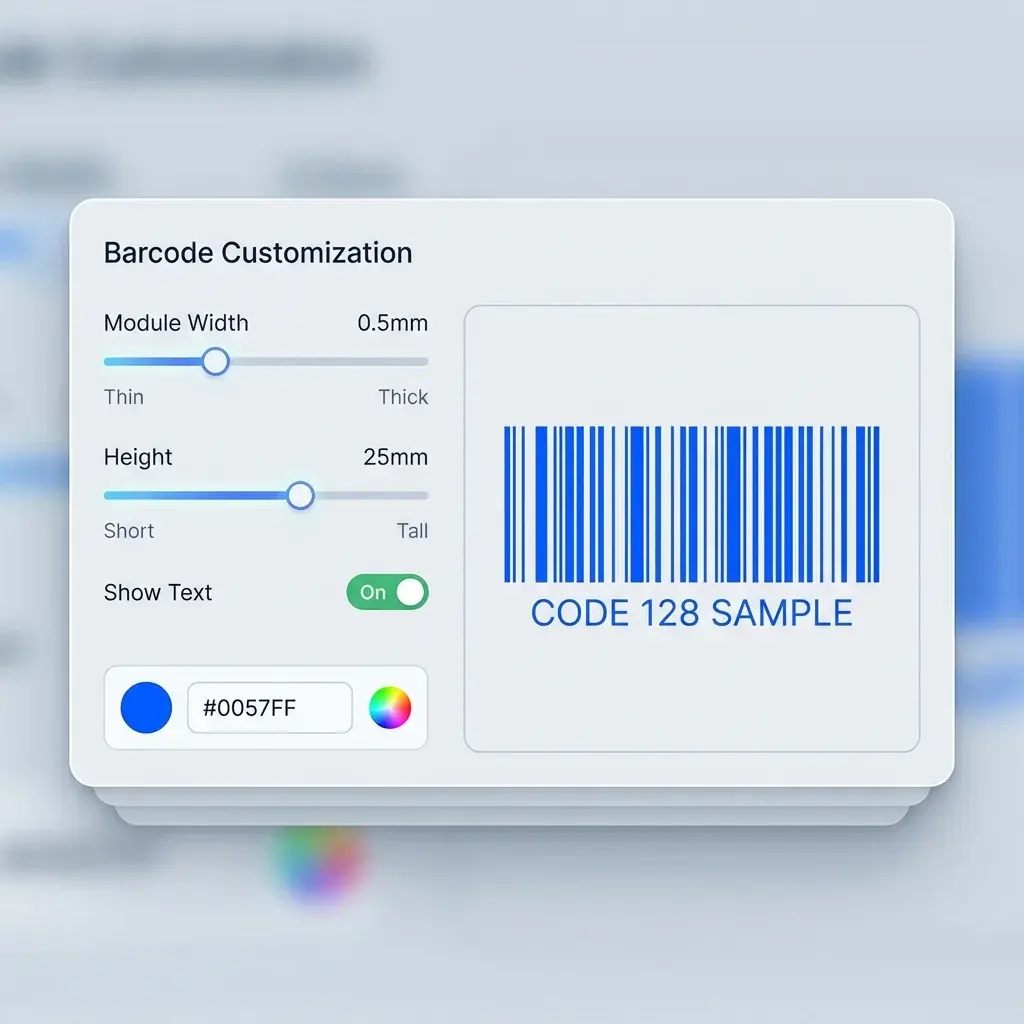
Map Columns to the Design
Drag spreadsheet fields onto the label, choose fonts and sizes, add barcodes or QR codes, and preview real rows.
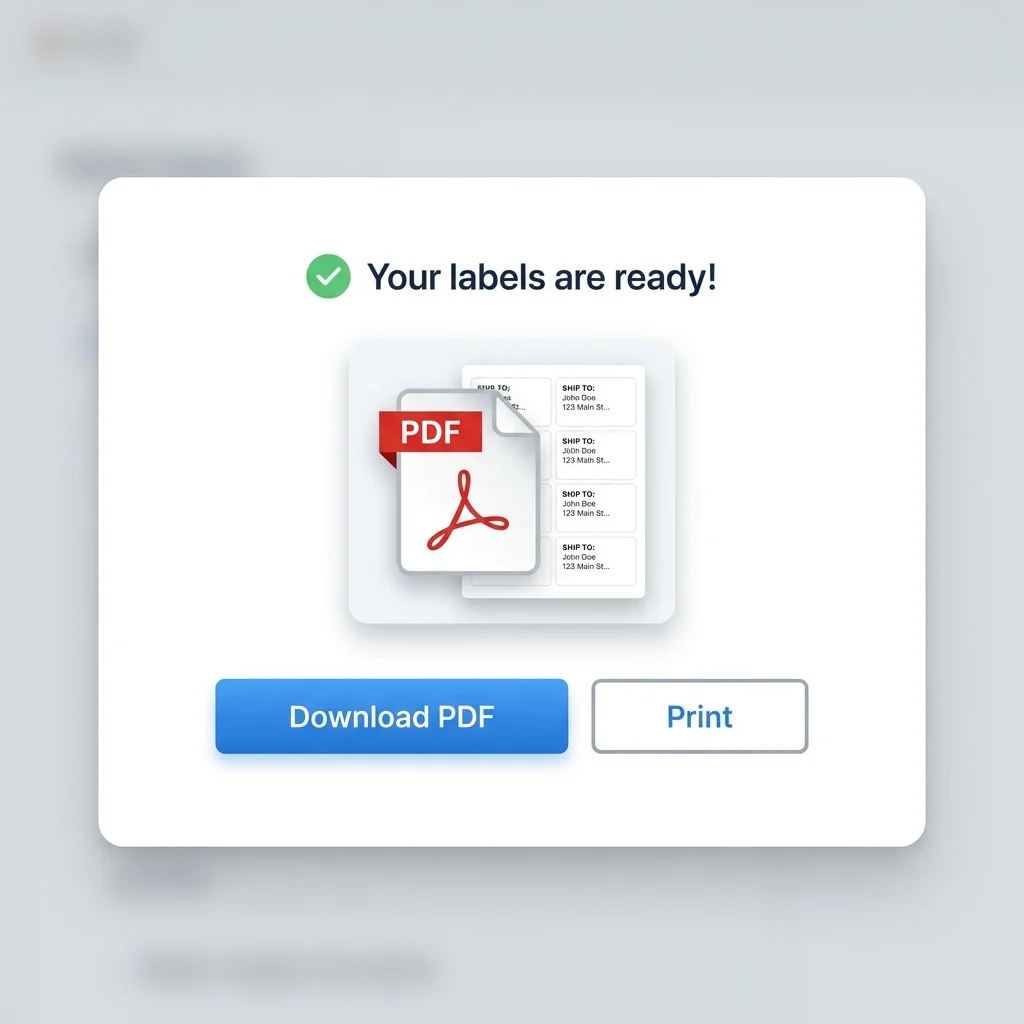
Export and Print at 100%
Download the PDF and print with scaling disabled. If the test print drifts, adjust margins before using label stock.
Print Alignment Checklist
US Letter label sheets are sensitive to printer scaling and small margin differences. Run this quick check before printing a full batch.
Uline Label Template Maker FAQ
Common questions about using SheetsToLabels with Uline-compatible laser label sheets.
Still have questions?
If you couldn't find the answer you're looking for, please feel free to ask us!
Create a Uline-Compatible Label PDF
Import spreadsheet rows, choose a Uline-style label layout, preview the full sheet, and export a PDF ready for a plain-paper alignment test.