
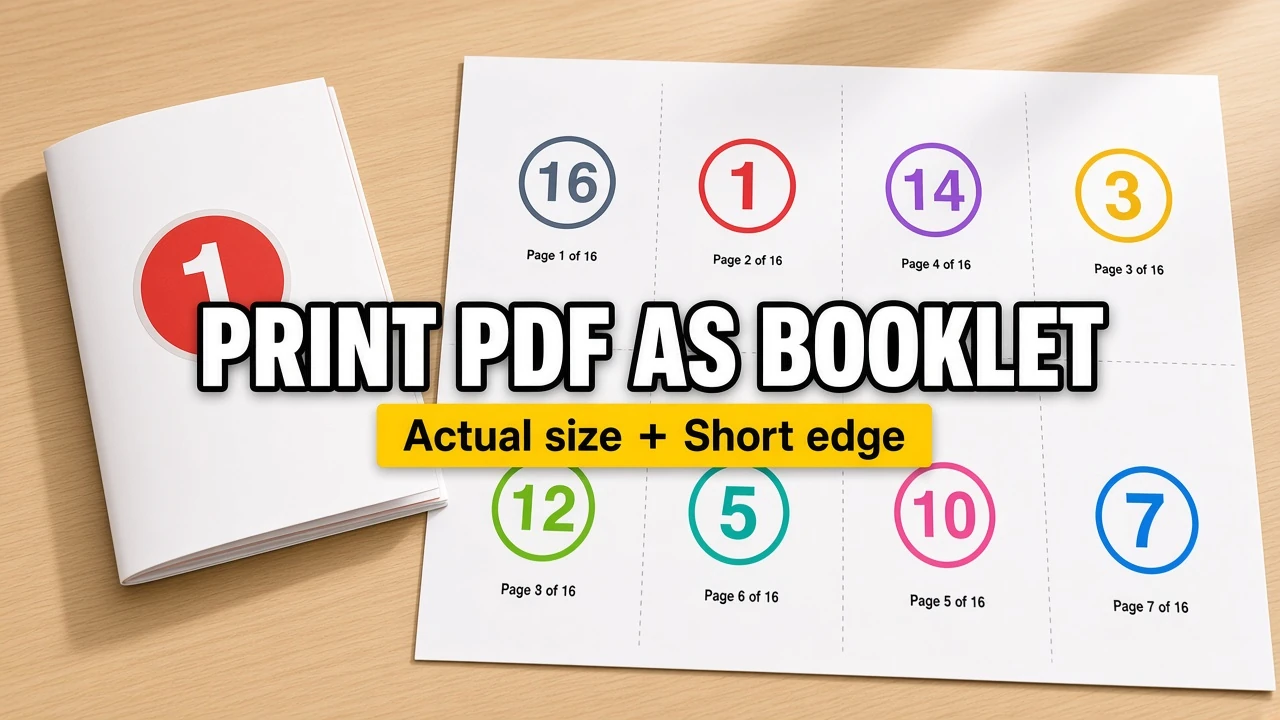
A normal PDF is arranged for reading on a screen. A printed booklet needs a different page order so that, after double-sided printing and folding, page 1 is the cover and the remaining pages read in sequence.
Use the PDF Booklet Maker to turn an existing PDF into print-ready folded sheets. It rearranges the pages locally in your browser; then you print the result two-sided, fold it, and staple the spine.
This workflow works well for manuals, class handouts, event programs, church bulletins, zines, price lists, and short training booklets.
The short version
- Start with a normal, reading-order PDF.
- Choose the paper that is actually loaded in your printer: usually A4 or US Letter.
- Create a 2-up booklet layout for a standard half-fold booklet.
- Print the downloaded PDF on both sides with Flip on short edge.
- Test one sheet, then fold the stack and saddle staple the center.
Why booklet pages look out of order
Booklet printing is a type of PDF imposition. It places pages on printer sheets rather than leaving them in normal reading order.
For example, an eight-page booklet may show the last page beside page 1 on the first printed side. That looks wrong in a PDF viewer, but it is correct: those pages become the outside cover after folding.
Do not manually rearrange the source PDF. Start with pages in normal order and let the booklet tool create the printer order.
Choose A4 or Letter paper before you impose the PDF
Use the size of paper that is physically in the printer tray.
| Paper loaded in printer | Finished folded booklet size |
|---|---|
| A4 | A5 |
| US Letter (8.5 × 11 in) | Half Letter (5.5 × 8.5 in) |
| A3 | A4 |
| Ledger / Tabloid (11 × 17 in) | US Letter |
Avoid printing an A4 booklet on Letter paper, or a Letter booklet on A4 paper, with “Fit to page” enabled. Automatic scaling can shift the fold and make the finished pages smaller than expected.
Make the booklet PDF
Open the free PDF Booklet Maker, then:
- Upload the PDF in normal reading order.
- Check whether the source pages need rotation.
- Choose the loaded paper size and a 2-up layout for a classic folded booklet.
- Preview the imposed sheets.
- Download the generated PDF.
The preview will show printer spreads, not reading spreads. Seeing page numbers that appear non-sequential is expected.
Print with short-edge duplex
Open the downloaded PDF in a PDF viewer and select two-sided printing. For a usual 2-up booklet on landscape sheets, choose:
- Scale:
Actual Size,100%, orCustom Scale: 100 - Paper size: the same size used when creating the booklet
- Duplex: Print on both sides
- Binding:
Flip on short edge
Short-edge duplex is important. Long-edge duplex usually turns every back side upside down after folding.
If your printer does not print both sides automatically, print a two-sheet test first. Print one side, note which direction the printer returns the stack, reload it, then print the reverse side. Printer trays differ, so a proof is safer than assuming the reload direction.
Why blank pages can appear at the end
A folded sheet creates four booklet pages: two on the front and two on the back. That means the total page count needs to be divisible by four.
If the source PDF has 10 pages, the final booklet needs two blank pages to complete the last folded sheet. Those blanks are normal and should stay in the imposed file unless you add content to the source PDF.
Fold and bind the finished booklet
After printing:
- Keep the sheets in the order they came from the printer.
- Fold the complete stack along the center line.
- Check that the cover and page 2 are in the correct position.
- Add two staples along the fold for a simple saddle-stitched booklet.
For a thick document, make a small test first. A large stack can become bulky at the fold, so a professional print shop may recommend splitting a long document into smaller sections.
Common booklet-printing mistakes
Using Fit to Page
“Fit,” “Shrink,” and “Fit to printable area” can resize the imposed PDF. Use 100% / Actual Size instead.
Choosing long-edge duplex
Long-edge duplex is appropriate for many portrait documents, but a landscape booklet spread normally needs short-edge duplex.
Starting with an already-imposed PDF
The source should be in normal reading order. Re-imposing a PDF that already contains printer spreads produces confusing page order.
Judging page order before folding
The imposed PDF is meant for the printer, not for screen reading. Print one double-sided sheet and fold it before deciding that the order is wrong.
Final checklist
- Source PDF is in normal reading order
- Paper in the printer matches the selected A4, Letter, A3, or Ledger size
- Print scale is Actual Size / 100%
- Duplex is set to Flip on short edge
- A first-sheet proof has been folded and checked
When those five items are correct, make your PDF booklet, print it, fold it, and staple the spine.