
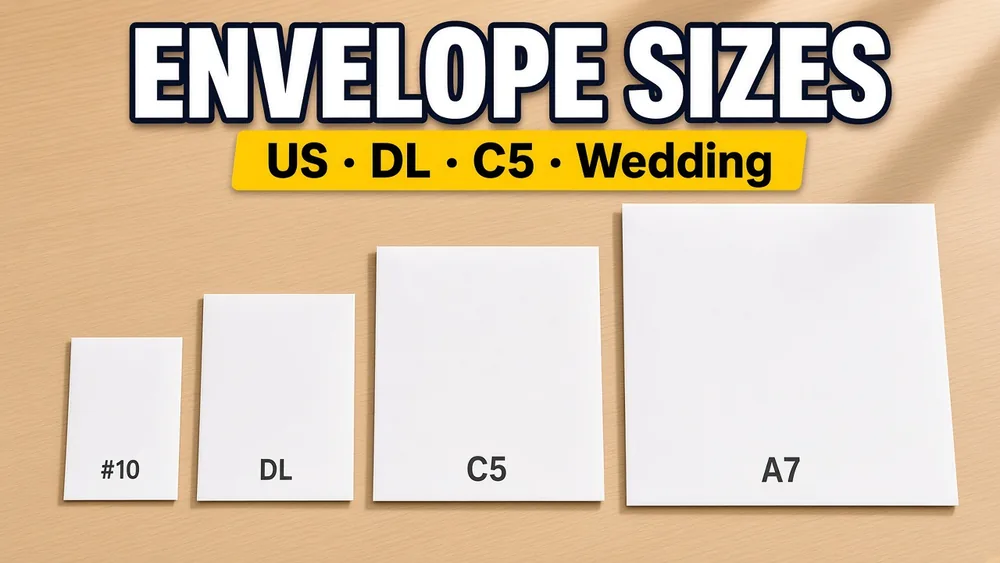
Choosing the right envelope size is the first step to successful envelope printing. This guide covers every standard envelope size used in the US, Europe, and internationally — with exact dimensions, what paper fits inside, and how to set up the size for printing.
US Commercial Envelope Sizes
These are the standard business envelopes used in the United States.
| Name | Size (mm) | Size (inches) | What Fits Inside |
|---|---|---|---|
| #6¼ | 152 x 89 | 6 x 3½ | Statement-size paper folded |
| #6¾ | 165 x 92 | 6½ x 3⅝ | Personal letters, remittance slips |
| #7 | 172 x 95 | 6¾ x 3¾ | Official documents (uncommon today) |
| #7¾ (Monarch) | 191 x 98 | 7½ x 3⅞ | Executive stationery, personal letterhead |
| #9 | 226 x 98 | 8⅞ x 3⅞ | Return envelope (fits inside #10) |
| #10 | 241 x 105 | 9½ x 4⅛ | US Letter tri-folded (standard business) |
| #11 | 264 x 114 | 10⅜ x 4½ | Legal-size paper folded |
| #12 | 279 x 121 | 11 x 4¾ | Larger documents, catalogs |
| #14 | 292 x 127 | 11½ x 5 | Oversized documents |
#10 is the most common. If you are printing business envelopes (invoices, checks, statements, contracts), this is almost certainly what you need.
International (ISO C-Series) Envelope Sizes
The ISO C-series is designed to fit ISO A-series paper (A4, A5, etc.).
| Name | Size (mm) | Size (inches) | What Fits Inside |
|---|---|---|---|
| C3 | 458 x 324 | 18.03 x 12.76 | A3 unfolded |
| C4 | 324 x 229 | 12.76 x 9.02 | A4 unfolded |
| C5 | 229 x 162 | 9.02 x 6.38 | A4 folded in half, or A5 unfolded |
| C5/6 | 229 x 114 | 9.02 x 4.49 | A4 folded in thirds (same as DL) |
| C6 | 162 x 114 | 6.38 x 4.49 | A4 folded in quarters, or A5 folded in half |
| DL | 220 x 110 | 8.66 x 4.33 | A4 folded in thirds (global standard) |
DL is the international equivalent of #10. If you are outside North America, this is your standard business envelope.
Wedding & Invitation Envelope Sizes
| Name | Size (mm) | Size (inches) | Typical Use |
|---|---|---|---|
| A7 | 184 x 133 | 7¼ x 5¼ | 5x7 invitations (most popular wedding size) |
| A6 | 165 x 121 | 6½ x 4¾ | 4x6 cards, photo prints |
| A2 | 146 x 111 | 5¾ x 4⅜ | RSVP cards, thank-you notes (4¼ x 5½) |
| A1 | 133 x 92 | 5¼ x 3⅝ | Gift enclosure cards |
| A9 | 222 x 146 | 8¾ x 5¾ | Oversized invitations |
| A10 | 241 x 152 | 9½ x 6 | Large announcements |
| Lee | 159 x 121 | 6¼ x 4¾ | Personal correspondence |
A7 is the standard wedding invitation envelope. It fits a 5x7 inch invitation card without folding.
How to Enter Envelope Size for Printing
When using our envelope printing tool, enter the size as:
- Width = the longer dimension (left-to-right when the envelope is in landscape orientation)
- Height = the shorter dimension (top-to-bottom)
For example, a #10 envelope:
- Width: 241 mm
- Height: 105 mm
The exported PDF will be exactly this page size, so the printed output aligns perfectly with the physical envelope.
Quick Lookup: What Size Do I Need?
| If you're mailing... | Use this envelope | Enter this size |
|---|---|---|
| US Letter tri-folded | #10 | 241 x 105 mm |
| A4 tri-folded | DL | 220 x 110 mm |
| A4 half-folded | C5 | 229 x 162 mm |
| A4 unfolded | C4 | 324 x 229 mm |
| 5x7 invitation cards | A7 | 184 x 133 mm |
| RSVP reply cards | A2 | 146 x 111 mm |
| Executive stationery | Monarch | 191 x 98 mm |
| Personal letters | 6¾ | 165 x 92 mm |
Envelope Orientation for Printing
Most printers feed envelopes in landscape orientation (the long edge goes left-to-right). When setting up your print:
- The PDF page is already in landscape orientation matching the envelope
- Feed the envelope with the short edge going into the printer first
- The flap should typically be on the left side (varies by printer brand)
- See our printer feeding guide for brand-specific instructions
A4 vs Letter: Which Envelope Size Do I Need?
This is a common confusion for international users:
- US, Canada, Philippines, Mexico: Use #10 envelopes (fits US Letter paper)
- Europe, UK, Australia, most of Asia, Africa, South America: Use DL envelopes (fits A4 paper)
If your spreadsheet has addresses for both markets, you may need to print two batches with different envelope sizes.
Ready to Print?
Now that you know your envelope size:
- Go to Print Envelopes from Excel
- Enter your dimensions in the custom size field
- Import your address spreadsheet
- Export and print at 100% scale
Or if labels work better for your job, try Address Label Maker.