
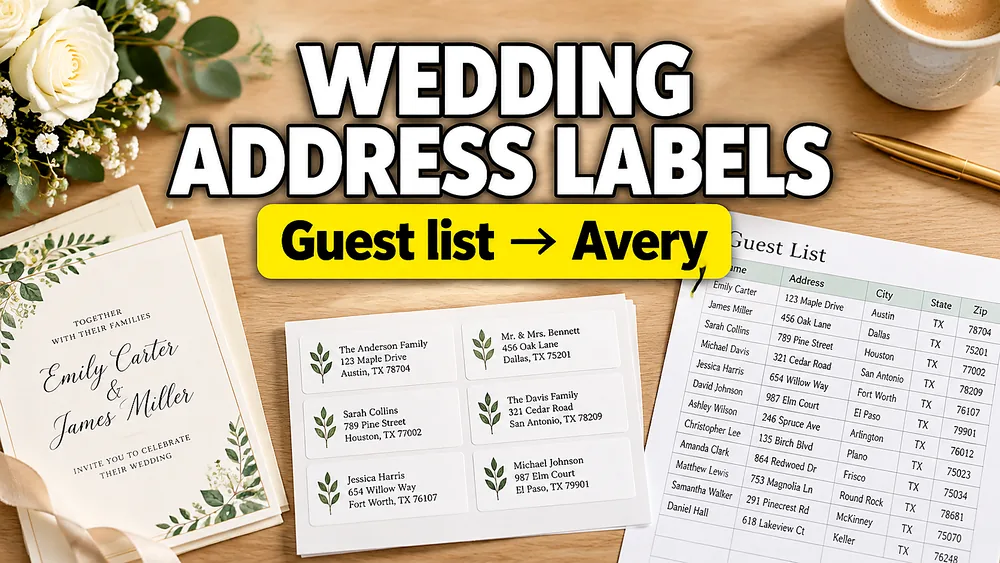
Wedding address labels are not just a shortcut for printing names. They are part of the envelope design. The right label style can make save-the-dates, invitation envelopes, thank-you cards, and return addresses feel coordinated without hand-writing every envelope.
This guide is about wedding style, etiquette, and design choices. If you need the technical workflow for a specific source file, use address labels from Excel or Google Sheets. If your list starts in The Knot, use How to Print Address Labels from The Knot Guest List.
Best uses for wedding address labels
Address labels work especially well for:
- save-the-date envelopes
- thank-you cards
- holiday cards after the wedding
- shower invitations
- rehearsal dinner mailings
- return address labels
- informal invitation suites
For very formal wedding invitations, some couples still prefer hand calligraphy or direct envelope printing. That is a style choice, not a technical limitation. If you want labels, make them intentional: match the invitation typography, keep the layout clean, and test on the actual envelope color.
Choose a label style
Clear address labels
Clear labels are useful when you want the envelope color to show through. They can look closer to direct envelope printing, especially on colored or textured envelopes.
Use clear labels when:
- the envelope color is part of the design
- you want a subtle modern look
- you are printing black or dark ink
- you want labels to feel less like office mailing stickers
Avoid very small script fonts on clear stock unless you have tested readability.
White or cream labels
White, ivory, or cream labels are easier to print and read. They are a safer choice for home printers and large batches.
Use them when:
- you need reliable contrast
- the envelope is dark
- you want a classic postal look
- you are printing at home and want fewer surprises
Wrap-around labels
Wrap-around labels usually include the guest address on the front and return address on the back flap. They feel more decorative and can make a simple envelope look designed.
Use wrap-around labels when:
- your invitation suite has a monogram
- you want a coordinated return address
- the envelope is plain and needs a design accent
- you have time to apply labels carefully
Pick fonts that still mail well
Wedding fonts can be beautiful, but the postal address still needs to be readable.
Good combinations:
- script name line plus serif address lines
- elegant serif name line plus simple sans-serif address lines
- small caps for return address labels
- centered layout for formal wedding mailings
Avoid:
- all-script addresses
- very thin hairline fonts
- tiny ZIP codes
- decorative letters that make names ambiguous
If you use Address Label Maker, preview long names before printing the full sheet.
Format guest names carefully
The name line is where wedding labels usually need the most attention.
Examples:
John and Jane SmithJane Smith and GuestThe Smith FamilyDr. Jane Smith and Mr. John SmithAlex Chen and Morgan Lee
Avoid creating two labels for one household unless the couple should receive separate envelopes. Also check plus-ones and children before printing, especially if your guest list came from an RSVP tool.
Match the label to the envelope
Before designing, decide:
- envelope color
- envelope size
- label size
- ink color
- whether the address should be centered or left-aligned
- whether the return address is on the same label or a separate label
For wedding envelopes, centered text often looks more formal. For business-style or large postal batches, left-aligned text is usually easier to scan.
Home printer or print shop?
You do not need a thermal printer for wedding address labels. Most wedding label sheets are designed for home inkjet printers, laser printers, office printers, or copy-shop printers.
Use a home printer when:
- you are printing US Letter or A4 label sheets
- you want to test multiple font styles
- you have a small or medium guest list
- you need last-minute reprints
Use a print shop when:
- you are using specialty stock
- you need foil or white ink
- you have very dark envelopes
- you want professional color matching
Print a test sheet first
Always print a test page before using real label stock.
- Export the label sheet as PDF.
- Print on plain paper at
100% / Actual Size. - Hold the test print against the label sheet.
- Check the top-left, top-right, bottom-left, and bottom-right labels.
- Only print the real label stock after alignment is correct.
If the layout drifts, read How to Fix Label Printing Misalignment.
Where to start from your guest list
Choose the guide that matches your source:
- The Knot guest list: How to Print Address Labels from The Knot Guest List
- Excel or Google Sheets list: How to Make Address Labels from Excel or Google Sheets
- Direct label tool: Address Label Maker
If you are also preparing seating cards, use Label Designer for place cards and Address Label Maker for envelopes.