
Free Bulk Barcode Generator for Excel, CSV, QR and Labels
Upload Excel, import CSV, paste rows, or connect Google Sheets with SKUs, UPCs, asset IDs, serial numbers, URLs, and quantities. Batch generate barcode labels, bulk QR code labels, Code 128 labels, GS1-128-style labels, Amazon FBA labels, and inventory tag PDFs for Avery sheets, Dymo, Zebra, Rollo, and other printers.
Start free in your browser. No install required: paste CSV, import Excel, validate rows, preview the label sheet, then export a print-ready PDF.


For Excel, CSV, Google Sheets, Avery sheets, and thermal printers


Generate every common barcode and QR label from spreadsheet rows
Import Excel, CSV, pasted rows, or a shared Google Sheet, choose the barcode format, pick thermal or sheet stock, preview the labels, and export a print-ready PDF. Use it for inventory labels, asset tags, bulk QR code labels, product IDs, FNSKU-style labels, and GS1-128-style lot labels.
Import and edit data
3 rows ready. Quantity expands into 6 printable labels.
| Actions | Name | Barcode | Asset ID | Serial | Location | Qty | Price |
|---|---|---|---|---|---|---|---|
1. Wireless Mouse
SKU-1001 · Aisle A / Bin 04
2. USB-C Dock
SKU-1002 · Aisle B / Bin 11
3. Barcode Scanner
SKU-1003 · Receiving Desk
Preview and export
Add data fields
10Click an imported column to place it on the label preview.
Label sheet
Barcode label workflow
3 rows ready. Quantity expands into 6 printable labels.
Label sheet
Prepare Barcode Data Before You Print
Most barcode label jobs fail because the spreadsheet is unclear, not because the barcode image is hard to generate. Use one row per product, asset, location, or serial number and keep the barcode value in its own column.
Excel and CSV imports
Use headers such as sku, barcode, name, price, location, serial_number, qr_url, and quantity. Keep UPC, EAN, and GTIN values formatted as text so leading zeros are not lost.
Google Sheets links
Import a shared Google Sheet when inventory, asset, or event data is maintained online. Make a copy of the starter sheet, replace sample rows, then share it as anyone-with-link before importing.
Paste rows for quick batches
Paste a header row plus barcode values from Excel, Sheets, Shopify, Square, ERP, WMS, or POS exports. For a simple run, paste one barcode value per line and then map the detected column.
Quantities and serial ranges
Use a quantity column when one spreadsheet row should print multiple labels. For serial labels, prepare values such as ASSET-0001, ASSET-0002, or BIN-0500 before import, then bind that column to Code 128 or QR.
Barcode Label Sizes and Layouts
Choose label stock by scanner readability, available space, printer type, and the amount of human-readable text you need beside the barcode.
Small thermal labels: 30 x 20, 40 x 30, 50 x 25, 50 x 30 mm
Best for SKU, serial, bin, and compact QR labels on desktop thermal printers. Use short text and leave quiet zones around the barcode.
Larger thermal labels: 57 x 32, 60 x 40, 90 x 29 mm
Good for product names, location labels, asset tags, and QR links where the label needs both a scannable code and readable text.
4 x 6 thermal labels for Rollo, Zebra, Dymo 4XL, and shipping labels
Useful for carton, parcel, warehouse, and shipping-style barcode labels. Choose this only when the barcode label needs a full 4 x 6 inch page.
Avery 5160, 5161, 5162, 5163, 5164, and 5167 sheets
Use US Letter sheets when printing many barcode labels on laser or inkjet printers. Avery 5163 and 5164 give more room for barcodes than small return-address layouts.
Print and Scan Barcode Labels Without Surprises
Before running a full barcode batch, test the PDF, printer settings, barcode size, and scanner readability with a few representative rows.
Do not use Fit to Page, Shrink to Fit, or browser auto-scaling. For Avery sheets, confirm US Letter or A4 matches the physical label stock. For thermal printers, select the exact roll label size loaded in the printer.
PDF, Image, and ZPL Barcode Outputs
Choose the output that matches how you plan to use the barcode labels. For most print jobs, a sheet or thermal PDF is the simplest path.
PDF label sheets and thermal PDFs
Best for Avery-compatible sheets, office printers, Dymo, Brother, Rollo, Zebra-compatible PDF printing, and repeatable warehouse batches.
PNG or SVG barcode images
Useful when you need standalone artwork for a design file or ecommerce listing. Validate the rows first, then open the full designer when image files are required.
ZPL and production thermal printing
ZPL is printer-command output for Zebra-style production setups. Use PDF for most browser printing, and prepare ZPL only when your printer setup specifically requires it.
Barcode fonts inside Excel
Fonts can display a barcode in a spreadsheet, but they do not solve label layout, repeated quantities, Avery margins, thermal sizing, or scan testing across a full batch.
Barcode, Avery, GS1, Amazon, and Printer Notes
Generate printable barcode label artwork from your data. The generator does not assign official product identifiers, certify marketplace approval, or replace scanner and printer testing.
UPC, EAN, GTIN, and GS1 data
Use valid identifiers assigned to your organization or product. The generator can render barcode symbols from your values, but it does not issue GS1 prefixes, UPC numbers, or retail approval.
Avery-compatible, not affiliated with Avery
Avery is a trademark of its owner. SheetsToLabels is independent and provides Avery-compatible layouts for spreadsheet-to-PDF labels; verify the physical stock before production printing.
Amazon, FBA, and FNSKU labels
Use the Amazon FBA label page for FNSKU-specific prep notes. Final acceptance depends on your Seller Central settings, listing data, label placement, print quality, and current Amazon requirements.
Dymo, Zebra, Rollo, Brother, and other printers
Printer names describe common setups people use with these label sizes. Always set the actual label size in the printer dialog, print a small test, and scan representative labels before running the full batch.
Built for spreadsheet data and real printers
Choose the Right Barcode Label Format
Match each spreadsheet column to the code type your scanner, store, warehouse, asset system, or thermal printer needs.
UPC-A & UPC-E (Retail NA)
Use UPC values for retail product labels in the USA and Canada when your spreadsheet already contains valid product codes.
EAN-13 & EAN-8 (Global Retail)
Use EAN values for product labels outside North America, shelf tags, and imported catalog spreadsheets.
Code 128 (Logistics)
Use Code 128 for SKUs, serial numbers, warehouse locations, bins, internal IDs, GS1-style logistics labels, and asset tags.
QR Code (Marketing)
Use QR codes when each label should open a URL, asset record, ticket, helpdesk page, or product information page.
Code 39, ITF-14, PDF417 & Data Matrix
Use additional 1D and 2D barcode formats when your scanner, warehouse system, shipment label, or documentation rules require a specific code type.
Popular Barcode Label Jobs
Use this when every spreadsheet row, pasted CSV record, or generated serial number needs to become a printed barcode, QR label, asset tag, or product sticker.
Generate UPC, EAN, SKU, price, and product-name labels from catalog exports, Shopify files, POS spreadsheets, or supplier CSVs.
How to Generate Bulk Barcodes from Excel, CSV, or Pasted Rows
Turn spreadsheet data, copied rows, and serial numbers into scan-ready barcode labels in the browser.
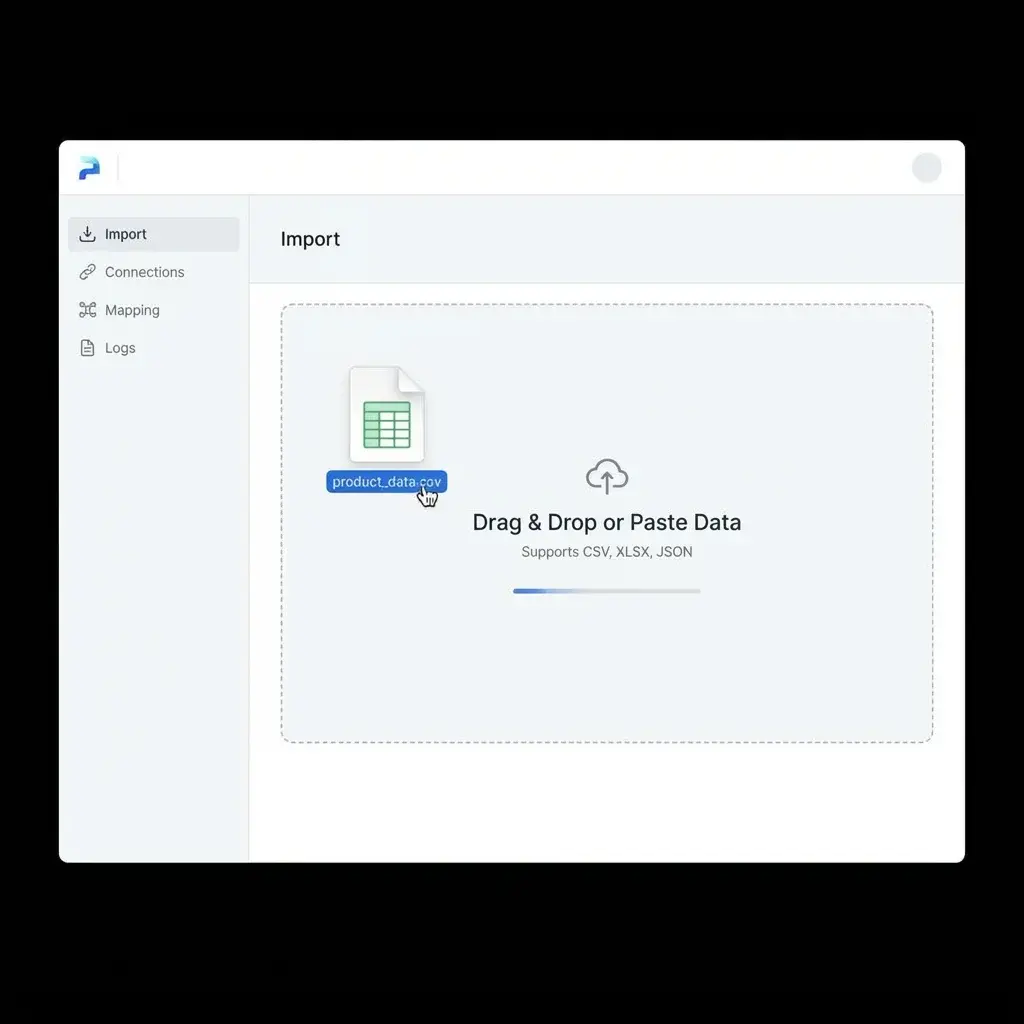
Import or Paste Your Data
Upload Excel, CSV, or Google Sheets data, or paste copied CSV rows with columns such as SKU, UPC, EAN, asset ID, serial number, URL, name, location, and quantity.
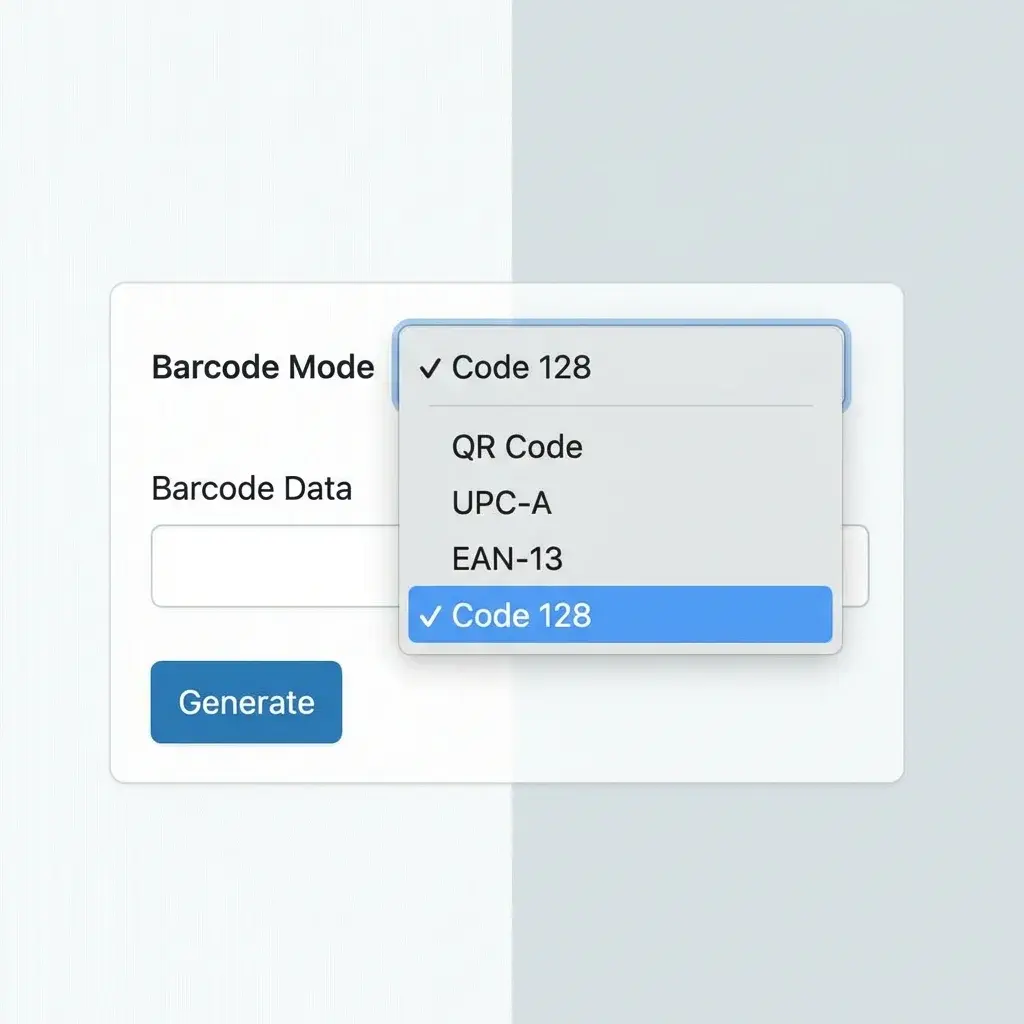
Choose Code Type and Label Size
Select Code 128, UPC, EAN, QR, Code 39, ITF-14, PDF417, or Data Matrix, then choose Avery sheets, A4/US Letter layouts, or thermal label sizes.
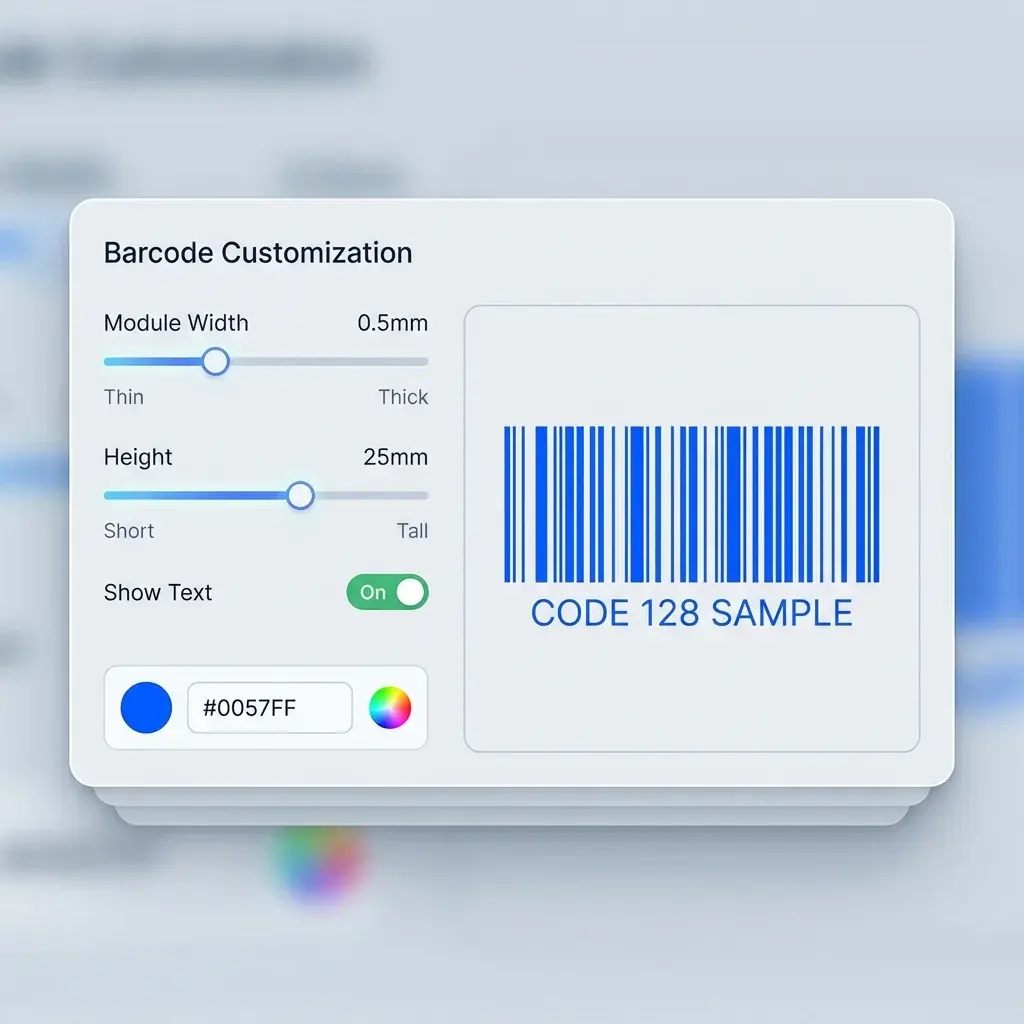
Map, Validate, and Preview Rows
Place barcode, QR, product name, price, location, or serial number fields on the label. Check invalid UPC/EAN rows, quiet zones, text length, and scanner readability before printing.
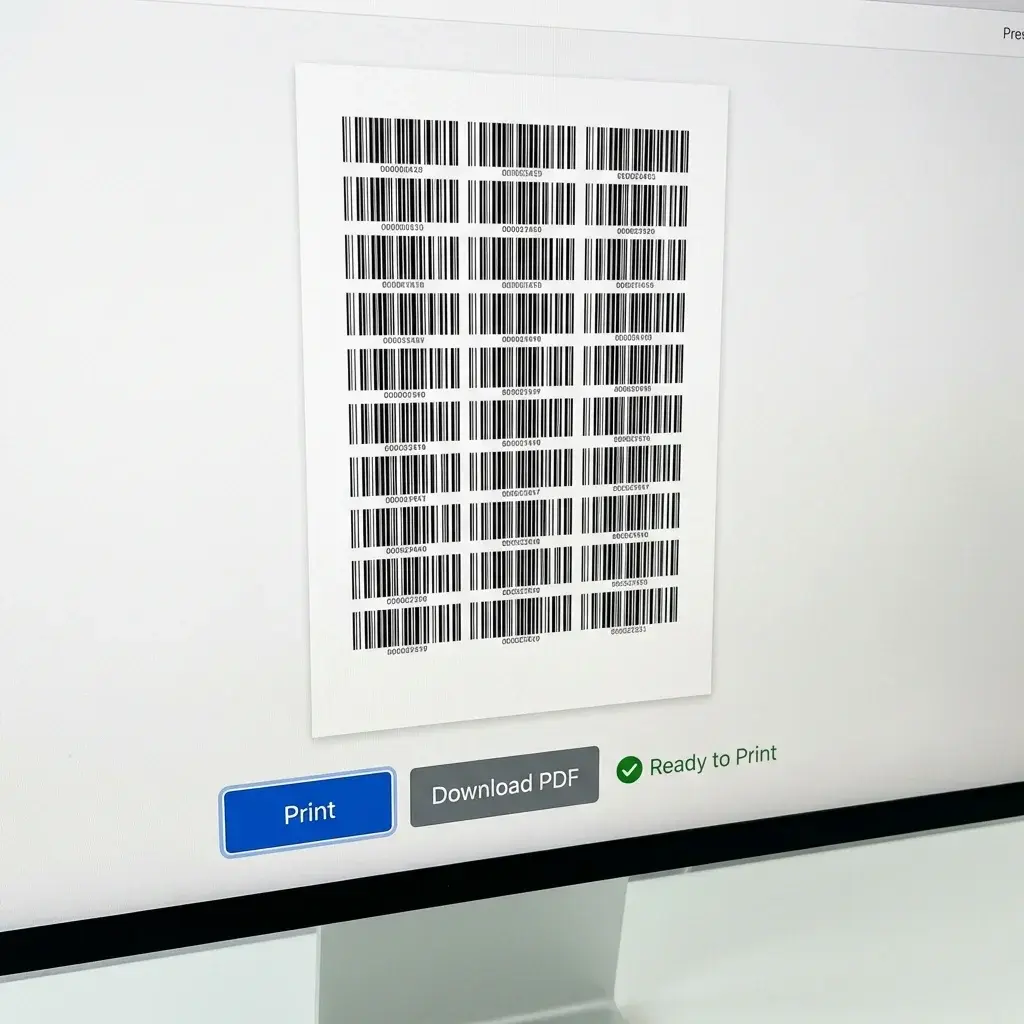
Batch Print or Open the Full Designer
Export one PDF with every row arranged on the right label stock. Use quantity columns for duplicates, or open the full label designer when you need custom artwork, image assets, or thermal printer preparation.
Features for Bulk Barcode Generation
Everything you need to move from spreadsheet data to labels your scanner can read.
Bulk Label Sheets
Generate hundreds or thousands of barcode labels from one Excel upload, CSV file, pasted table, or Google Sheets link.
Barcode and QR Elements
Create Code 128, UPC, EAN, QR, Code 39, ITF-14, PDF417, Data Matrix, and other scannable elements from spreadsheet columns.
Excel, CSV, Paste, and Sheets Support
Import .xlsx, .xls, .csv, pasted rows, copied spreadsheet ranges, or exports from inventory, retail, ERP, WMS, and POS systems.
Free Browser Tool
Start in the browser with no desktop software. Import a small batch, check the labels, and export a test PDF before committing to a full print run.
Printer-Friendly Layouts
Use preset layouts for common sheet labels and direct thermal printers, or define custom dimensions for Zebra, Dymo, Rollo, Brother, Avery, A4, and US Letter printing.
Custom Sizes
Control label width, height, margins, gaps, barcode size, text fields, and quiet zones.
Quantity-Aware Printing
Plan labels around quantity, stock count, duplicate tags, and batch printing needs.
Validation and Scan Checks
Catch UPC/EAN length issues, SKU-style values in numeric barcode types, quiet-zone problems, and rows that may not scan cleanly before export.
PDF, PNG, SVG, and ZPL Options
Export print-ready PDF label sheets here. When you need image assets, SVG-ready artwork, or Zebra-compatible ZPL preparation, move the same label data into the full designer.
Built for Inventory, Retail, and Operations
A practical tool for teams that need labels now, not another design project.
Excel CSV, Paste, and Sheets
CSV, Paste, and Sheets
20+ Barcode Formats
Barcode Formats
PDF Primary Label Export
Primary Label Export
CSV Paste or Upload Rows
Paste or Upload Rows
Barcode Label Jobs Teams Finish Faster
Examples of spreadsheet-to-label jobs teams can finish faster.
We had a spreadsheet of **5,000 asset IDs and serial numbers**. This tool turned them into printable QR and barcode tags without rebuilding the layout in Word.
Michael T., Logistics Manager
Michael T.
Logistics Manager
Our product export already had SKU, EAN, price, and product name columns. We mapped them once and generated a clean PDF label sheet.
Emily R., Retail Operations
Emily R.
Retail Operations
I use it for **Amazon FNSKU and warehouse bin labels**. The direct thermal sizes save a lot of printer setup time.
James L., E-commerce Seller
James L.
E-commerce Seller
Barcode Label FAQ
Answers to common questions about generating, validating, exporting, and printing barcode and QR labels from spreadsheets.
Still have questions?
If you couldn't find the answer you're looking for, please feel free to ask us!
Ready to Generate Bulk Barcodes?
Turn Excel, CSV, pasted rows, or Google Sheets data into scan-ready barcode and QR label PDFs.